
Turn the World's Famous Landmarks Into AI Map Art
From the Eiffel Tower to the Sydney Opera House — frame any landmark on the map and restyle it into print-ready art in a few clicks. Here's how, with real before-and-after examples.
All artwork in this article was generated with Cartosketch — an AI tool that re-styles real Mapbox geography and GPS routes.
A postcard of the Eiffel Tower looks like everyone else's postcard. But the tower seen from above — the radial avenues, the Champ de Mars, the bend of the Seine — is a composition you rarely see on a wall. This guide shows how to capture any famous landmark from the map and restyle it into art worth framing.
Why a landmark makes great wall art
Famous buildings are instantly recognizable, but the usual photo angle is exhausted — we've all seen it a thousand times. The map view is different: it keeps the landmark unmistakable while showing it from a perspective most people never notice. The streets that frame it, the plaza it anchors, the water it sits beside — that context is what turns a familiar icon into a fresh piece of art.
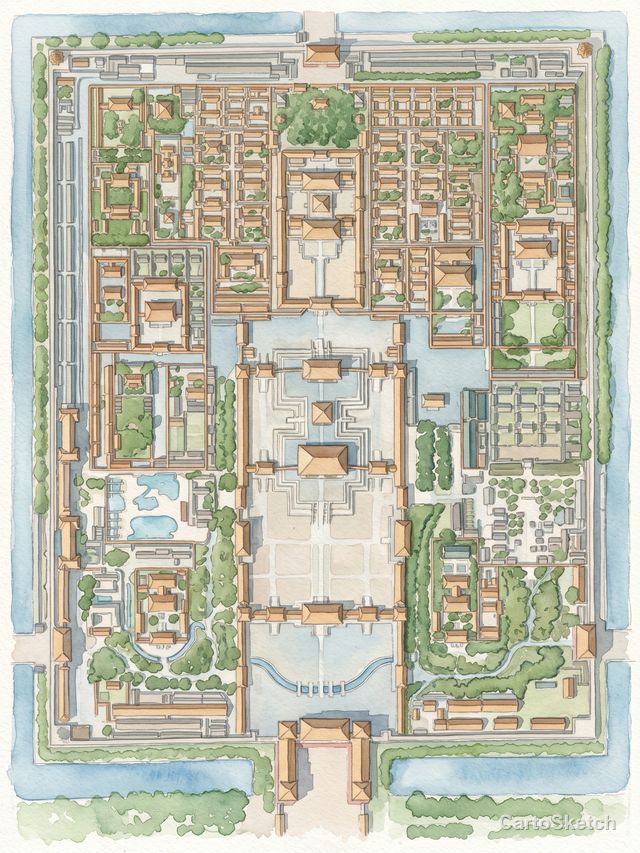
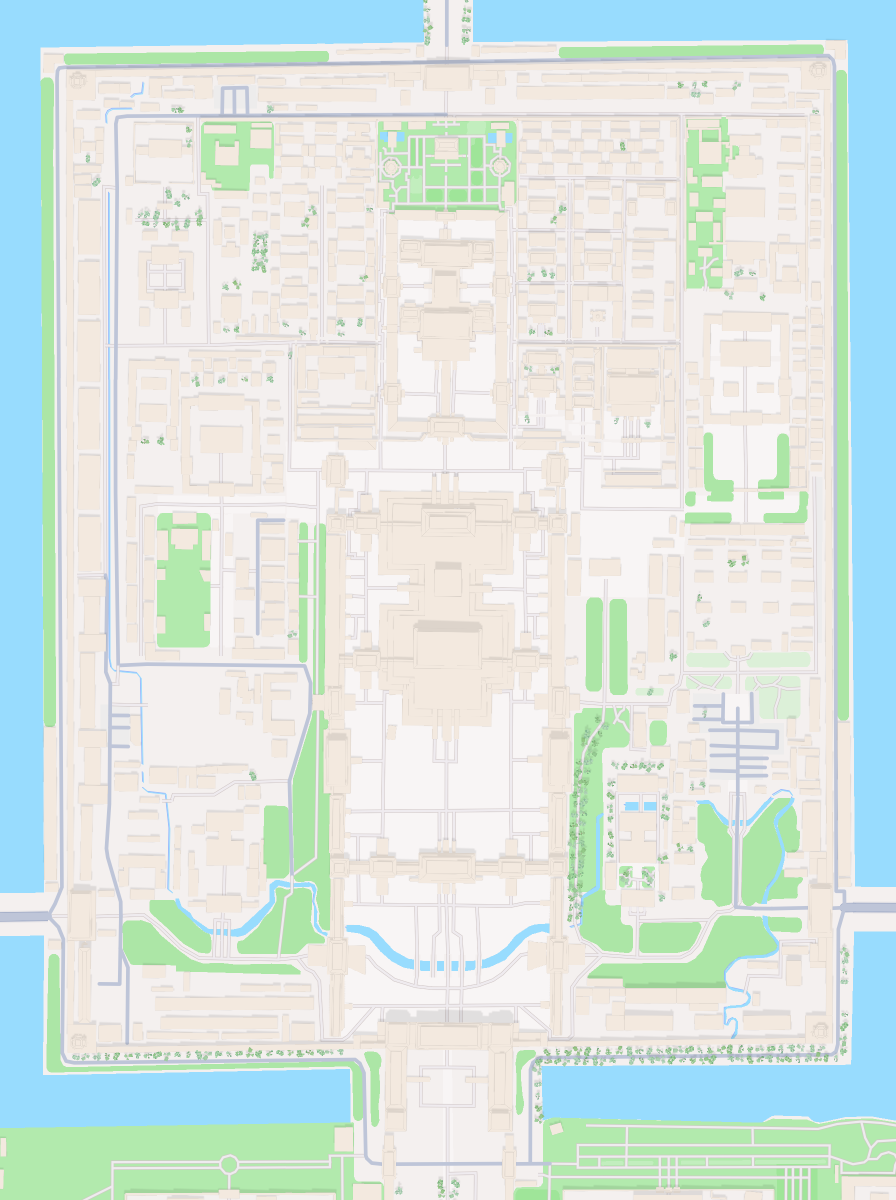
Cartosketch keeps the geography exact. The footprint of the building, the surrounding blocks, the coastline — all preserved from real Mapbox data, then repainted by AI. You're not generating a fictional scene; you're stylizing the real place.
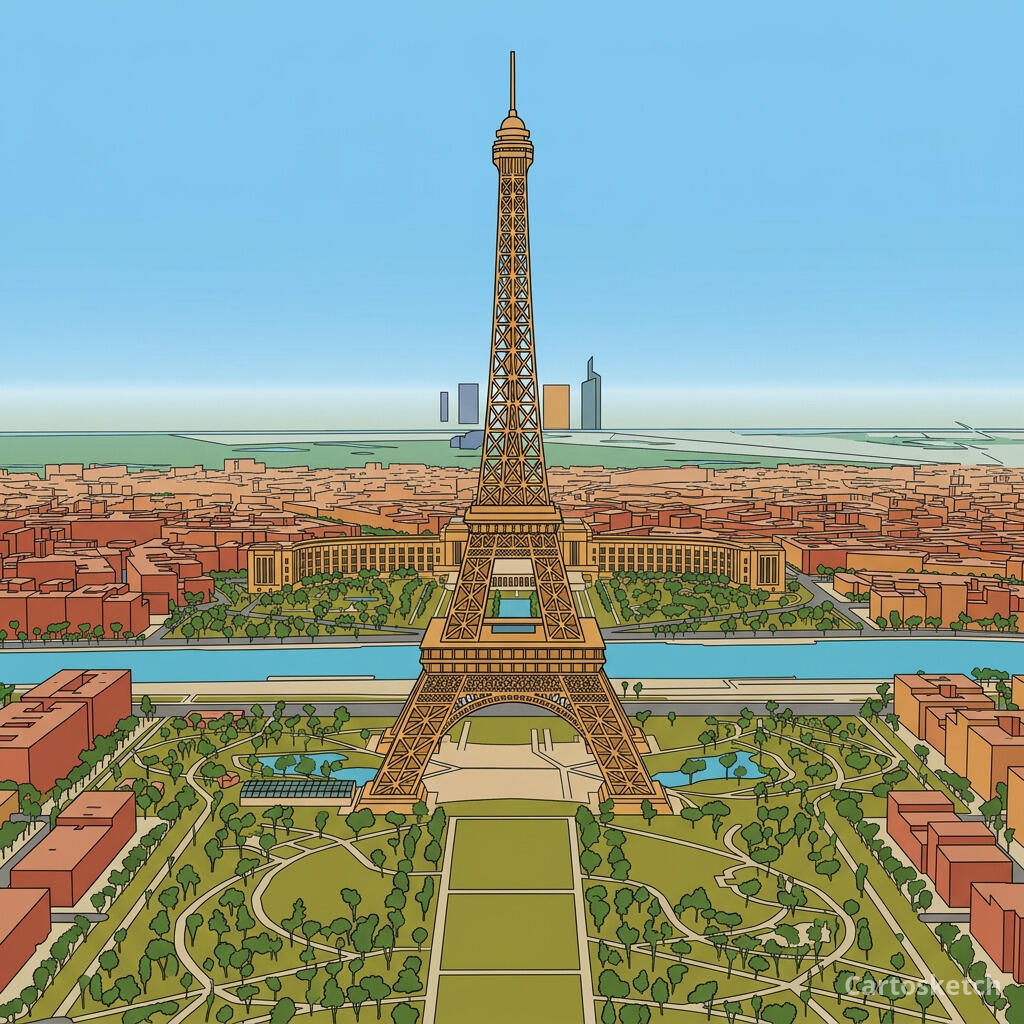
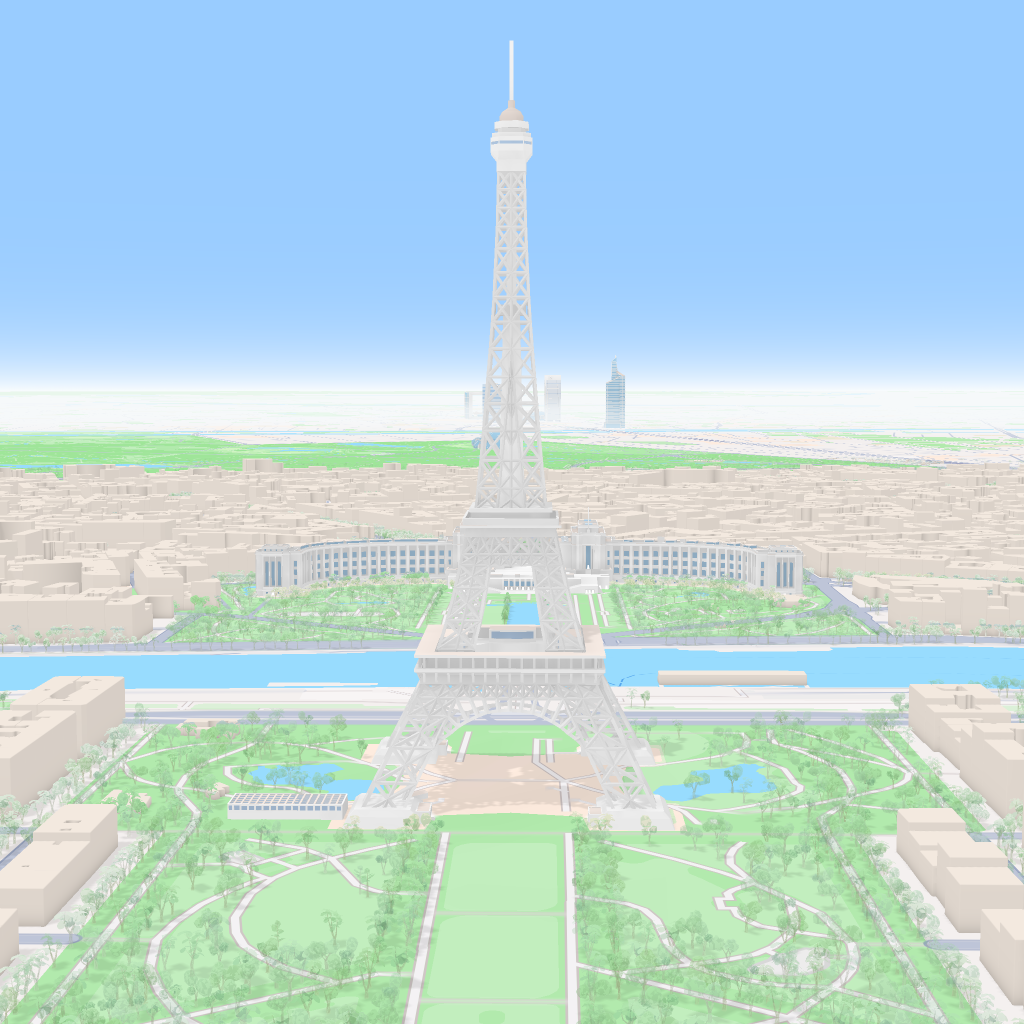 Mapbox
Cartosketch
Mapbox
Cartosketch
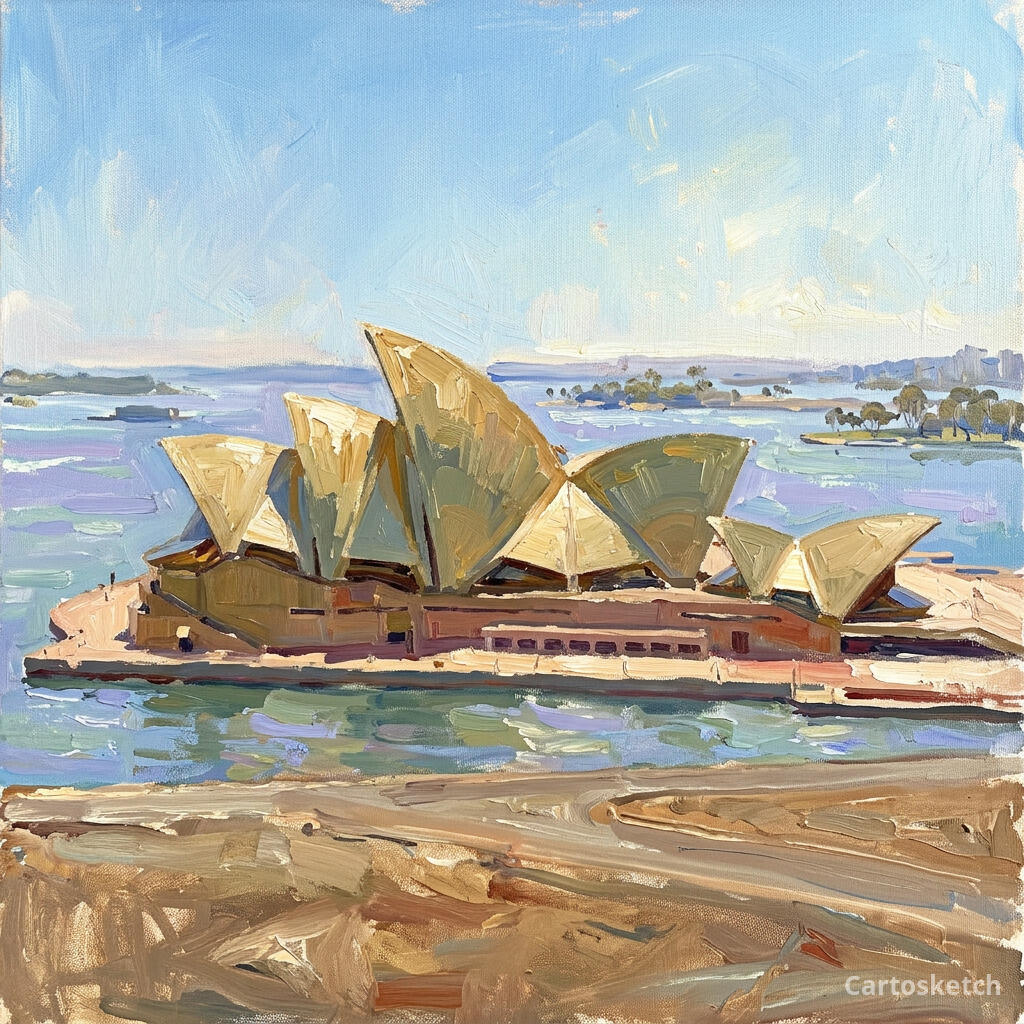
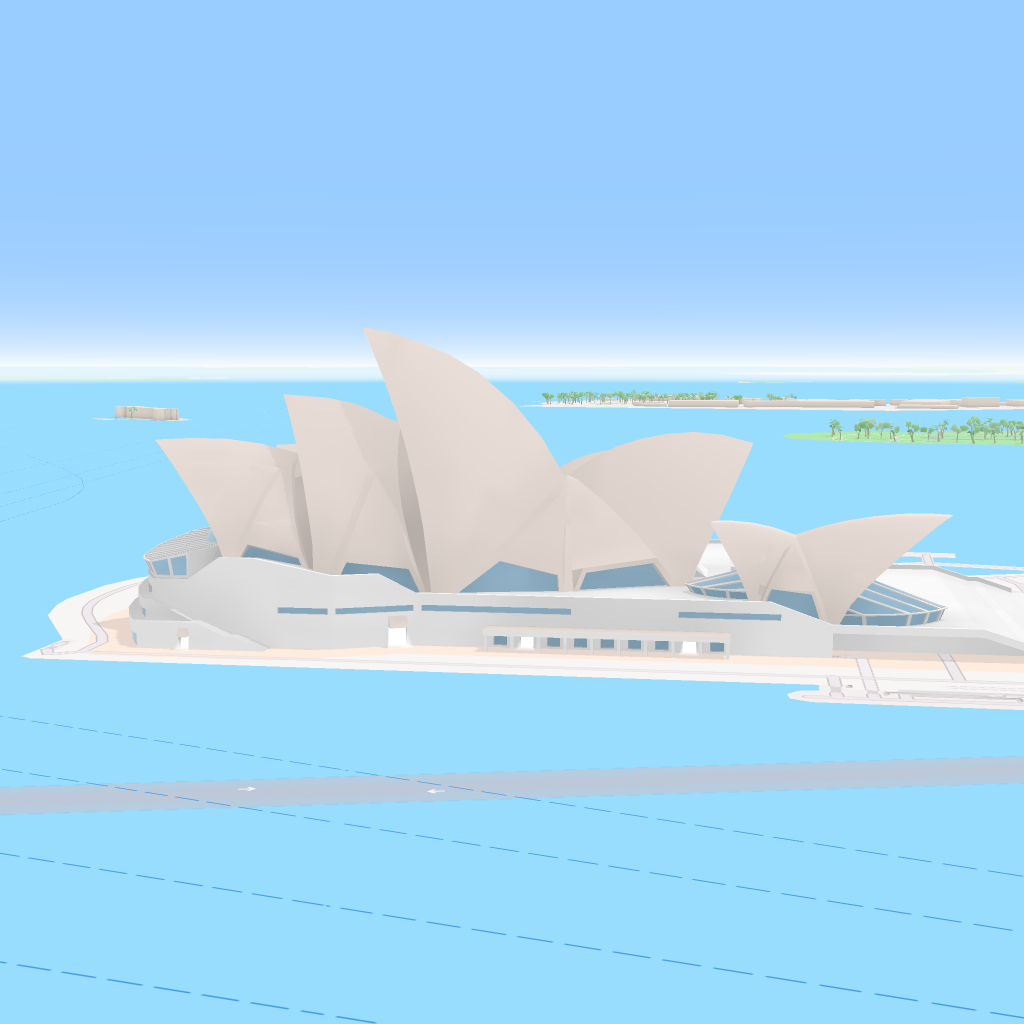 Mapbox
Cartosketch
Mapbox
Cartosketch
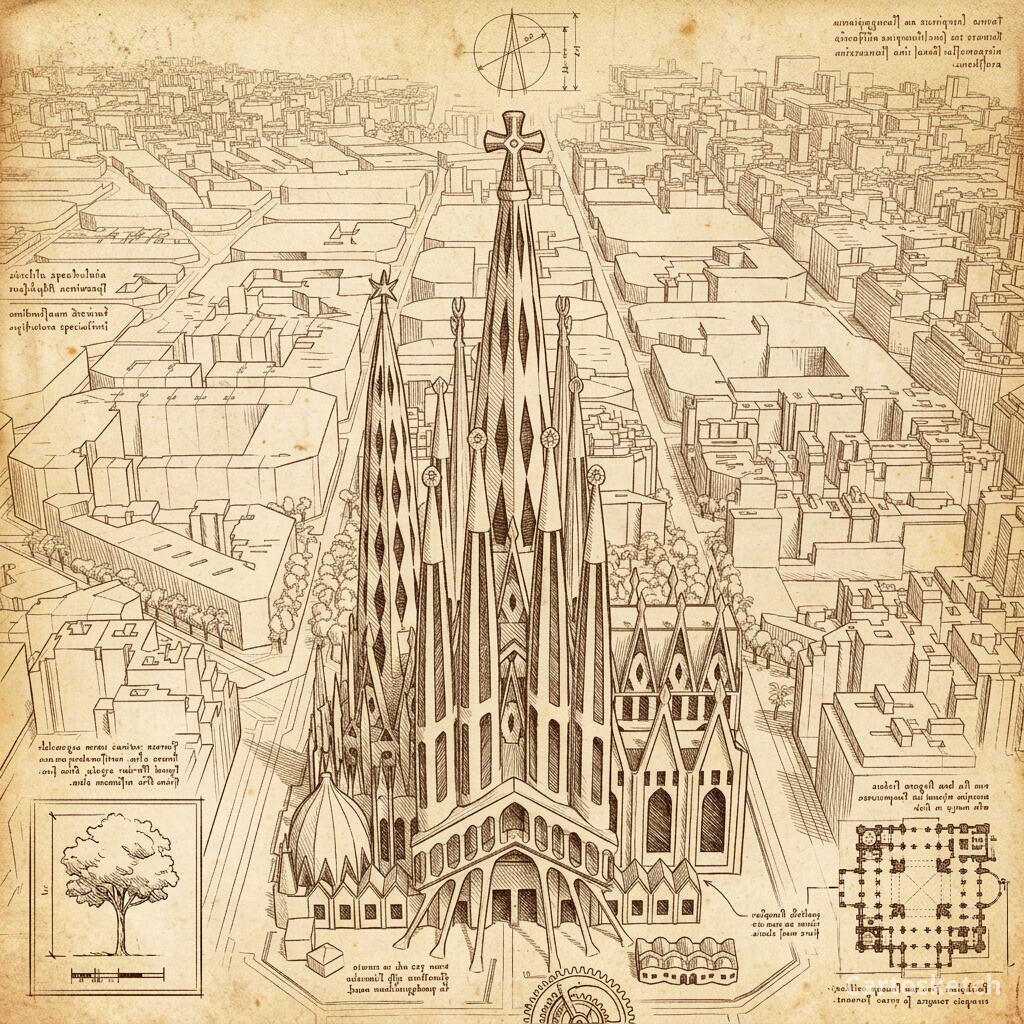
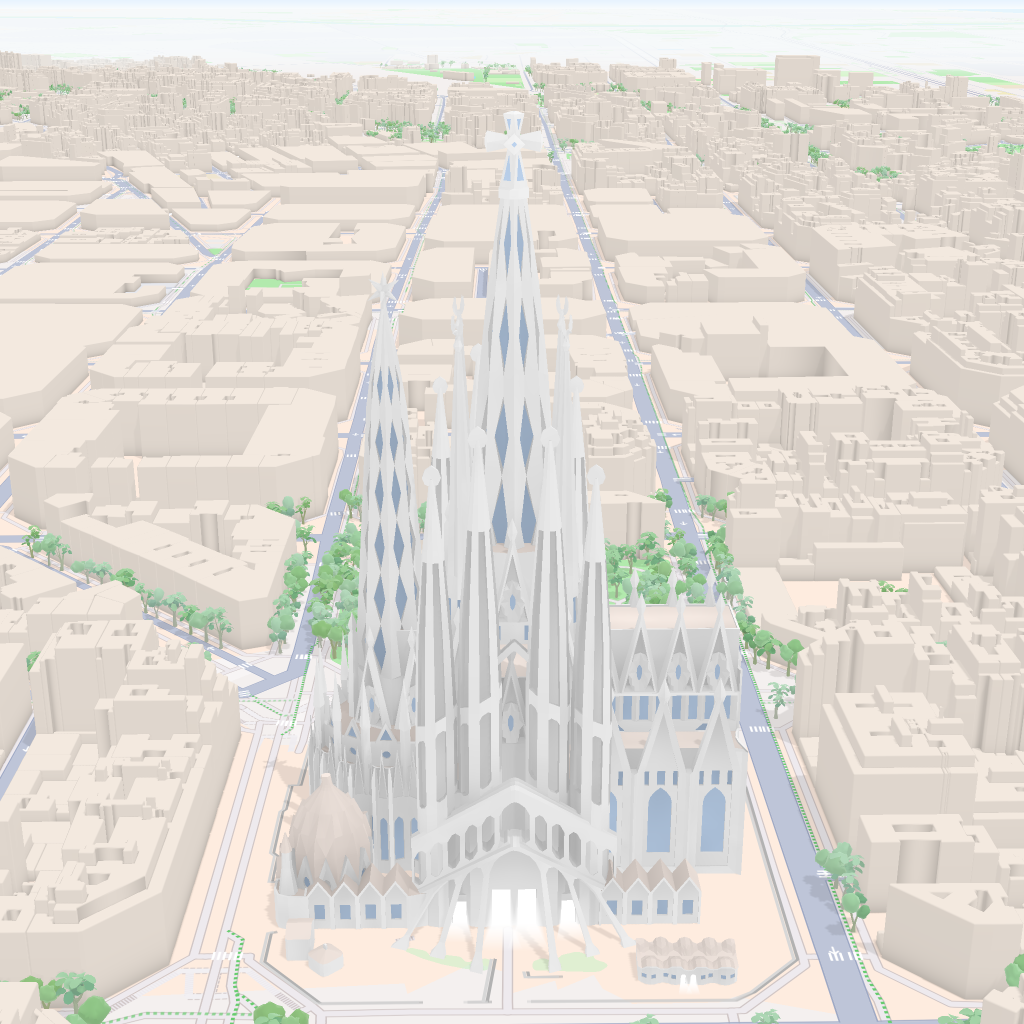 Mapbox
Cartosketch
Mapbox
Cartosketch
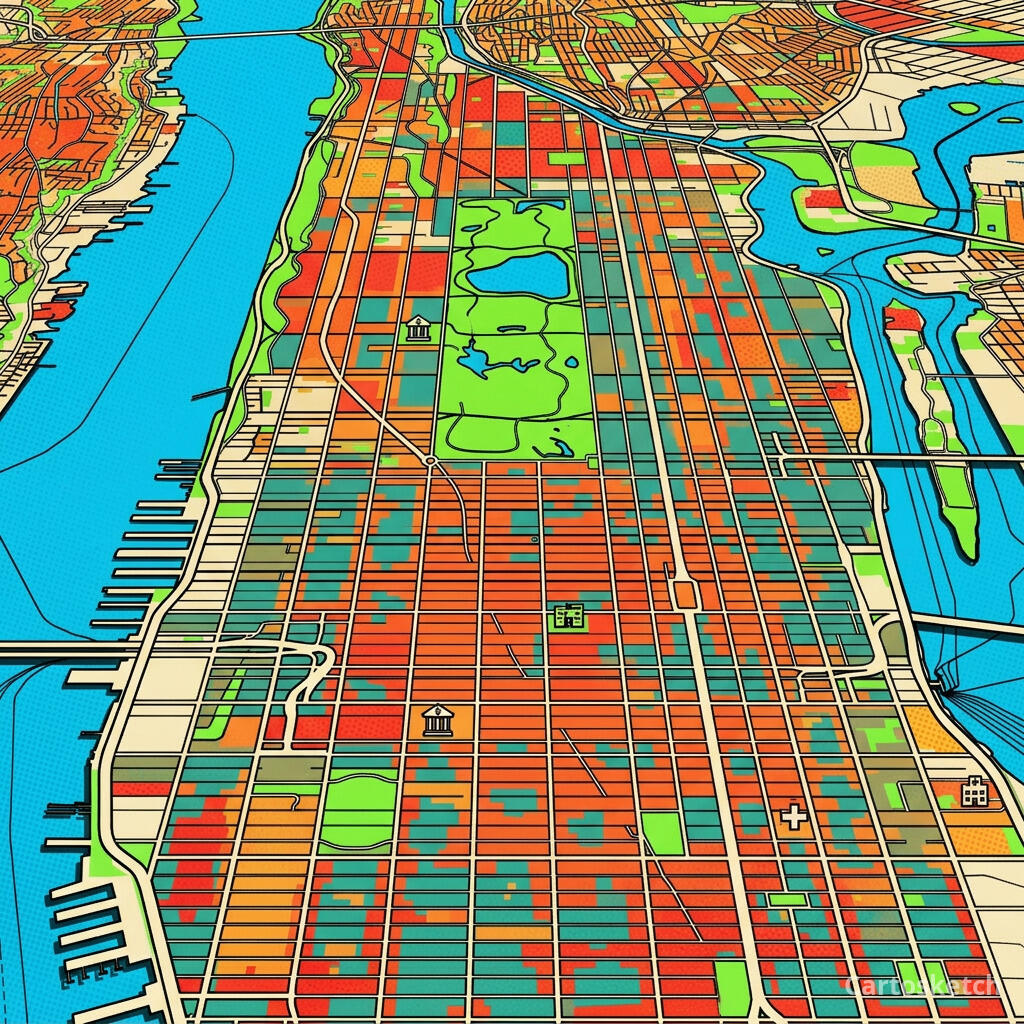
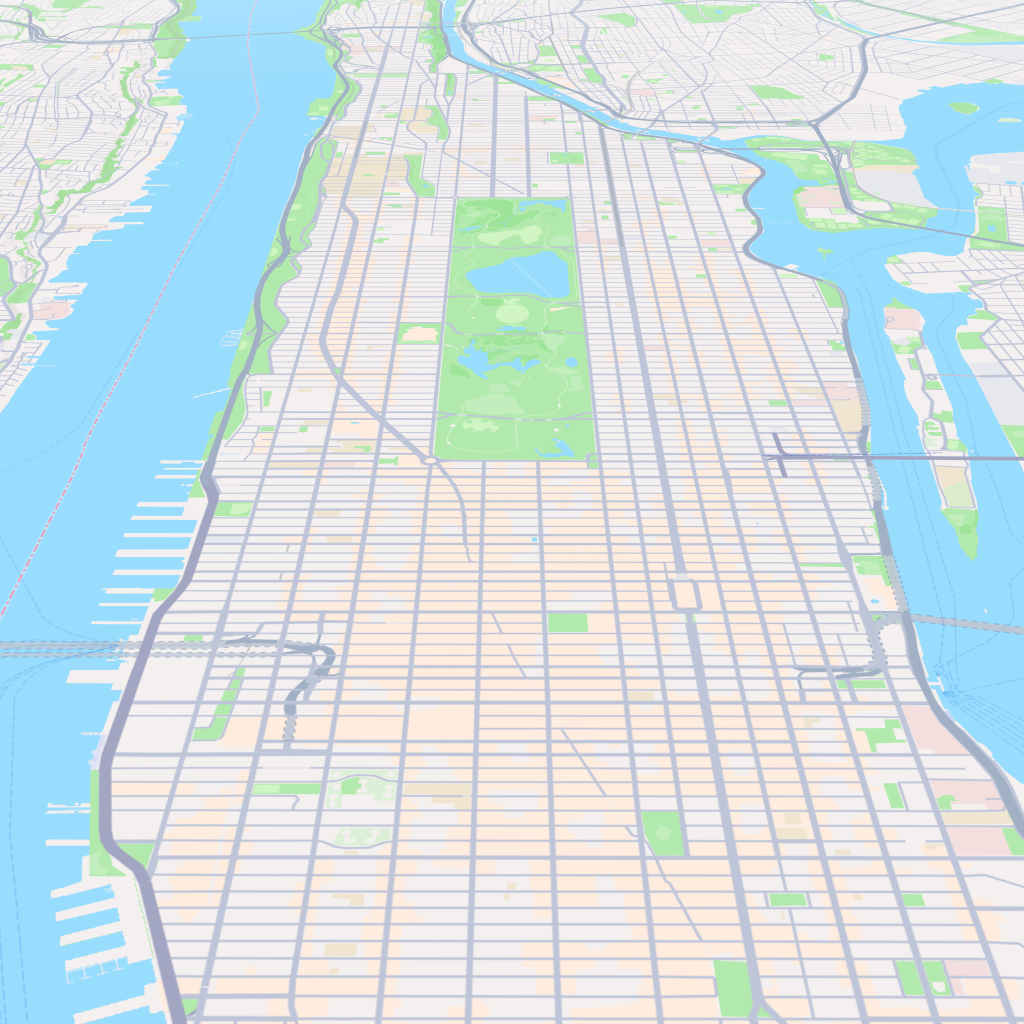 Mapbox
Cartosketch
Mapbox
Cartosketch
 Mapbox
Cartosketch
Mapbox
Cartosketch
How to make your own
- Open Cartosketch and go to New Map, then search for the landmark by name or drag the map to frame it.
- Choose Standard or Satellite, and set zoom, bearing, and pitch until the composition feels right — the alignment guides help you center it.
- Pick an art style — Ligne Claire and Blueprint read as clean and modern; watercolor and oil painting feel like classic keepsakes.
- Generate. In seconds you get a finished piece that preserves the exact geography.
- Download up to 4K and send it to any print shop, or frame it at home. Commercial use is included on every plan.
Print sizes & resolution
| Plan | Max resolution | Aspect ratio | Good for |
|---|---|---|---|
| Free | 0.5K | 1:1 square | Social posts, a quick test print |
| Paid | Up to 4K | Any (incl. portrait/landscape) | Framed wall art, large-format prints |
Frequently asked questions
- Is this AI?
- Yes. Cartosketch re-styles real Mapbox geography with an AI model. The layout of the landmark and its surroundings is real and preserved; the art style is generated.
- Is it the real landmark, or a generic illustration?
- It's the real place. The rendering is built from the actual map view you frame, so the building's footprint and surroundings match reality — it is not a generic or invented scene.
- Can I print it and sell it?
- You can print it at any size up to the resolution your plan allows, and commercial use is included on every plan. Just don't reuse an official name or logo as branding.
- How much does it cost?
- New accounts get one free credit to try it. Paid plans add higher resolution (up to 4K), custom aspect ratios, and more credits.
New accounts get one free credit — no credit card required.