
Blueprint Map Art: Turn Any Place Into an Architect's Plan
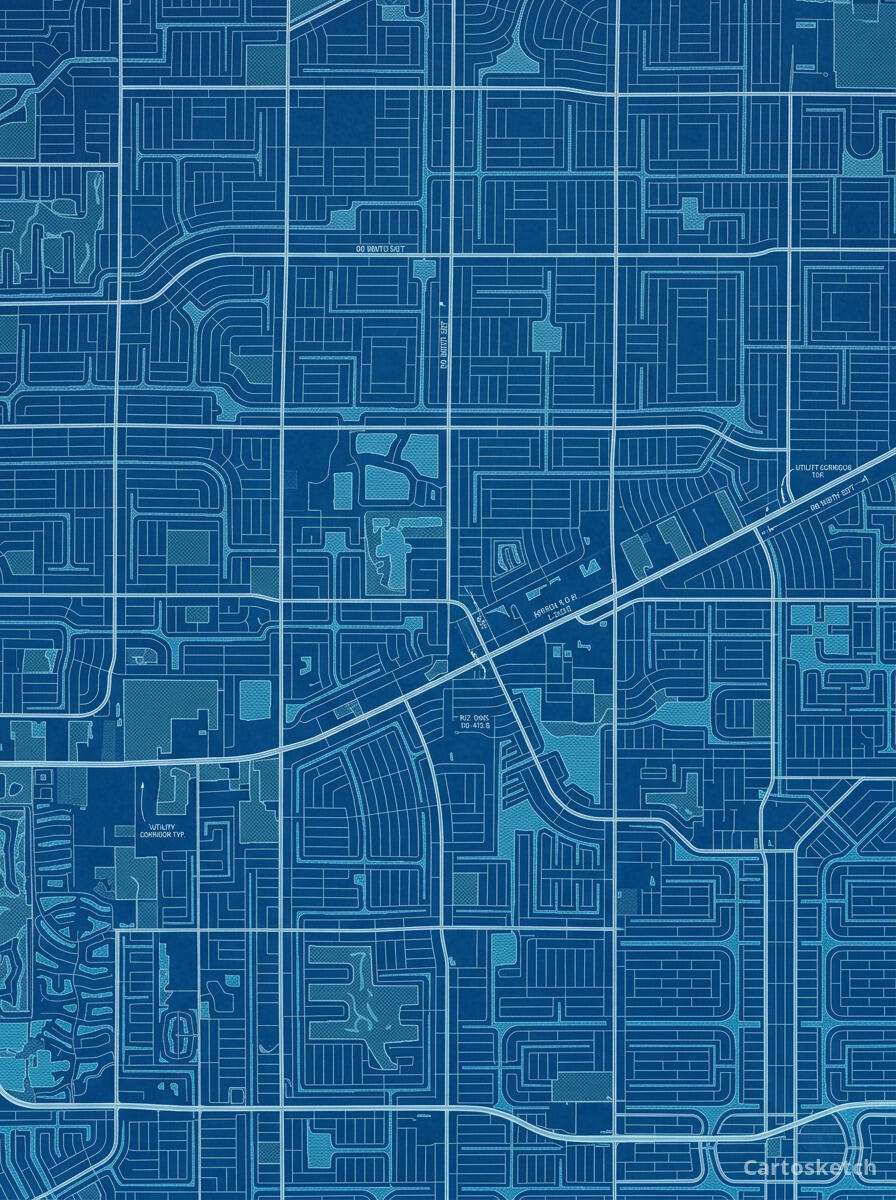
Turn a real place — your city, a canal network, a neighbourhood — into a blueprint map with white lines on Prussian blue. Real Mapbox geography, technical-drawing look, print-ready up to 4K.
All artwork in this article was generated with Cartosketch — an AI tool that re-styles real Mapbox geography and GPS routes.
Blueprint style turns a map into an architect's plan. Crisp white lines on deep Prussian blue, fine grids, and the cool precision of a draughting table make any place look like it was drawn up in an engineering studio. It is clean, technical, and quietly confident — a striking choice for designers, architects, engineers, and anyone who loves a well-ordered diagram on the wall. This guide shows how to turn any real location into a blueprint map.
A short history of the blueprint
The blueprint owes its look to the cyanotype, a photographic printing process invented by the astronomer Sir John Herschel in 1842. Because it was cheap and reliable, it became the standard way to copy architectural and engineering drawings for more than a century: the original linework reproduced as crisp white lines on a deep Prussian-blue ground. The process was so tied to design and construction that the word "blueprint" eventually came to mean the plan itself — a detailed scheme for how something will be built. That association with precision, planning, and making is exactly what gives a blueprint map its quiet authority.
Why blueprint style works on a map
A map is already a kind of plan, so the blueprint language fits it perfectly. Streets become precise white lines, blocks read as drafted shapes, and waterways and parks settle into the cool blue field. Fine grid lines, measured strokes, and an even, technical palette turn a familiar place into something that looks engineered rather than illustrated. It works especially well for ordered street grids, canal networks, campuses, and any place with strong, legible geometry.
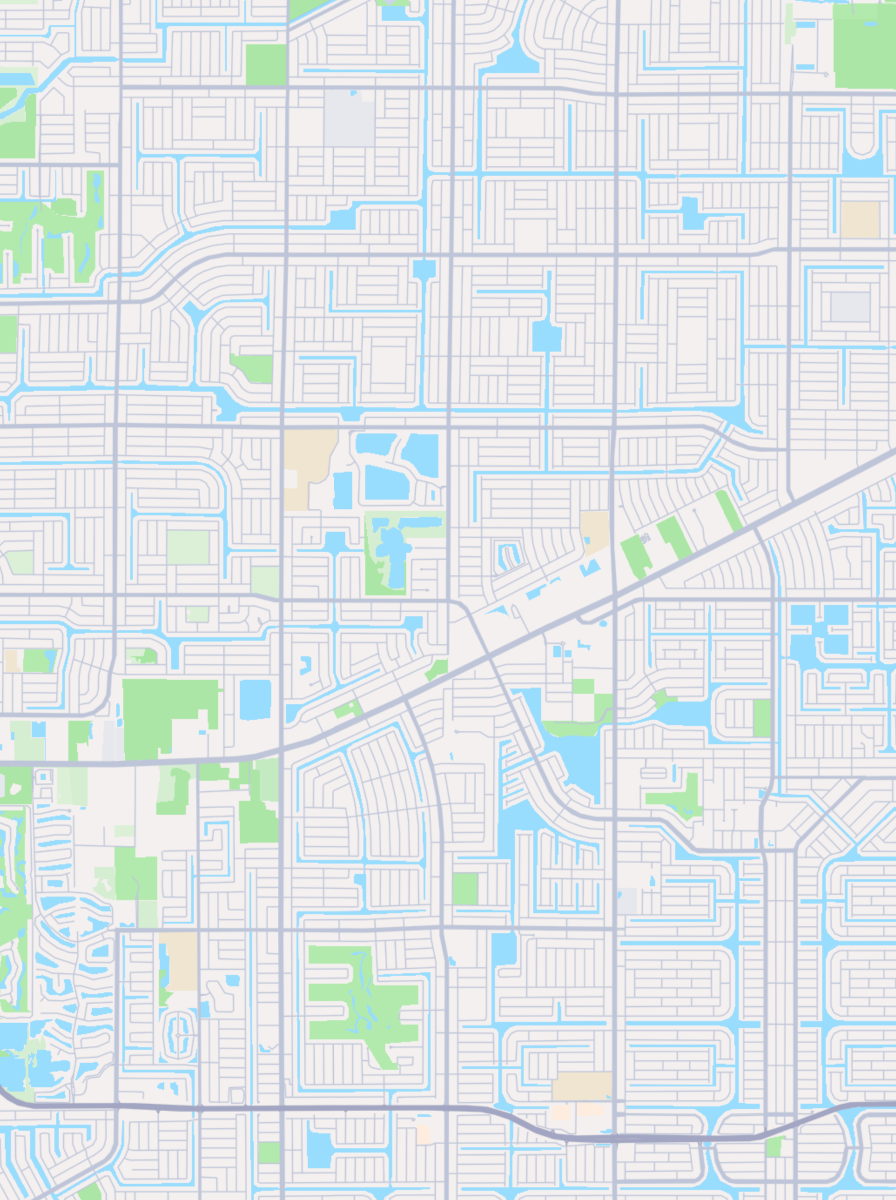
The geography stays exact. The grid of the canals, the line of every waterway, the layout of the streets — all preserved from real Mapbox data, then re-drawn by AI as a technical plan. You're not generating an imaginary schematic; you're stylizing the real place you framed.
 Cartosketch
Mapbox
Cartosketch
Mapbox
How to make your own
- Open Cartosketch → New Map, search the place or drag the map to frame it.
- Pick Standard or Satellite; set zoom, bearing, and pitch until the composition feels right.
- Choose the Blueprint style.
- Generate — in seconds you get a finished piece with the real geography preserved.
- Download up to 4K and print or frame it. Commercial use is included on every plan.
Print sizes & resolution
| Plan | Max resolution | Aspect ratio | Good for |
|---|---|---|---|
| Free | 0.5K | 1:1 square | Social posts, a quick test print |
| Paid | Up to 4K | Any (incl. portrait/landscape) | Framed wall art, large-format prints |
Frequently asked questions
- Is this AI?
- Yes. Cartosketch re-styles real Mapbox geography with an AI model — the layout is real and preserved; the white linework and Prussian-blue ground are generated.
- Is it the real place, or a generic illustration?
- The real place. It is built from the actual map view you frame, so streets, waterways, and landmarks match reality.
- Can I print and sell it?
- Print at any size up to your plan's resolution; commercial use is included on every plan. Just don't reuse an official name or logo as branding.
- How much does it cost?
- New accounts get one free credit. Paid plans add higher resolution (up to 4K), custom aspect ratios, and more credits.
New accounts get one free credit — no credit card required.