
Comic Book Map Art: Turn Any City Into a Pop-Art Panel
Turn a real city, neighbourhood, or downtown into comic book map art — bold black outlines, flat high-saturation colour, and Ben-Day halftone dots. Real Mapbox geography, print-ready up to 4K.
Tutte le immagini di questo articolo sono state create con Cartosketch — uno strumento di IA che reinterpreta geografia Mapbox reale e percorsi GPS.
Comic book style turns a map into a poster you'd see on a teenager's wall. Thick black outlines, flat blocks of loud colour, and a dusting of halftone dots take a plain street grid and make it pop. It's one of the most energetic ways to put a city on your wall — less a map, more a panel ripped from a comic. This guide shows how to take any real location and restyle it into bold comic book map art.
A short history of comic book art
The look comes from the American comic books of the 1930s onward — the so-called Golden Age, when cheap colour printing forced a bold, economical style. To fake shading and tone on a budget, printers used the Ben-Day process, named after illustrator Benjamin Day: tiny, evenly spaced dots of colour that the eye blends from a distance. Flat primary inks, heavy black outlines, and those telltale dots became the visual signature of the medium. In the 1960s, Pop artist Roy Lichtenstein blew the halftone dot up to canvas scale and hung it in galleries, turning a printing shortcut into one of the most recognisable styles of the twentieth century.
Why comic book style works on a map
A city grid is already drawn in lines and blocks — exactly what comic art is made of. Bold black outlines trace the streets and the shoreline, flat saturated colour fills the neighbourhoods, parks, and water, and Ben-Day dots add texture to the open spaces. The high-contrast palette makes the whole thing read instantly from across a room. It suits dense, graphic places best: downtown grids, harbours, river forks, and skylines where strong shapes give the ink something to bite into.
The geography stays exact. The Loop's grid, the fork of the Chicago River, the curve of the Lake Michigan shoreline — all preserved from the real Mapbox view you frame. AI changes the ink, the colour, and the dots; it does not replace Chicago with a generic comic scene.
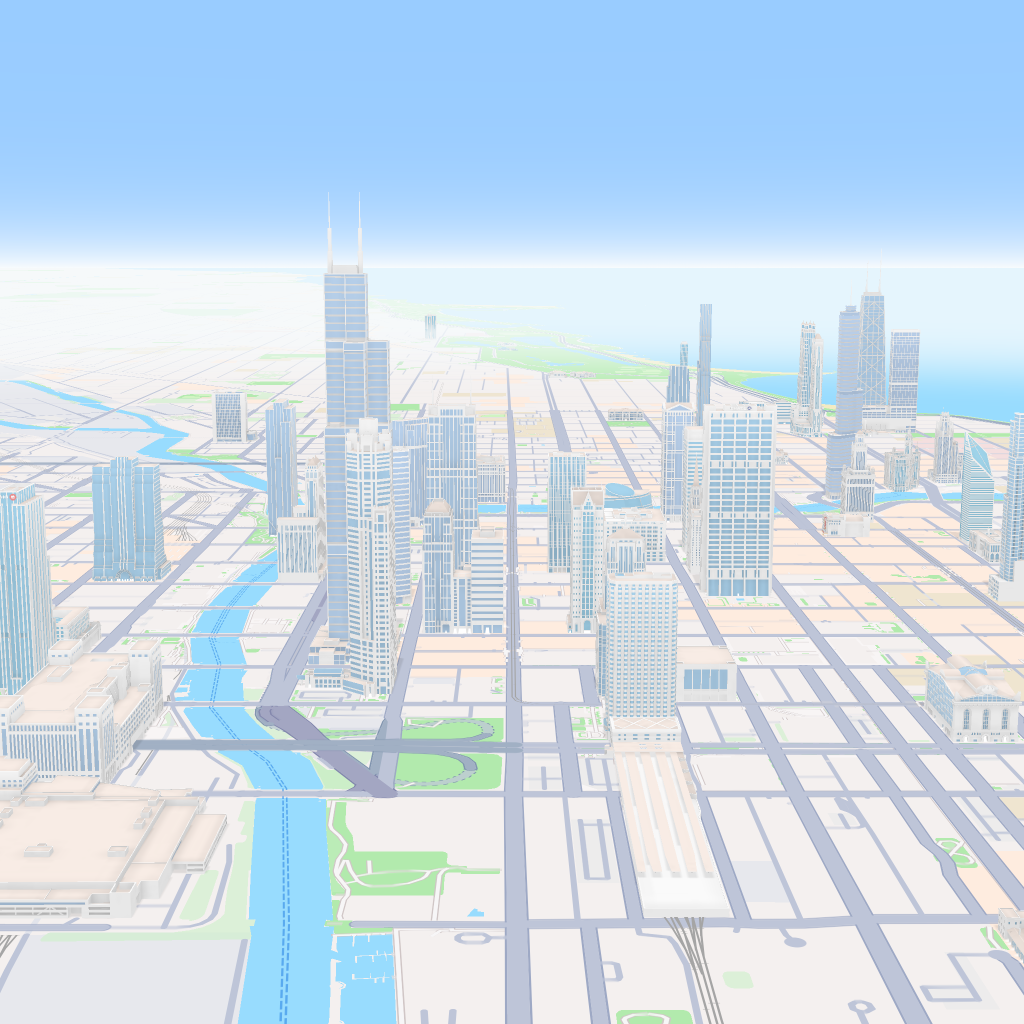
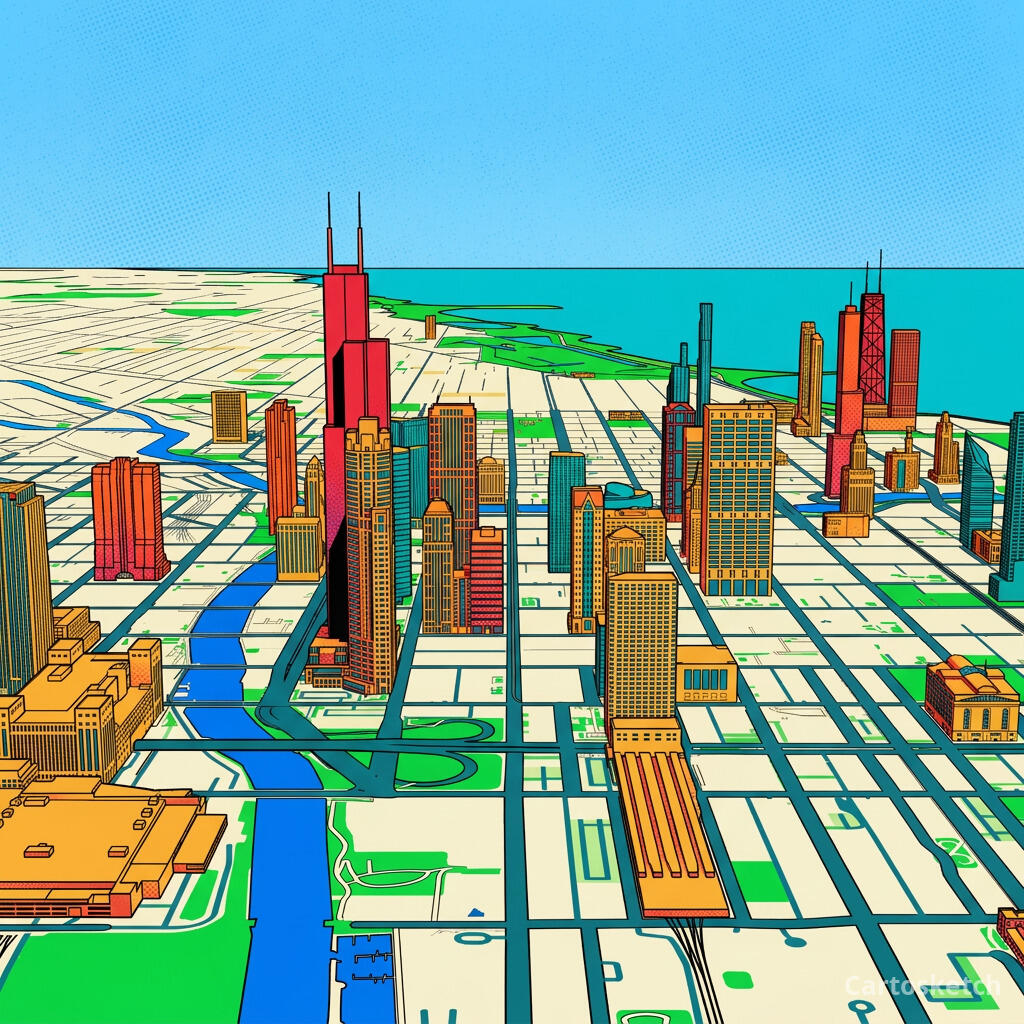 Cartosketch
Mapbox
Cartosketch
Mapbox
How to make your own
- Open Cartosketch → New Map, search the place or drag the map to frame it.
- Pick Standard or Satellite; set zoom, bearing, and pitch until the composition feels right.
- Choose the Comic style.
- Generate — in seconds you get a finished piece with the real geography preserved.
- Download up to 4K and print or frame it. Commercial use is included on every plan.
Print sizes & resolution
| Plan | Max resolution | Aspect ratio | Good for |
|---|---|---|---|
| Free | 0.5K | 1:1 square | Social posts, a quick test print |
| Paid | Up to 4K | Any (incl. portrait/landscape) | Framed wall art, large-format prints |
Frequently asked questions
- Is this AI?
- Yes. Cartosketch re-styles real Mapbox geography with an AI model — the layout is real and preserved; the comic outlines, flat colour, and Ben-Day dots are generated.
- Is it the real place, or a generic illustration?
- The real place. It is built from the actual map view you frame, so streets, rivers, coastlines, and landmarks match the location.
- Can I print and sell it?
- Print at any size up to your plan's resolution; commercial use is included on every plan. Just don't reuse an official name or logo as branding.
- How much does it cost?
- New accounts get one free credit. Paid plans add higher resolution (up to 4K), custom aspect ratios, and more credits.
I nuovi account ricevono un credito gratuito — nessuna carta di credito necessaria.