
Turn Your Marathon GPX Into Wall Art — A Step-by-Step Guide
Turn your marathon GPX into personal route artwork with Cartosketch. Upload your track, review the proposal, generate, and choose print dimensions from the downloaded file’s pixels.
All artwork in this article was generated with Cartosketch — an AI tool that re-styles real Mapbox geography and GPS routes.
A medal goes in a drawer. A finisher photo lives on your phone. But the route you actually ran — every turn, every bridge, every brutal final mile — is a line that's uniquely yours. This guide shows you how to turn that line into wall art you'll want to hang.
Why your route makes better art than a generic city map
Generic city posters are everywhere, and they're all the same. Your marathon route is different: it traces a real day, a real effort, a real place you moved through on your own two feet. That's why route art lands as a gift and as a keepsake — the shape itself is the story.
Cartosketch uses your uploaded GPX or FIT coordinates to draw the route as a separate, deterministic overlay on the AI-generated artistic basemap. AI does not redraw or invent the route line. GPS errors in the source remain relevant, and the artistic streets, terrain, and coastline may differ from reality; the result is not a navigation map.
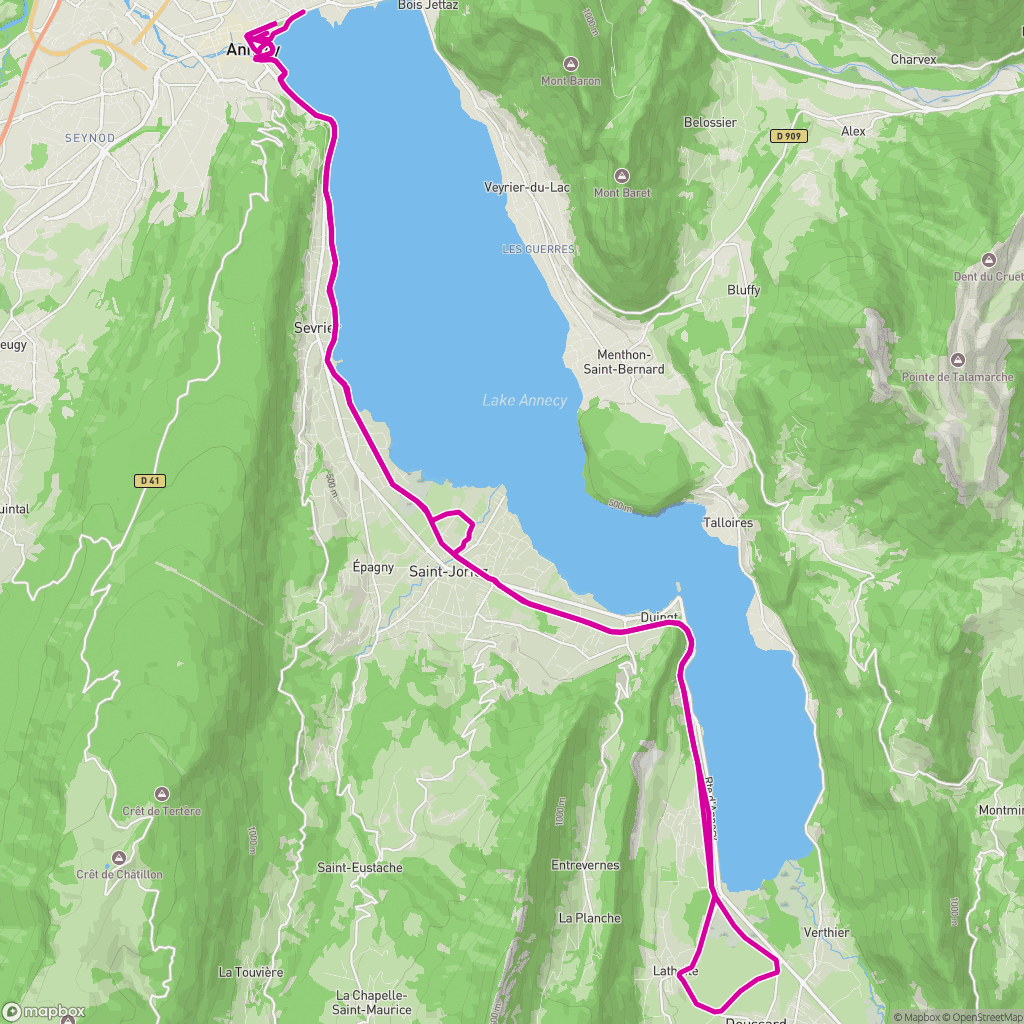 Route map
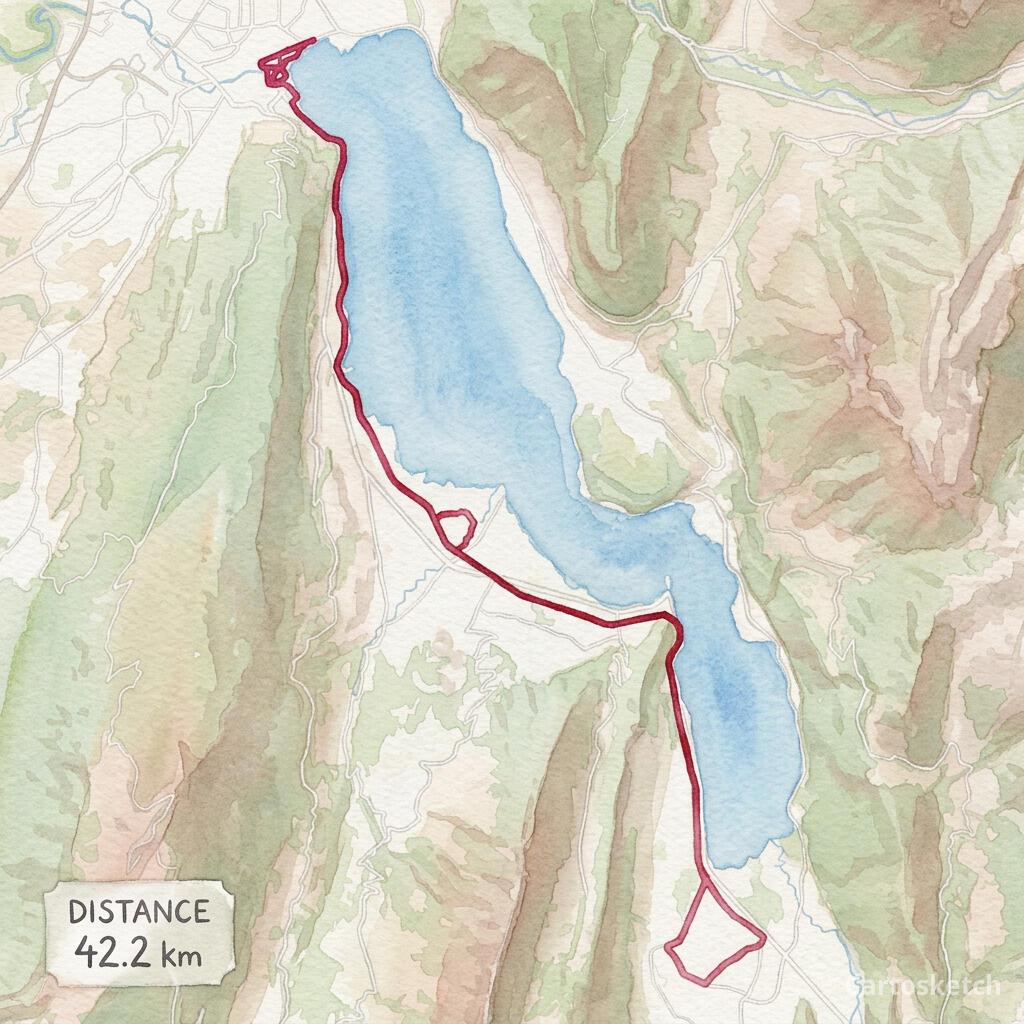 Cartosketch
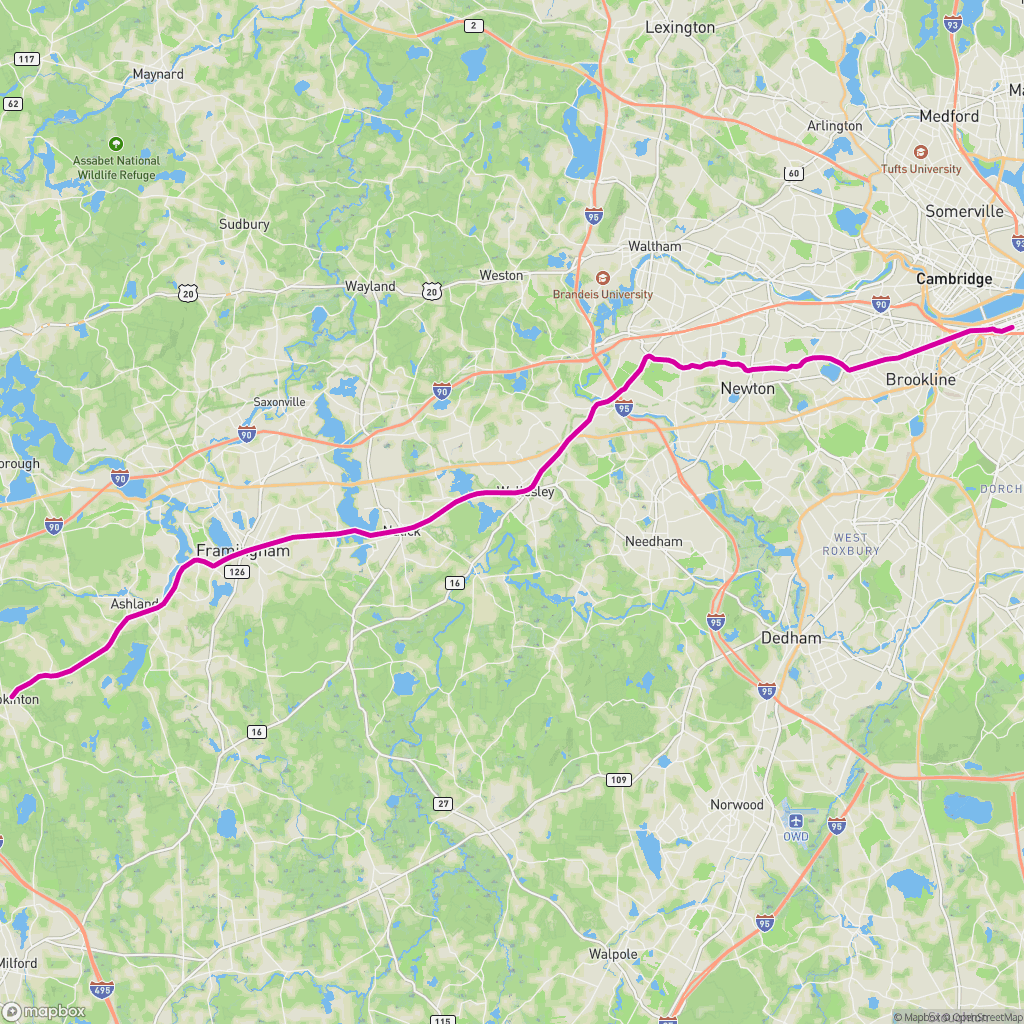 Route map
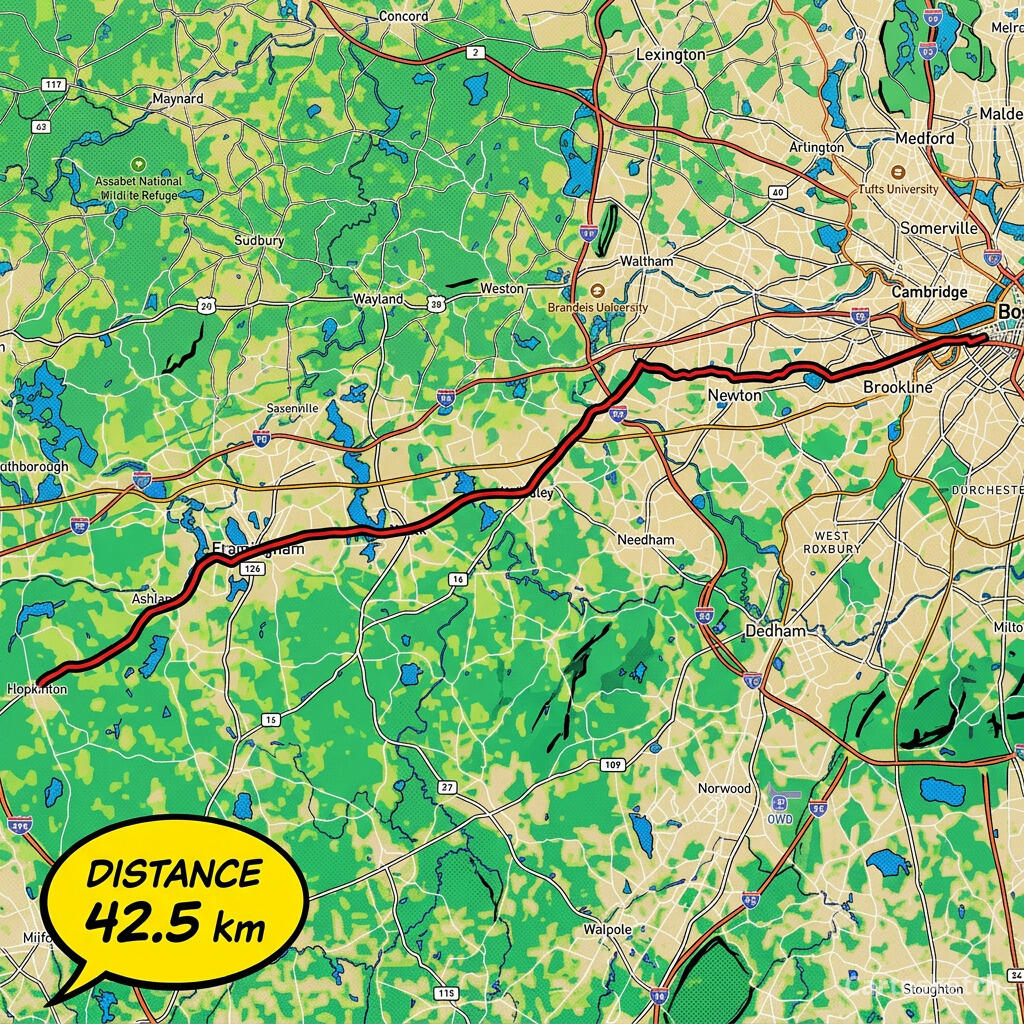 Cartosketch
How to do it yourself
- Export your race GPX from Strava, Garmin Connect, or the event site (any standard .gpx works).
- Open Cartosketch chat, describe your route poster, and attach the GPX or FIT file. The route comes from your upload; a place name or prompt alone cannot supply the track.
- Review the route preview and proposed style, ratio, resolution, and credit cost. Use “Edit all settings” to adjust the proposal; watercolor and vintage map suit keepsakes, while comic and blueprint give a bolder finish.
- Open the linked route editor to fine-tune framing, map style, lighting, and labels, and review the imported statistics. Check the available data: time and elevation depend on the source file. When ready, confirm generation in chat or generate from the editor.
- After generation, review the result and download from the editor. You can also request a visual change in chat and confirm its modification card before a new version is generated.
Print sizes & resolution
Free accounts can generate at 1K for 1 credit and choose all ten regular aspect ratios. An active Plus/Pro subscription or a positive pack credit balance unlocks the higher-quality image model and 1K/2K/4K generation for 1/2/3 credits respectively. The same ten ratios are available at every tier: 1:1, 2:3, 3:2, 3:4, 4:3, 4:5, 5:4, 9:16, 16:9, and 21:9.
Free downloads are watermarked JPEGs. With clean-download entitlement, you can download the watermark-free original PNG. A version already unlocked with pack credits keeps that entitlement after the pack balance runs out.
Choose the print size from the downloaded file’s actual pixel dimensions and the printer’s target PPI: pixels ÷ PPI × 2.54 gives centimetres on each side. For example, 4096 pixels at 300 PPI is about 34.7 cm. “4K” alone does not guarantee an A2 print; allow for cropping, margins, and viewing distance, and check a proof before ordering.
Frequently asked questions
- Is this AI?
- Yes. AI creates the artistic basemap; the route line is drawn separately from your uploaded coordinates. Surrounding map details can differ from reality.
- Is it really my exact route?
- The line follows the coordinates in your file, including any GPS errors. Check it against the artistic basemap before printing.
- Can I print it and sell it?
- Choose a print size that suits the actual pixels and target PPI. Commercial use is included on every plan; do not reuse an official name or logo as your own branding.
- How much does it cost?
- 1K costs 1 credit and is available to free accounts. Active Plus/Pro subscribers or users with a positive pack credit balance can also choose 2K for 2 credits or 4K for 3 credits. Regular aspect ratios are available to everyone.
New accounts get one free credit — no credit card required. Product details
Related use case