
The Best AI Map Art Generators in 2026: A Map + GPX Horizontal Across 8 Tools
Midjourney, ChatGPT, Gemini direct, Flux + ControlNet, Adobe Firefly, Canva, Strava/Relive, and Cartosketch. Same Mapbox view, same GPX file — here is what each one is actually good at.
All artwork in this article was generated with Cartosketch — an AI tool that re-styles real Mapbox geography and GPS routes.
Over May we put eight different tools through the same two tasks: turn a famous city into a styled map poster, and turn a real marathon GPX file into a framed route poster. This is the summary. The point is not to declare a winner across every job — they are not all trying to do the same thing — but to make it obvious which tool fits which job, and where the trade-offs land.
The two test cases
For the city poster we used the Eiffel Tower frame on Mapbox — recognisable, with strong radial geometry and the bend of the Seine. For the route poster we used a real Amsterdam Marathon GPX. Both were tried in every tool that accepts the relevant input. Tools that could not accept the input (most of them, for GPX) were rated on the best workaround available — describe in prompt, trace by hand, attach as image — not given a free pass.
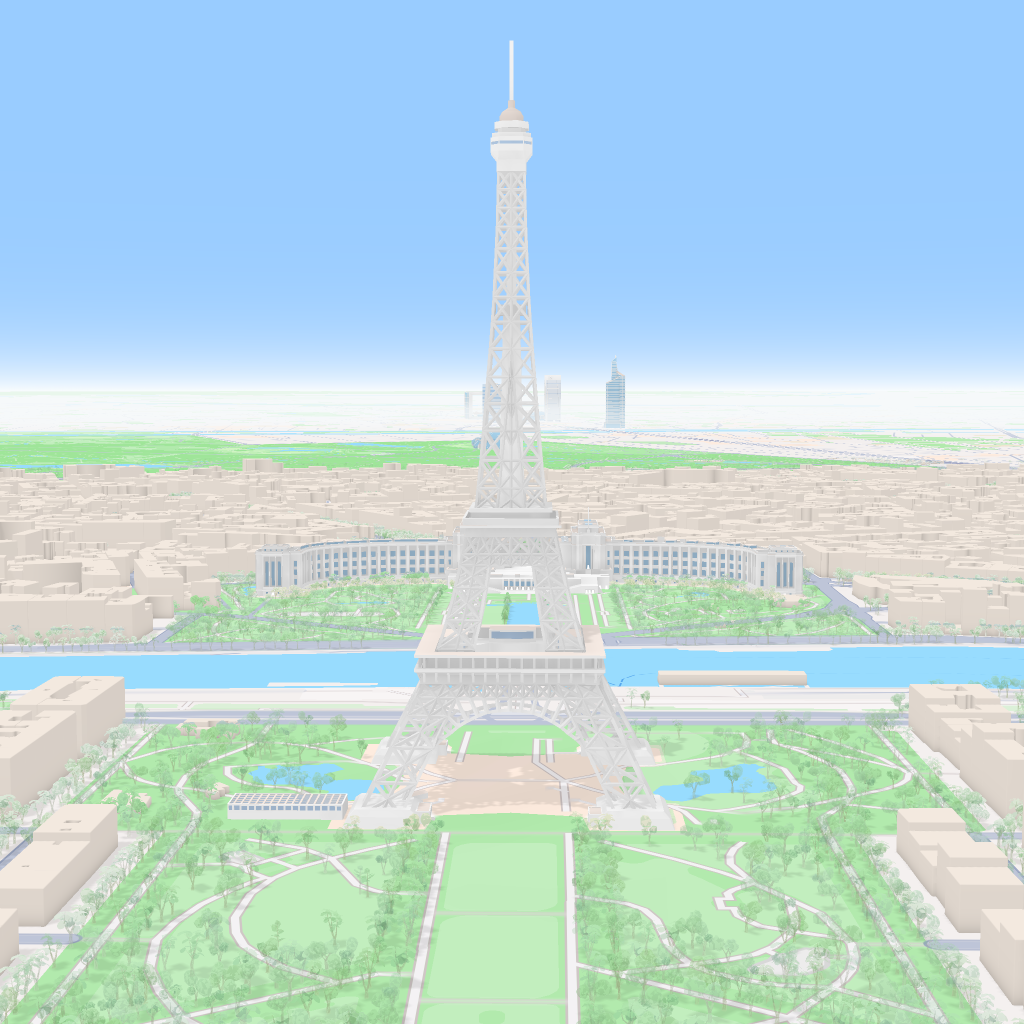
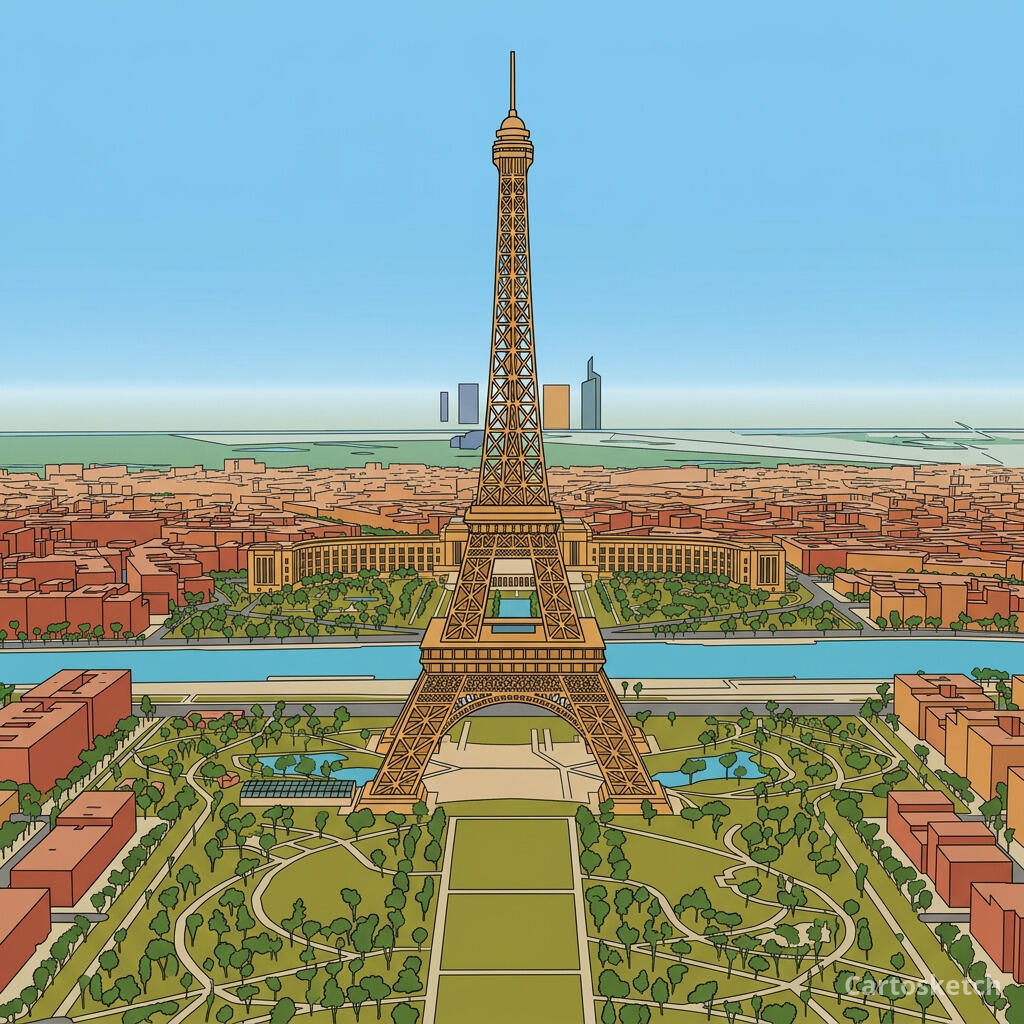 Cartosketch
Mapbox
Cartosketch
Mapbox
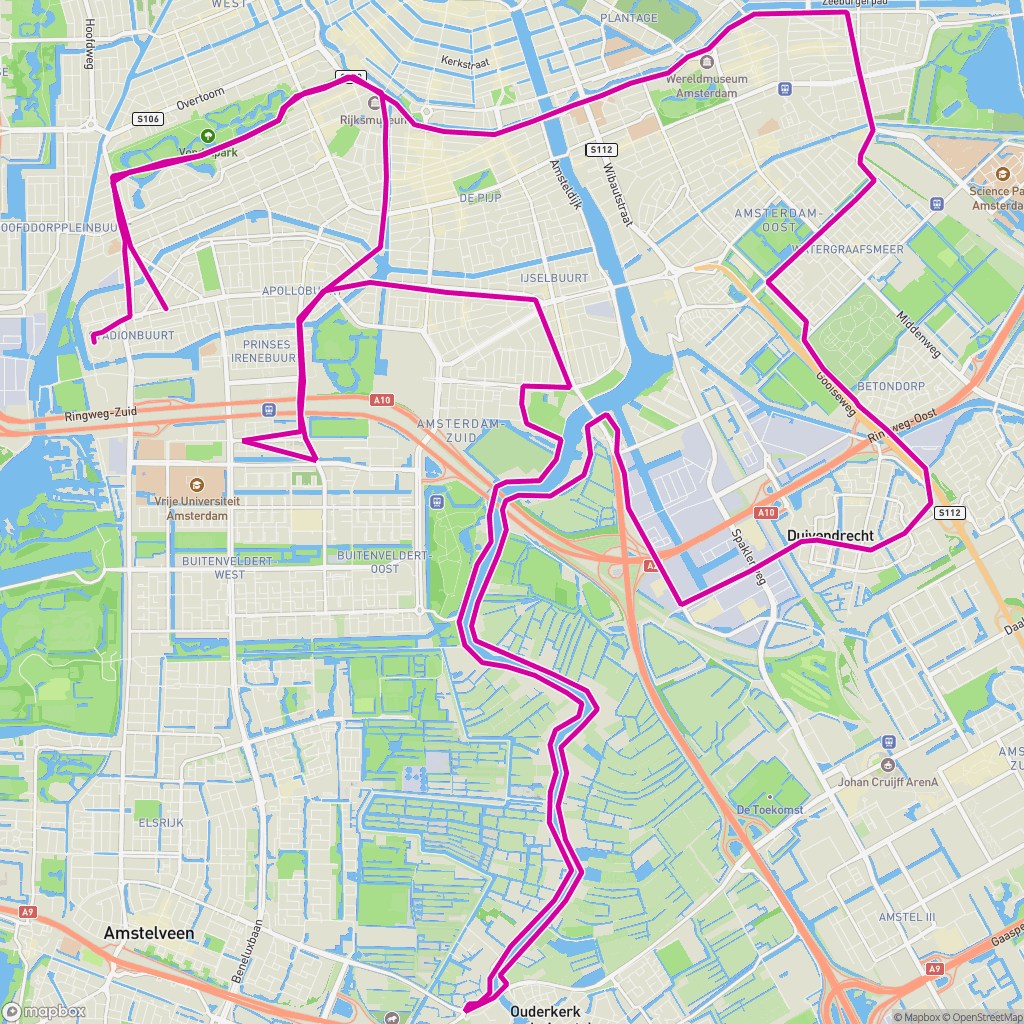
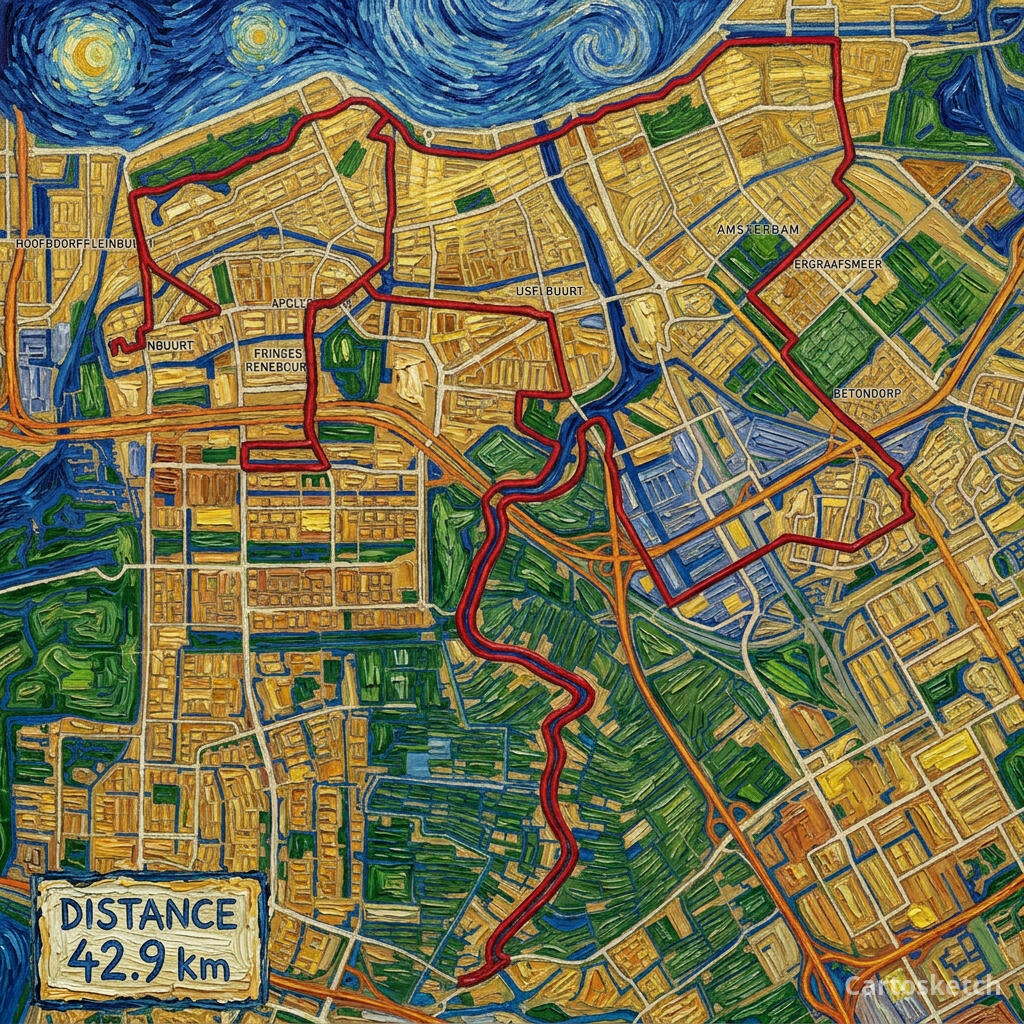 Cartosketch
GPX on Mapbox
Cartosketch
GPX on Mapbox
The eight tools, head-to-head
| Tool | Real city layout | GPX route | Print-ready | Commercial use | Best at |
|---|---|---|---|---|---|
| Midjourney | Invented | Describe-only | Up to ~4K via upscale | Paid plans (with caveats) | Imagined scenes and concept art |
| ChatGPT (GPT Image / DALL-E) | Hallucinated | Image-only ref | ~1024–2048 | OpenAI terms apply | Conversational image drafts |
| Gemini direct (Nano Banana) | If you build the pipeline | If you build the pipeline | If you build the pipeline | Google terms apply | Developers building custom flows |
| Flux / SDXL + ControlNet | Yes, if rendered first | Yes, if you build the renderer | Yours to scale | Yours by definition | Power users with GPUs and time |
| Adobe Firefly | Hallucinated | None | Up to 2K | Adobe-licensed | Enterprise brand assets |
| Canva | Templated | Manual tracing | Template-dependent | Pro tier | Fast template finishes |
| Strava Art / Relive | n/a (route-only) | Native (their core) | Feed/video-sized | Personal use | Sharing the run online |
| Cartosketch | Preserved (Mapbox capture) | Native (GPX/FIT) | Up to 4K | Included on every paid plan | Printable map + route posters |
What the test revealed
Three things stood out across the eight tools. First, geometry is the variable, not model quality. Every tool here is good at the painterly side; almost none of them have a way to be told "the streets must go here". Cartosketch, Flux+ControlNet, and (manually) Canva are the exceptions, and only Cartosketch and Flux+ControlNet scale across many places without redrawing each one.
Second, GPX is a real moat. None of the prompt-driven tools — Midjourney, ChatGPT, Firefly — can ingest a GPX file as geometric truth. You can describe a route in words, or attach a screenshot and ask for a similar shape, but the polyline you put on the wall is not the polyline you ran. Cartosketch, Flux+ControlNet, and Strava/Relive are the only ones that touch the GPX directly, and the latter two are not built for print.
Third, the categories matter more than the tools. Strava and Relive are sharing tools. Firefly is a brand-safety tool. Midjourney and ChatGPT are open-ended art tools. Cartosketch and the DIY Flux stack are cartographic-art tools. Picking the right category is most of the decision.
Watermarks are another practical split. OpenAI documents provenance metadata for ChatGPT images rather than a visible watermark; in our tests, Gemini and Doubao consumer outputs show visible watermarks; Cartosketch only watermarks the public preview JPEG and keeps the downloadable origin PNG clean.
Which tool fits which job
- Imagined or evocative imagery, no real place required → Midjourney or ChatGPT.
- Corporate marketing assets with a licensing paper trail → Adobe Firefly.
- Finished poster in a template, fifteen minutes from start to print → Canva.
- Share your run with friends → Strava (still image) or Relive (flyover video).
- Custom map-art pipeline you control end-to-end → Flux or SDXL with ControlNet (DIY).
- Experimenting with the underlying model → Gemini directly in Google AI Studio.
- Printable poster of a real city or a real GPS route → Cartosketch.
Where Cartosketch sits in this picture
How to use Cartosketch with the others
- Use Cartosketch as the map source: generate the styled map or route, then finish in Photoshop, Illustrator, Canva, or Figma.
- Use Strava as the activity source: export the GPX, then bring it into Cartosketch for the printable version.
- Use Midjourney for the cover or the surrounding scene; use Cartosketch for the map insert that has to be the real place.
- Use Firefly for licensed brand backgrounds; use Cartosketch for the geography layer on top.
- Use the DIY Flux stack when you need a custom LoRA; use Cartosketch when you do not want to maintain that stack.
Frequently asked questions
- Is there one tool that does everything?
- No, and that is the honest answer. These tools are good at different things. The map-art job specifically — real place, real route, print-ready — is the narrow case Cartosketch is built for; the others are excellent at their own jobs.
- Which AI model does Cartosketch use?
- Gemini's image model — currently gemini-3.1-flash-image. The model is configurable; the value the product adds is the Mapbox capture, GPX parsing, style prompt library, watermarking, and 4K print output.
- Can I see comparison images for each of the eight tools?
- The individual posts in this series cover each comparison in depth. Start with the Midjourney, ChatGPT, and Gemini posts for the AI image generators; the Flux + ControlNet post for the DIY stack; the Firefly + Canva post for the commercial tools; the Strava + Relive post for sharing tools; and the Etsy post for the human-artisan alternative.
- What is the fastest way to test Cartosketch?
- New accounts get one free credit. Frame a place you know on New Map, or drop a recent GPX into New Route, pick a style, and generate. About three minutes.
New accounts get one free credit — no credit card required.