
Cartosketch vs. Doubao for Map & Route Art: Chat-First Convenience Without Geography
Doubao is a mainstream consumer AI assistant with image generation features and a very low-friction chat flow — but can it preserve a real city grid or your GPX route? A practical comparison for consumer AI users.
All artwork in this article was generated with Cartosketch — an AI tool that re-styles real Mapbox geography and GPS routes.
Doubao is the kind of AI many people actually try first: open the app, type what you want, get a result, keep chatting. That convenience matters. But when the end product is a printable map poster or route artwork, the question is not whether it can make something pretty. The question is whether it can preserve the geometry you care about.
Where Doubao wins
The advantage of a consumer assistant is friction. You do not have to think about which model you are using or how to wire a workflow. You just ask. For casual image drafts, brainstorming, and lightweight creative work, that is often enough. If you are already living in a chat-first tool, it is convenient.
Where it falls apart on maps
The convenience does not solve geography. If you prompt for a city poster, the result may look right at a glance, but it is still a reconstruction from the prompt rather than a capture of the real place. Streets, coastlines, and landmark spacing can drift because there is no Mapbox frame anchoring the output.
Cartosketch is the opposite: the map is rendered first and the style comes second. That is the difference between a nice image of a place and an accurate poster of the place.
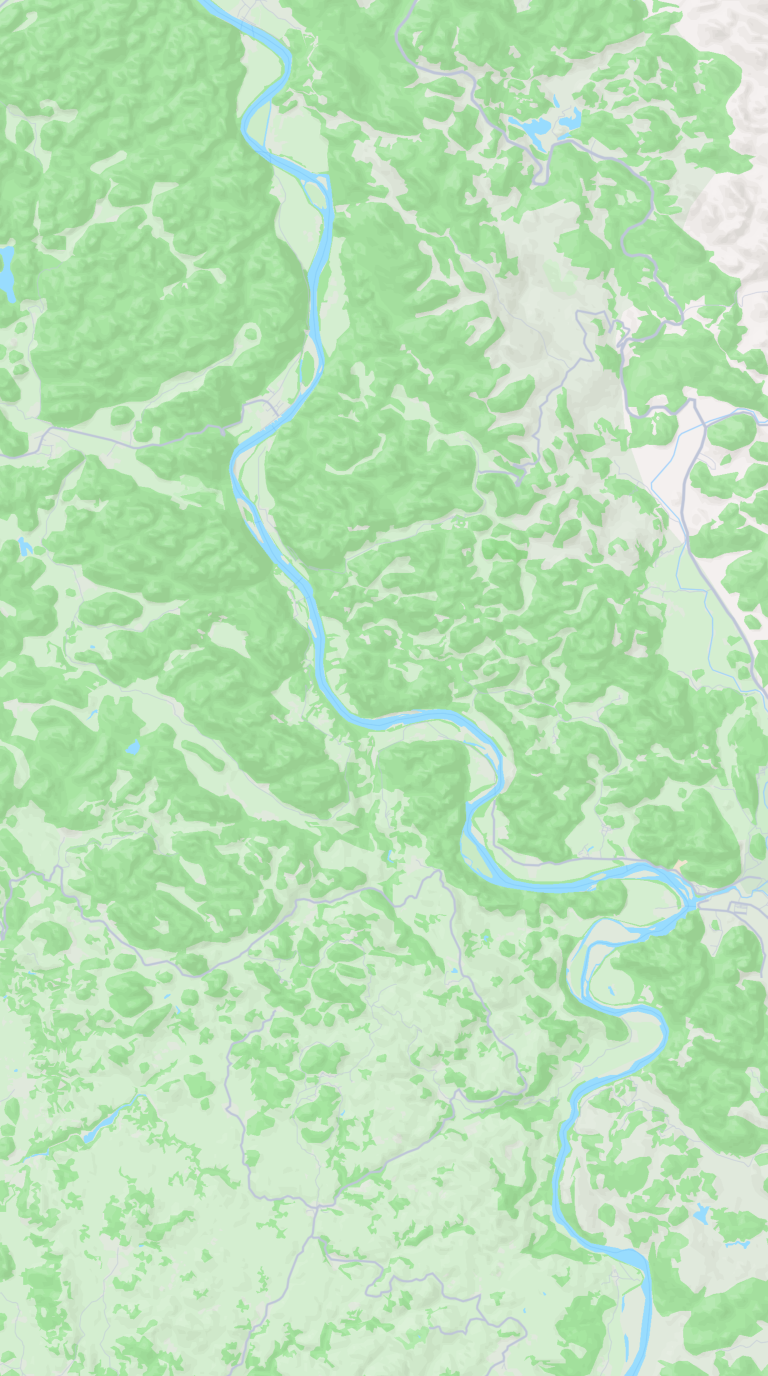
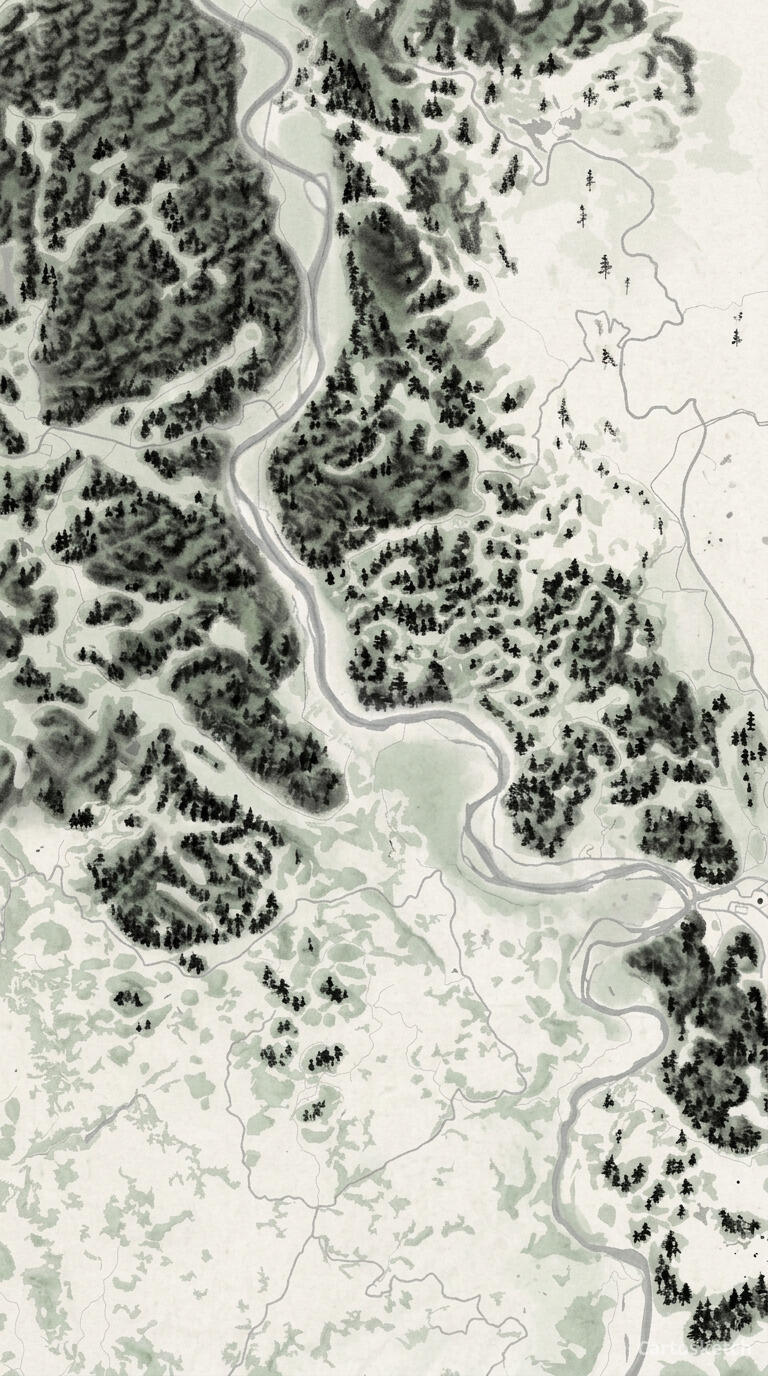 Cartosketch
Mapbox
Cartosketch
Mapbox
And on GPS routes
Routes are especially unforgiving because the line is the product. Doubao can help you describe the route, or generate a route-like image from a prompt, but it does not ingest a GPX or FIT file as the ground truth. So the result is a visual guess, not the activity you actually recorded.
Cartosketch reads the file, draws the exact track, and then styles it. That makes it suitable for prints, gifts, and anything where the route itself is the point.
| Dimension | Doubao | Cartosketch |
|---|---|---|
| Input | Chat prompt / assistant flow | Mapbox map view, or a GPX / FIT route file |
| Geographic accuracy | Prompted, but approximate | Preserved from real Mapbox data |
| GPX / FIT support | None | Native |
| Consumer UX | Very low friction | Purpose-built but still simple |
| Chinese-first workflow | Strong | Strong, with localized marketing content |
| Commercial use | Depends on product terms | Included on every paid plan |
| Learning curve | Natural language chat | Pick a place or route, then style it |
When to use which
How Cartosketch fits consumer AI users
- There is no prompt engineering tax: frame a place or upload a route and generate.
- The output is ready for print, sharing, or post-processing in a design app.
- You get the convenience of a simple workflow without giving up geographic accuracy.
Frequently asked questions
- Can Doubao make a nice-looking map poster?
- Yes, it can make a pleasant image. The issue is whether you need the map to be exact.
- Can Doubao read a GPX file?
- Not as the geometry source for the final image. Cartosketch can.
- Is Doubao a good replacement for Cartosketch?
- Only if the real place and real route do not matter.
- Can I take Cartosketch output into another design tool?
- Yes. The downloadable file is meant to be finished elsewhere if needed.
New accounts get one free credit — no credit card required.