
Cartosketch vs. Flux & Stable Diffusion + ControlNet: Is the DIY Stack Worth It?
You can self-host Flux or Stable Diffusion, mask a Mapbox tile with ControlNet, and restyle the result. It works — but is the time and GPU bill worth it for map and route art? An honest comparison.
All artwork in this article was generated with Cartosketch — an AI tool that re-styles real Mapbox geography and GPS routes.
For technically minded readers there is a real alternative to a hosted product like Cartosketch: run your own open-source image stack. Flux.1 or Stable Diffusion XL, plus ControlNet to keep the geometry, plus a custom data pipeline to feed it a real map view or a parsed GPX track. It works. The question is whether the time, GPU bill, and ongoing maintenance are worth it for the specific job of putting a map or a route on the wall.
Where the DIY stack wins
If you already host your own diffusion models, ComfyUI workflows are a first-class way to compose a map-art pipeline. ControlNet's Canny edge or depth modes let you condition on a Mapbox tile so the streets stay intact. IP-Adapter lets you bias by style reference. Trained LoRAs let you push a specific aesthetic. You own the weights, the prompts, the data, and the output rights without any third-party terms of service. For research projects, agency work with strict IP requirements, or experiments that go beyond what a curated style picker can express, that control is genuinely useful.
What you actually have to build
For maps, ControlNet handles the "keep the streets" part once you feed it a Mapbox tile. Getting that tile in is the work: a Mapbox account, a renderer, a way to let users frame zoom/bearing/pitch, a canvas capture, then a workflow that wires the tile into the ControlNet pre-processor. None of that is hard individually. All of it together is a project.
Cartosketch hides all of this. You frame a place, you pick a style, and the system locks the geometry by sending the captured Mapbox canvas to the model. The compare below shows the kind of output that flow produces — same idea you would build with ControlNet, with the building already done.
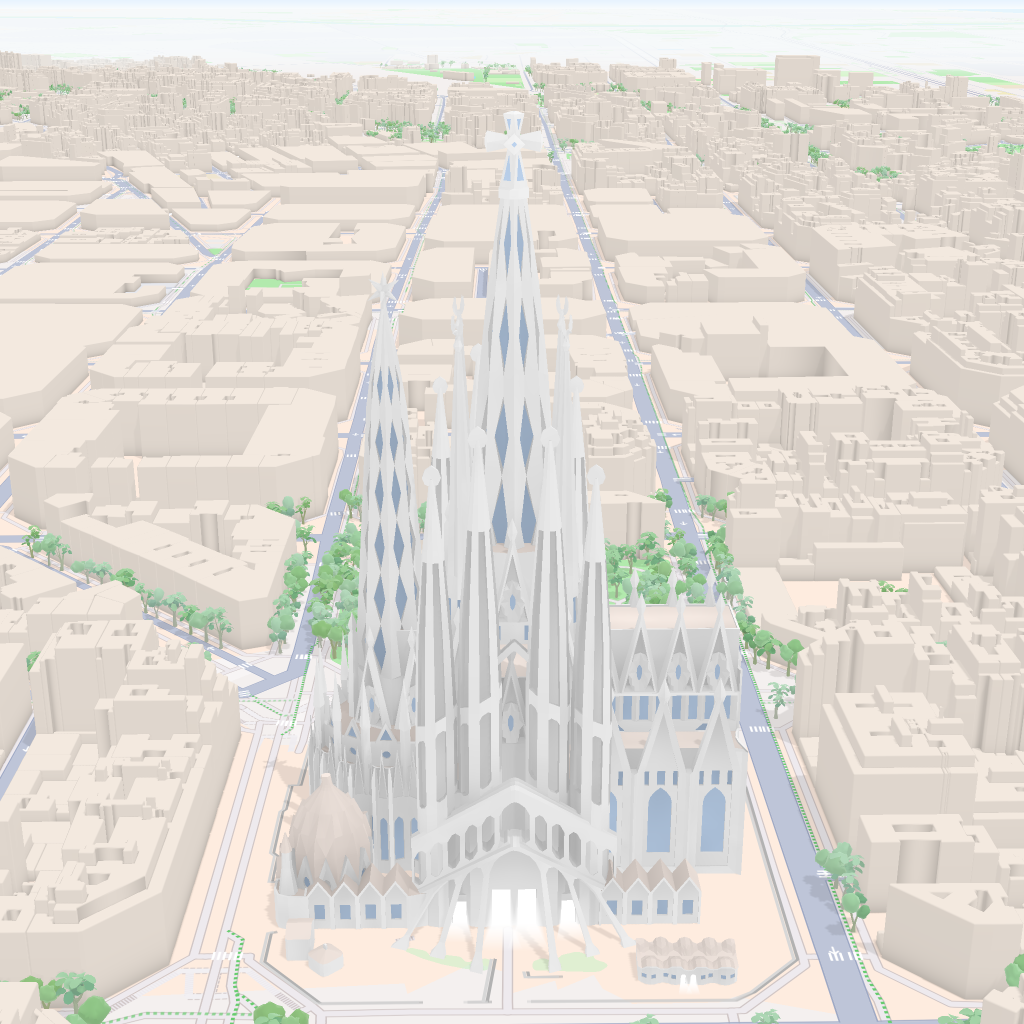
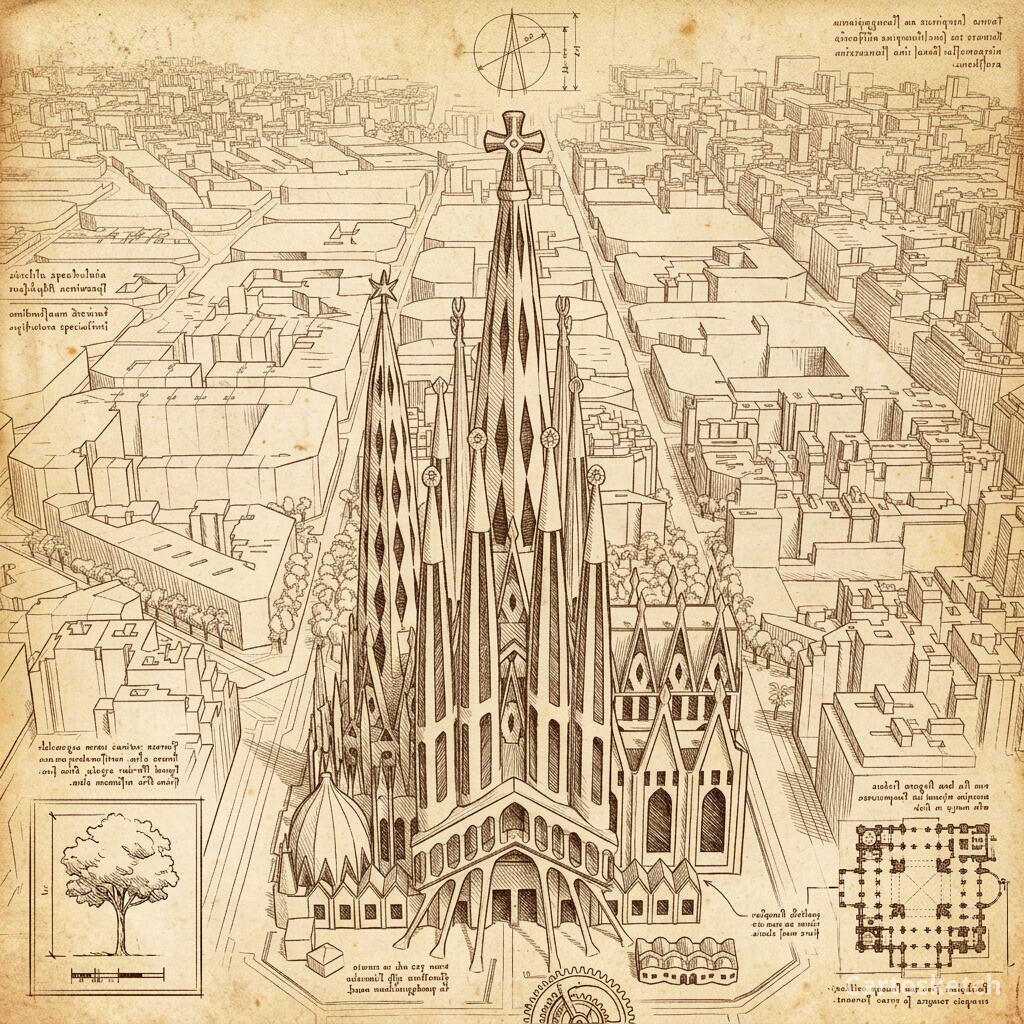 Cartosketch
Mapbox
Cartosketch
Mapbox
Routes raise the bar
Routes make the DIY ladder twice as long. You need a GPX/FIT parser, a projection step, a polyline renderer on a Mapbox-style basemap (or a custom basemap), a stats card composer (distance, elevation, time), and only then a ControlNet-conditioned pass. Each of those is a maintainable Python script. Together they are a small product.
Cartosketch ships the whole route pipeline. You upload a GPX, the browser parses it and draws it on a Mapbox canvas, the model restyles, and a stats overlay is burned in for the printable variant.
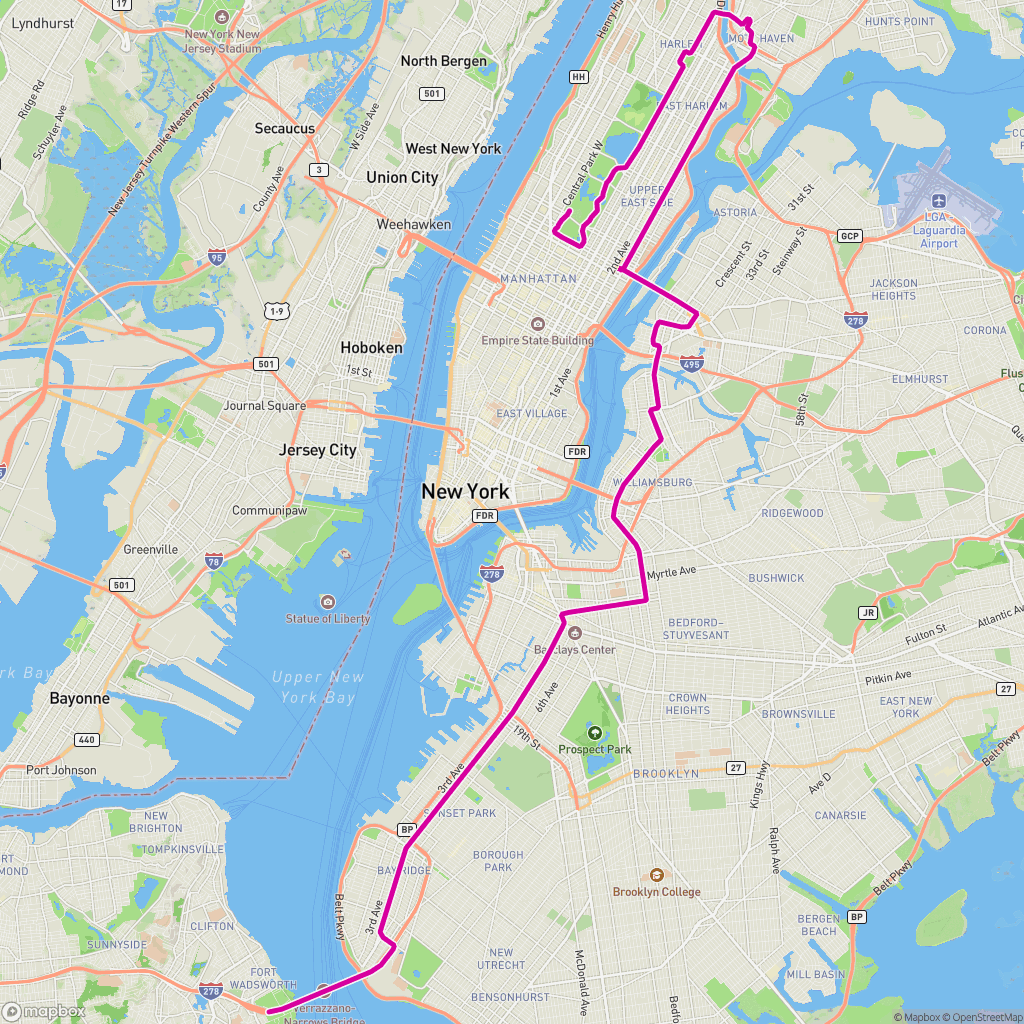
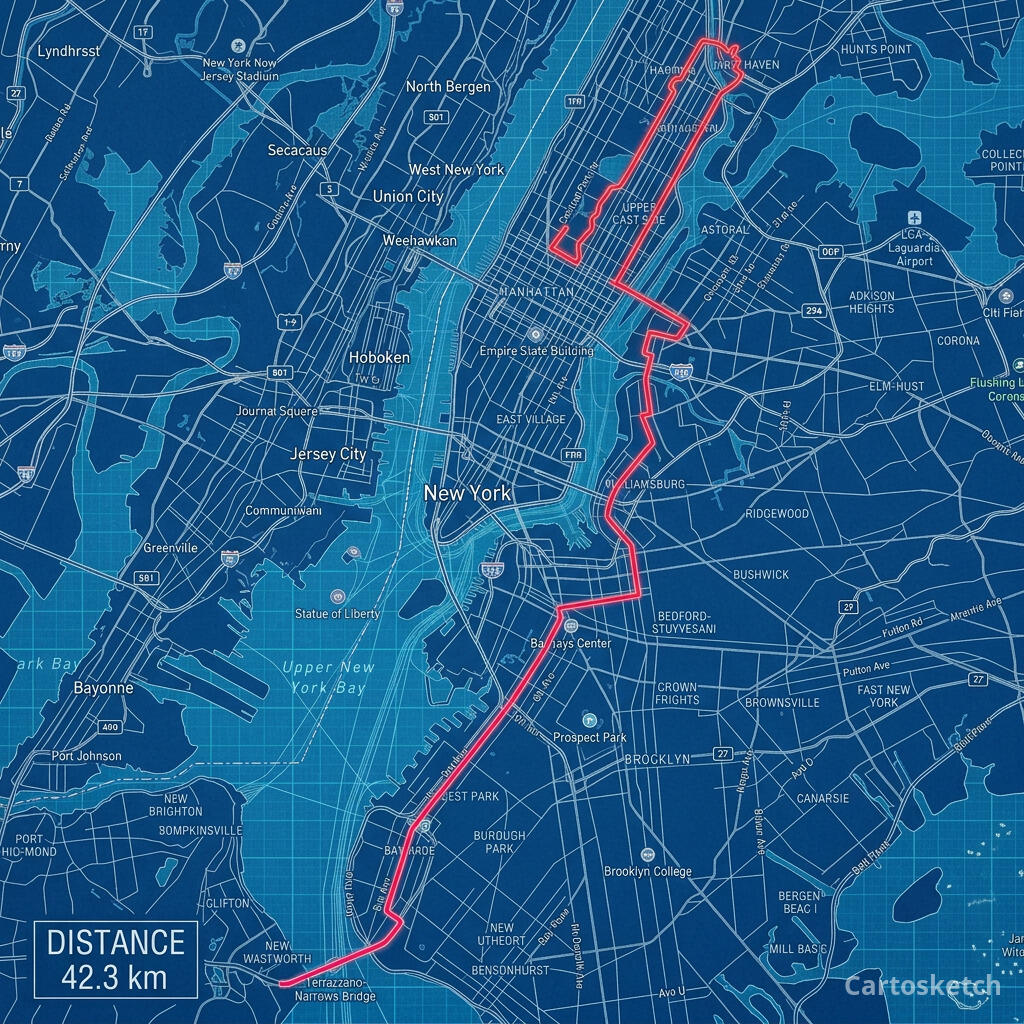 Cartosketch
GPX on Mapbox
Cartosketch
GPX on Mapbox
Dimension-by-dimension
| Dimension | Flux / SDXL + ControlNet (DIY) | Cartosketch |
|---|---|---|
| Geometry preservation | ControlNet Canny / depth, tuned by hand | Mapbox canvas sent as model input |
| Mapbox tile capture | You build the renderer + canvas | Built in |
| GPX / FIT route pipeline | You write the parser + projection | Built in |
| Style library | Your own prompts + LoRAs | 17 tuned styles |
| Stats card overlay (routes) | You build it | Built in |
| Resolution & watermarking | Your scripts | 0.5K / 1K / 2K / 4K, watermark variant |
| GPU / hardware | Your own (or cloud GPU) | No infra on your side |
| Cost per image | Mostly time + electricity | 1–3 credits per generation |
| Output rights | Yours, by definition | Commercial use on every paid plan |
| Time to first printable poster | Days, if you start from scratch | About three minutes |
When to use which
How Cartosketch keeps the geometry without ControlNet
- The browser captures the live Mapbox canvas (Standard or Satellite) at the framing the user chose.
- For routes, the GPX/FIT track is parsed and drawn on the same canvas with distance and elevation stats.
- That canvas is uploaded as the model input — not a prompt about the place, the actual rendered tile.
- A style-specific prompt from Sketches::Styles tells the model how to restyle the image without altering the layout.
- MiniMagick scales the result to the plan's tier and burns in a Cartosketch watermark on the variant.
Frequently asked questions
- Can ControlNet preserve a marathon route as accurately as Cartosketch?
- Yes, if you render the route on a basemap first and feed that image to ControlNet. The accuracy is in the rendering step, not the model. Cartosketch automates that rendering step so the line you upload is the line you get back.
- Is the DIY stack cheaper?
- Only if you already own the GPU and ignore your own time. Per generation, electricity is pennies. Per printable poster, you are paying with hours of building and maintaining the pipeline.
- Can I train my own LoRA on top of Cartosketch?
- No, Cartosketch does not expose model training. If custom LoRAs are central to your workflow, the DIY stack is the right tool. Cartosketch's curated style library is meant to give you a small set of consistent looks, not infinite customisation.
- Do I get the full-resolution PNG?
- Yes — paid plans get the unwatermarked origin PNG up to 4K, plus the watermarked JPEG variant. Commercial use is included on every paid plan.
New accounts get one free credit — no credit card required.