
Cartosketch vs. Ideogram for Map & Route Posters: Typography Without Geography
Ideogram is excellent at readable text, poster layouts, and clean finishes — but can it preserve the real street grid or your GPX route? A practical comparison for map posters and route prints.
All artwork in this article was generated with Cartosketch — an AI tool that re-styles real Mapbox geography and GPS routes.
Ideogram is one of the cleanest consumer image tools when the job depends on text. It is the kind of product you reach for when the poster has to read well at a glance. For map and route art, though, typography is only half the battle. This post compares Ideogram and Cartosketch on the harder part: the streets and the route have to stay real.
Where Ideogram wins
If the poster needs to carry words, Ideogram is a serious option. Titles, slogans, labels, callouts, and general layout coherence are the kinds of problems it handles better than most consumer image apps. That makes it good for social graphics, event posters, and any composition where the text itself is part of the design.
Where it falls apart on maps
The weakness is the same one every prompt-first image tool hits: it does not know which street has to be where. Prompt it with a famous city and it can make something that looks like that city, but it will not lock the exact grid, coastline, or landmark positions to ground truth. The labels may look sharper than most tools, but the geography is still invented.
Cartosketch starts from the opposite direction. You frame the place on Mapbox, the browser captures the canvas, and that real geometry becomes the base image. The model then changes the style without replacing the streets.
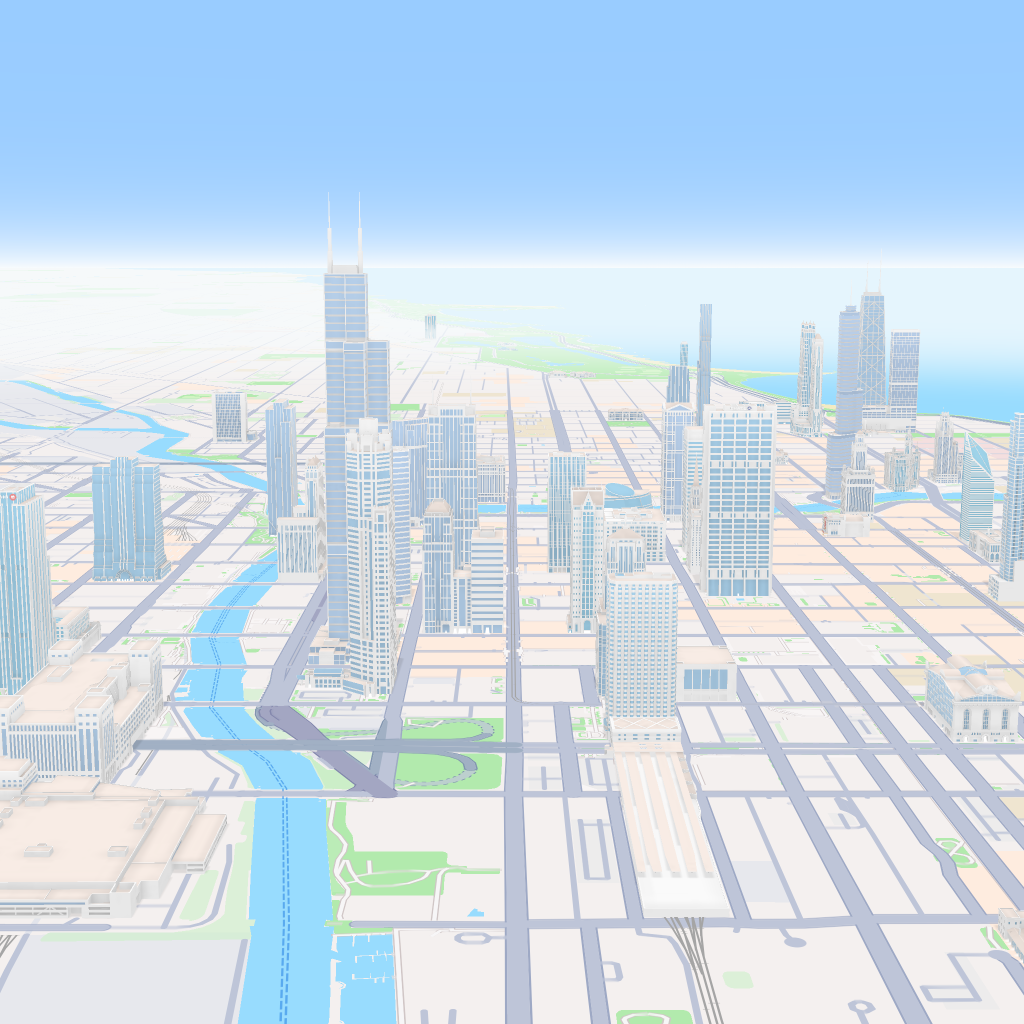
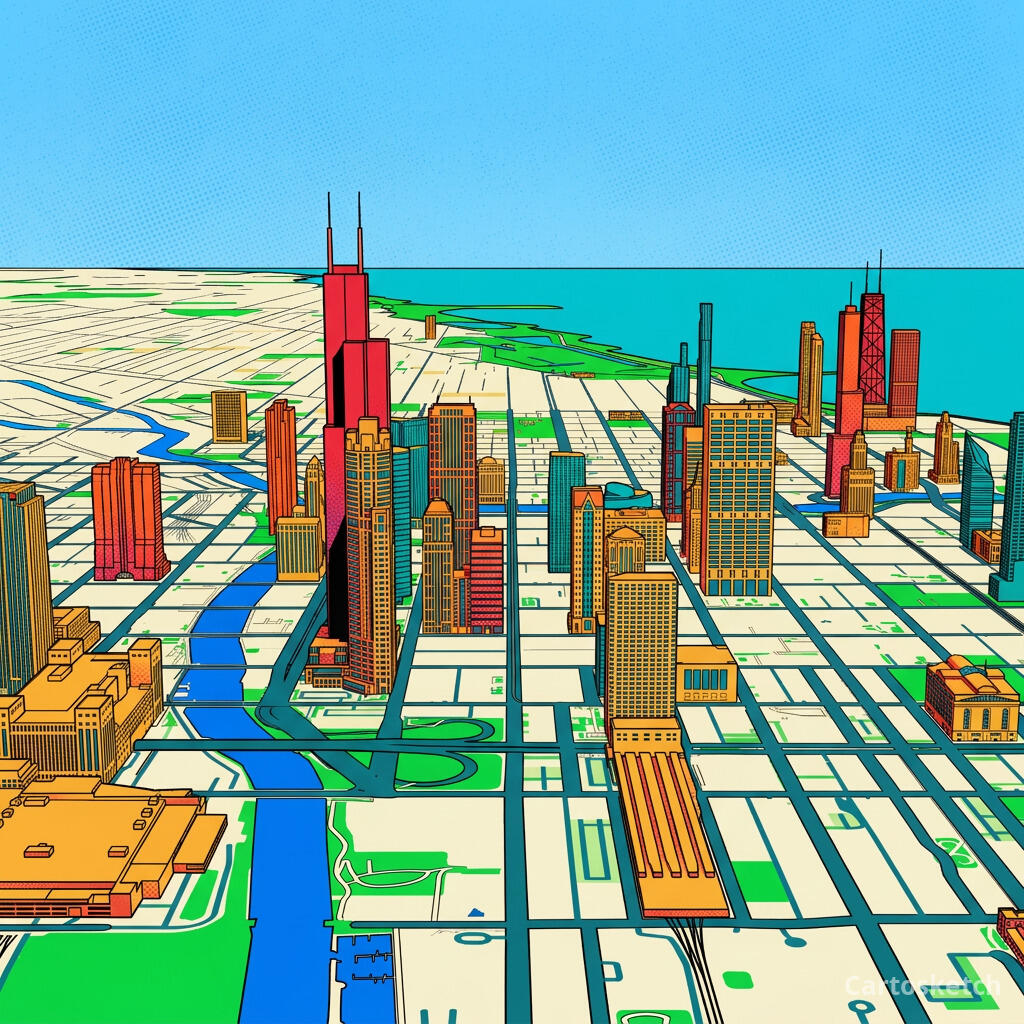 Cartosketch
Mapbox
Cartosketch
Mapbox
And on GPS routes
Routes are even less forgiving. A marathon route is not an illustration of a route — it is a specific polyline. Ideogram can draft a route poster, but it cannot ingest a GPX or FIT file as the geometry source. If you want the line on the wall to match the line you actually ran, prompt-only generation is the wrong tool.
Cartosketch parses the file, draws the real track on Mapbox, and then restyles that exact track. That is the difference between a nice route-themed image and a route record you would actually frame.
| Dimension | Ideogram | Cartosketch |
|---|---|---|
| Input | Text prompt + optional references | Mapbox map view, or a GPX / FIT route file |
| Geographic accuracy | Prompted, but approximate | Preserved from real Mapbox data |
| GPX / FIT support | None | Native |
| Text rendering | Excellent | Secondary to geography |
| Poster finish | Very strong | Strong, with map-specific styling |
| Commercial use | Depends on plan and terms | Included on every paid plan |
| Learning curve | Prompt and iterate | Pick a place or route, then style it |
When to use which
How Cartosketch handles text-heavy designs
- The map or route is rendered first, so labels and route stats sit on top of real geometry.
- Styles are tuned for readable posters, not free-form experimental art.
- The output is sized for print, so you can finish it in a design app after download.
- Commercial use is included on every paid plan.
Frequently asked questions
- Can Ideogram draw a real map if I prompt it carefully enough?
- It can draw a believable map-like image, and the typography will be cleaner than most tools. It still does not have a real geographic source, so the layout is approximate rather than exact.
- Can Ideogram read a GPX file?
- No. It is a prompt-first image tool, not a route parser.
- Is Ideogram a better poster tool than Cartosketch?
- Only when the poster is mostly about text and layout. For a real place or a real route, Cartosketch is the better fit because the geometry is grounded first.
- Can I use Cartosketch output in commercial work?
- Yes. Commercial use is included on every paid plan.
New accounts get one free credit — no credit card required.