
Cyberpunk Map Art: Turn Any City Into a Neon Future
Turn a real place — your city, a dense district, a skyline — into a cyberpunk map glowing with neon. Real Mapbox geography, high-tech low-life atmosphere, print-ready up to 4K.
All artwork in this article was generated with Cartosketch — an AI tool that re-styles real Mapbox geography and GPS routes.
Cyberpunk style turns a map into a rain-slicked vision of the future. Electric neon, deep shadow, and the glow of a thousand signs recast streets and blocks as a dense, high-tech metropolis after dark. It is bold, atmospheric, and unmistakably sci-fi — a striking way to put a city you love on the wall with the volume turned all the way up. This guide shows how to turn any real location into a cyberpunk map.
A short history of cyberpunk
Cyberpunk began as a literary movement in 1980s science fiction, crystallised by William Gibson's novel *Neuromancer* (1984) and a wave of writers imagining a near future of sprawling cities and ubiquitous technology. Its defining mood — "high tech, low life" — pictured neon-soaked, rain-drenched megacities ruled by faceless corporations, where dazzling technology sits beside human grit. Ridley Scott's *Blade Runner* (1982) gave the genre its enduring look: towering buildings, glowing advertising, perpetual night, and reflective wet streets. That cinematic vision of the dense city after dark is exactly what makes cyberpunk so at home on a map.
Why cyberpunk style works on a map
A city map at night is already pure cyberpunk material. Streets become rivers of light, blocks glow with neon edges, and dense districts read as a circuit board of signs and traffic. A dark, high-contrast palette shot through with electric magenta, cyan, and orange turns an ordinary grid into a charged, atmospheric scene. It works best for dense urban cores, busy nightlife districts, harbours, and skylines with strong vertical drama.
The geography stays exact. The tangle of the streets, the line of the harbour, the position of every block — all preserved from real Mapbox data, then lit up by AI in neon. You're not generating an imaginary city; you're stylizing the real place you framed.
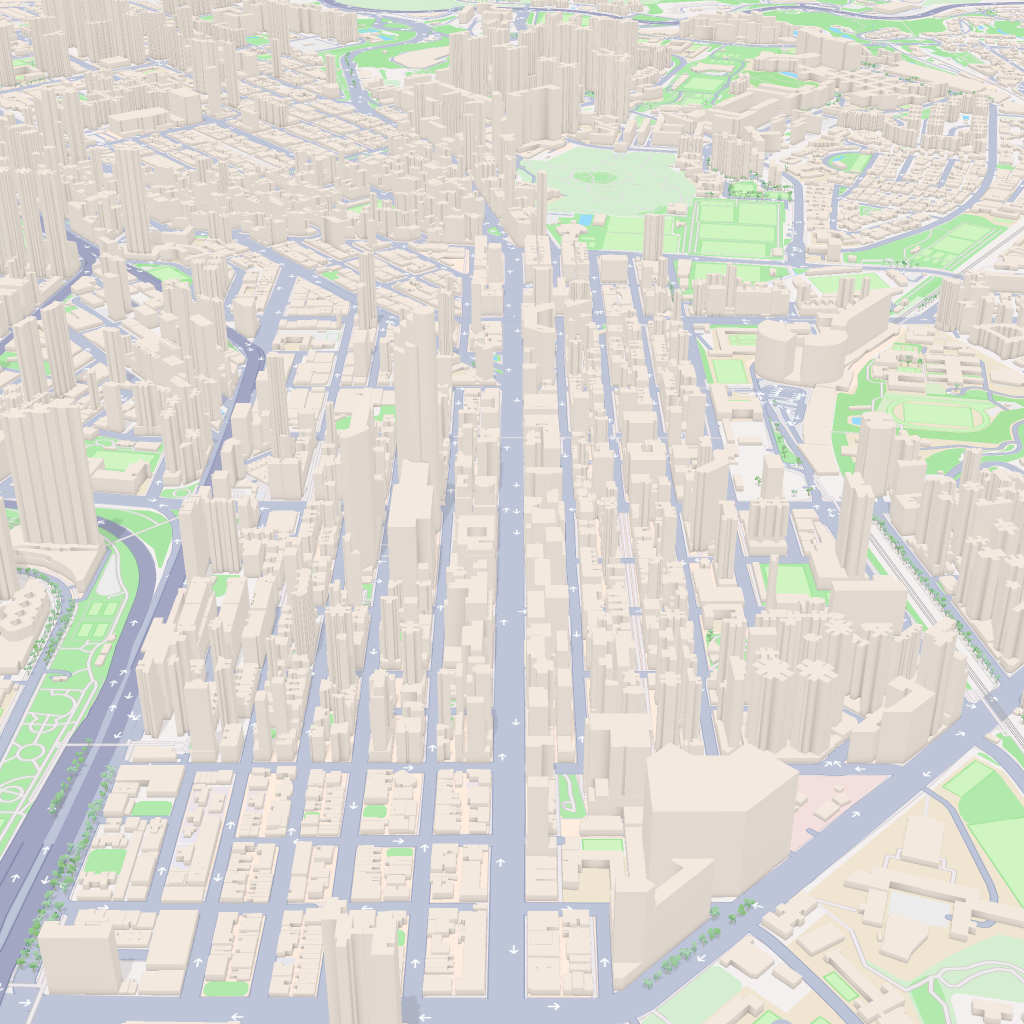
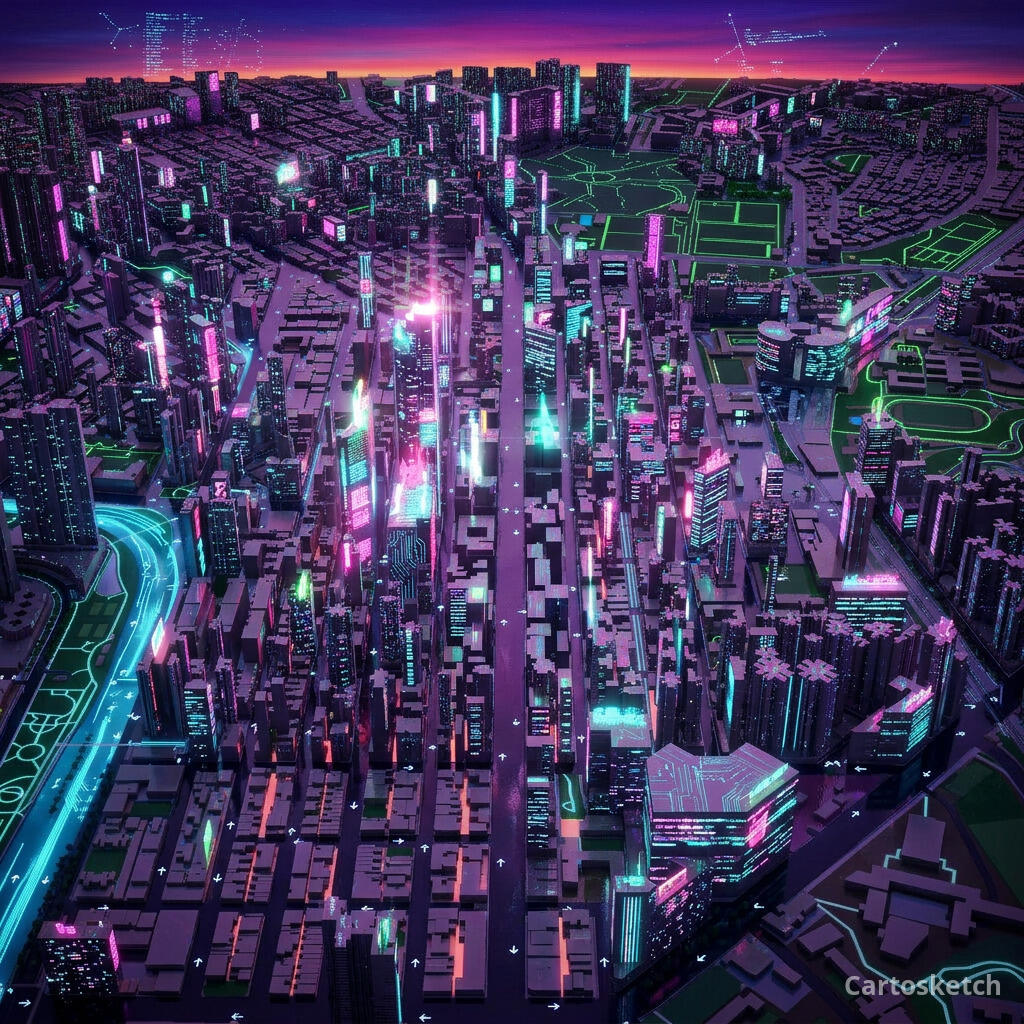 Cartosketch
Mapbox
Cartosketch
Mapbox
How to make your own
- Open Cartosketch → New Map, search the place or drag the map to frame it.
- Pick Standard or Satellite; set zoom, bearing, and pitch until the composition feels right.
- Choose the Cyberpunk style.
- Generate — in seconds you get a finished piece with the real geography preserved.
- Download up to 4K and print or frame it. Commercial use is included on every plan.
Print sizes & resolution
| Plan | Max resolution | Aspect ratio | Good for |
|---|---|---|---|
| Free | 0.5K | 1:1 square | Social posts, a quick test print |
| Paid | Up to 4K | Any (incl. portrait/landscape) | Framed wall art, large-format prints |
Frequently asked questions
- Is this AI?
- Yes. Cartosketch re-styles real Mapbox geography with an AI model — the layout is real and preserved; the neon glow, shadow, and high-tech atmosphere are generated.
- Is it the real place, or a generic illustration?
- The real place. It is built from the actual map view you frame, so streets, harbours, and landmarks match reality.
- Can I print and sell it?
- Print at any size up to your plan's resolution; commercial use is included on every plan. Just don't reuse an official name or logo as branding.
- How much does it cost?
- New accounts get one free credit. Paid plans add higher resolution (up to 4K), custom aspect ratios, and more credits.
New accounts get one free credit — no credit card required.