
Da Vinci Map Art: Turn Any Place Into a Renaissance Sketch
Turn a real place — your city, a river, a landmark — into a Da Vinci-style map drawn in warm sepia ink. Real Mapbox geography, Renaissance notebook look, print-ready up to 4K.
All artwork in this article was generated with Cartosketch — an AI tool that re-styles real Mapbox geography and GPS routes.
Da Vinci style turns a map into a page from a Renaissance notebook. Fine sepia-ink linework, delicate cross-hatching, and the warm tone of aged paper recast streets and coastlines as if they were sketched by hand five centuries ago. It is a scholarly, timeless look — equally at home as a study-room print or a thoughtful gift. This guide shows how to turn any real location into a Da Vinci-style map.
A short history of Da Vinci's style
Leonardo da Vinci (1452–1519) was the defining polymath of the Italian Renaissance — painter, anatomist, engineer, and inveterate notebook-keeper. Working largely in and around Florence and Milan, he filled thousands of pages of his codices with warm brown iron-gall ink: anatomical studies, flying machines, water currents, and architecture, annotated in his famous mirror writing. His drawings pair precise observation with the soft tonal transitions he perfected in paint — the technique known as sfumato. That blend of engineering rigour and a delicate hand is exactly what lets his style sit so naturally over a map.
Why Da Vinci style works on a map
A map is, at heart, a technical drawing — and so were Leonardo's. His sepia linework, light cross-hatching, and aged-paper ground turn streets, rivers, and building footprints into something that reads like a page lifted from a 16th-century codex. Coastlines become flowing contour lines, city blocks become hatched studies, and the muted brown palette gives the whole piece a scholarly, antique calm. It suits historic cities, university towns, rivers, and any place with a story worth studying.
The geography stays exact. The bend of the Arno, the footprint of the Duomo, the layout of the streets — all preserved from real Mapbox data, then redrawn by AI in Leonardo's hand. You're not generating an imaginary city; you're stylizing the real place you framed.
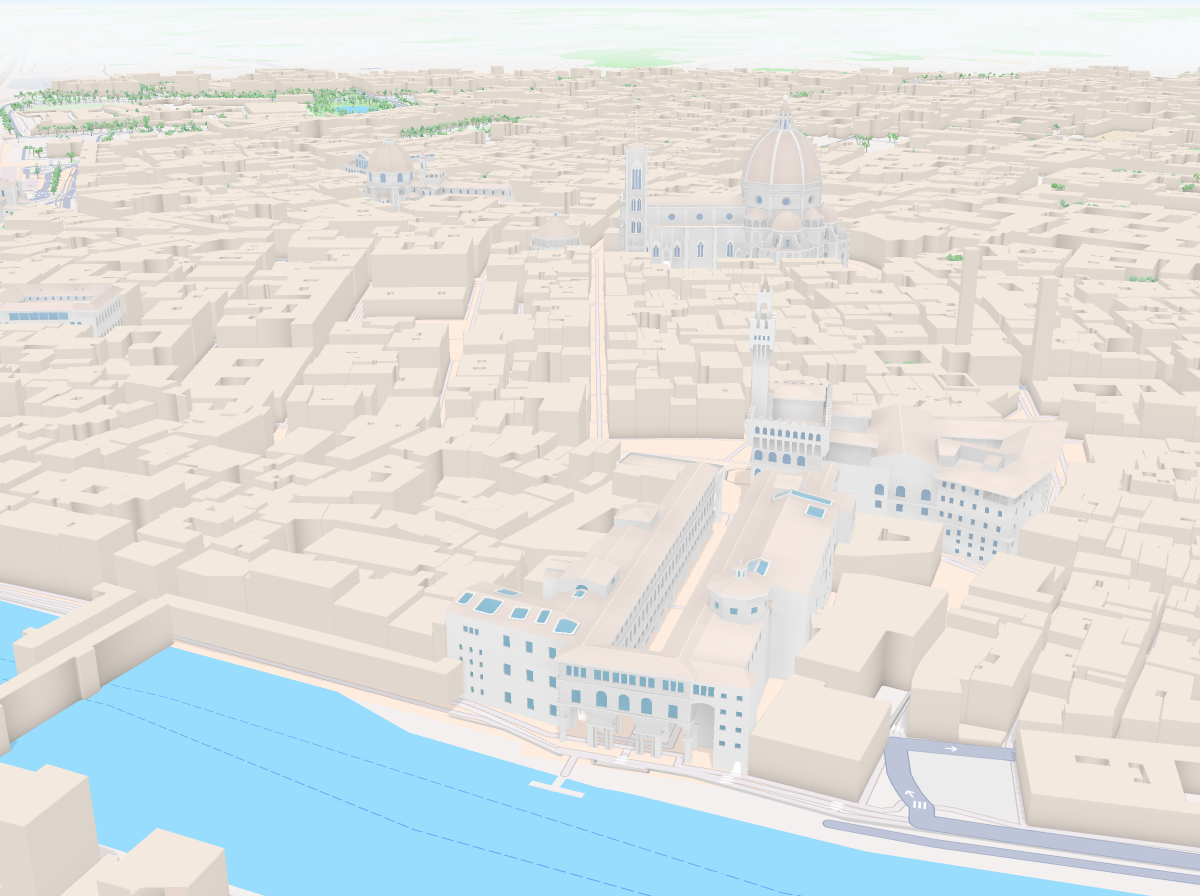
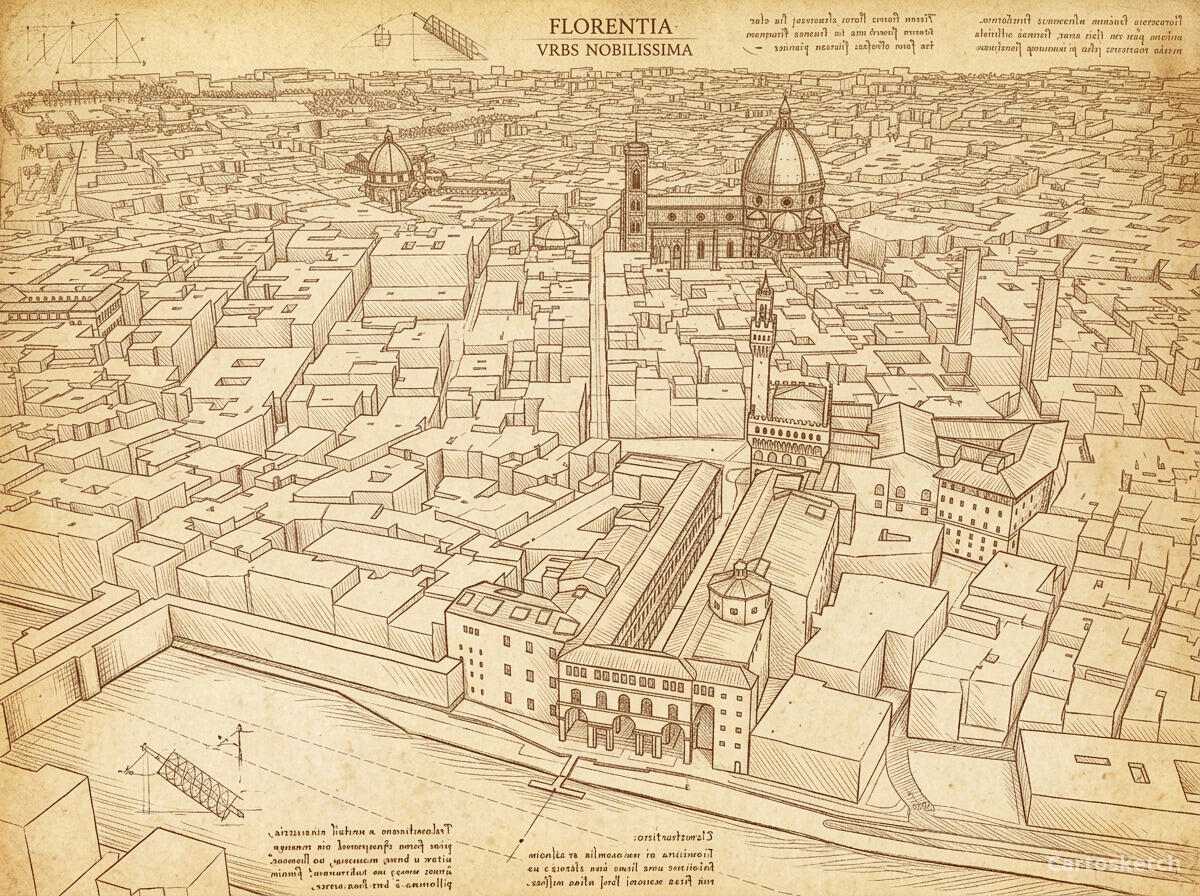 Cartosketch
Mapbox
Cartosketch
Mapbox
How to make your own
- Open Cartosketch → New Map, search the place or drag the map to frame it.
- Pick Standard or Satellite; set zoom, bearing, and pitch until the composition feels right.
- Choose the Da Vinci style.
- Generate — in seconds you get a finished piece with the real geography preserved.
- Download up to 4K and print or frame it. Commercial use is included on every plan.
Print sizes & resolution
| Plan | Max resolution | Aspect ratio | Good for |
|---|---|---|---|
| Free | 0.5K | 1:1 square | Social posts, a quick test print |
| Paid | Up to 4K | Any (incl. portrait/landscape) | Framed wall art, large-format prints |
Frequently asked questions
- Is this AI?
- Yes. Cartosketch re-styles real Mapbox geography with an AI model — the layout is real and preserved; the sepia ink linework and cross-hatching are generated.
- Is it the real place, or a generic illustration?
- The real place. It is built from the actual map view you frame, so streets, rivers, and landmarks match reality.
- Can I print and sell it?
- Print at any size up to your plan's resolution; commercial use is included on every plan. Just don't reuse an official name or logo as branding.
- How much does it cost?
- New accounts get one free credit. Paid plans add higher resolution (up to 4K), custom aspect ratios, and more credits.
New accounts get one free credit — no credit card required.