
Minecraft Style Map Art: Turn Any Place Into a Voxel Block Adventure
Turn a real place — a canyon, a mountain range, or a grid-based city — into a Minecraft-style 3D voxel map. Real Mapbox geography, blocky retro charm, and print-ready resolution up to 4K.
All artwork in this article was generated with Cartosketch — an AI tool that re-styles real Mapbox geography and GPS routes.
Minecraft style transforms flat cartographic data into a playful, blocky 3D landscape that feels like it was built block-by-block. Perfect for highlighting dramatic elevations and structured city grids, this voxel-based aesthetic brings a tactile, video-game-inspired charm to any location. Whether you want to showcase the majestic contours of a natural canyon or the pixelated grids of a metropolis, this style turns real geography into an interactive-looking masterpiece ready to print.
A short history of Minecraft style
Minecraft, created by Markus "Notch" Persson and released officially by Mojang in 2011, became the best-selling video game of all time. Its visual identity — built entirely of low-resolution, textured 3D voxel blocks — defined a new era of sandbox creativity and retro-modern gaming aesthetic. The core beauty of Minecraft lies in how complex, organic landscapes are stylized into hard-edged, modular blocks, making natural mountains and canyons read as majestic, stepped pyramids of earth and stone. It is a style that turns geographic realism into pixelated wonder.
Why Minecraft style works on a map
A map in Minecraft style translates real elevation changes into distinct steps of voxel blocks. Mountain peaks become steep block piles, and deep river gorges turn into pixelated channels cut into flat layers. For cities, buildings are rendered as square block towers, turning urban grids into digital LEGO sets. This style works exceptionally well for destinations with massive terrain variation — like the Grand Canyon, alpine passes, and volcanic islands — or highly geometric cities.
The geography remains completely real. Streets, rivers, and the exact physical boundary of canyons are pulled directly from actual Mapbox data, then stylized by AI into voxel shapes. The layout matches reality; the representation is pure blocky fun.
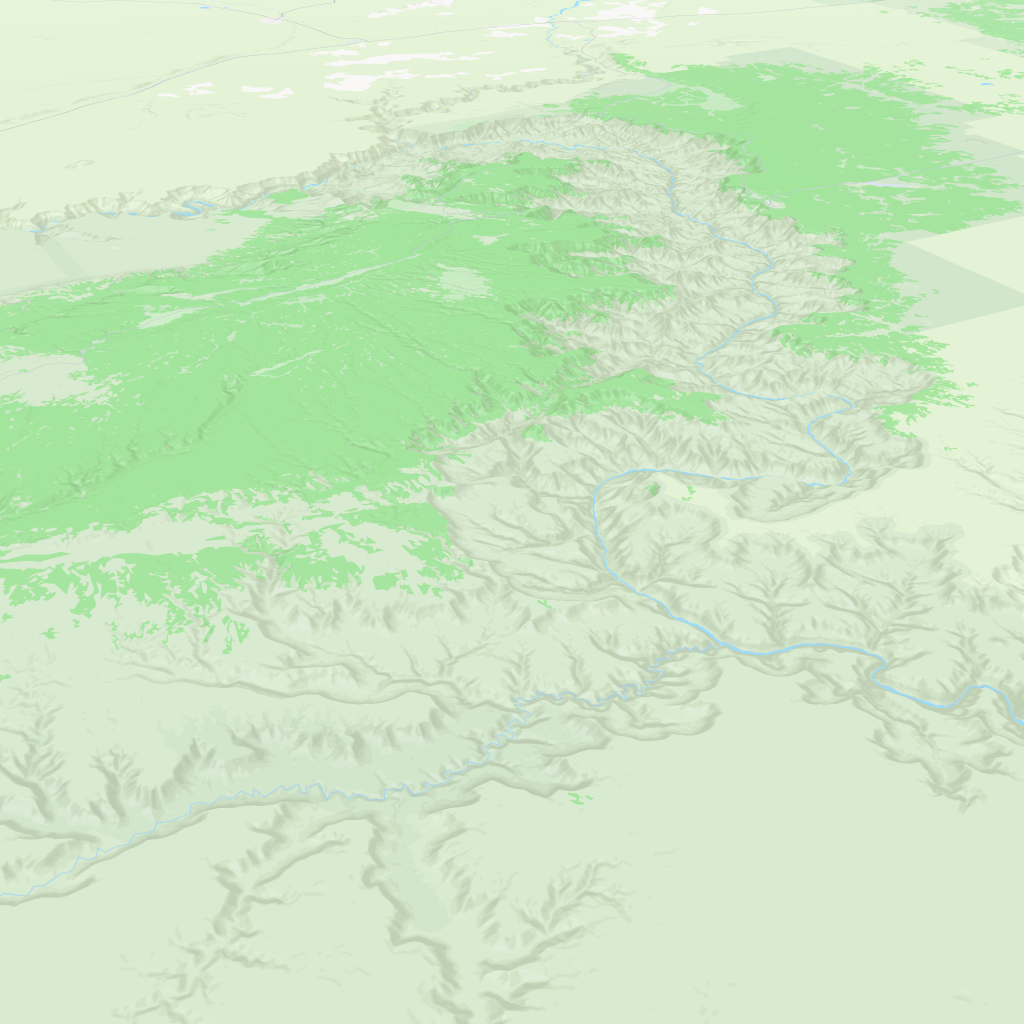
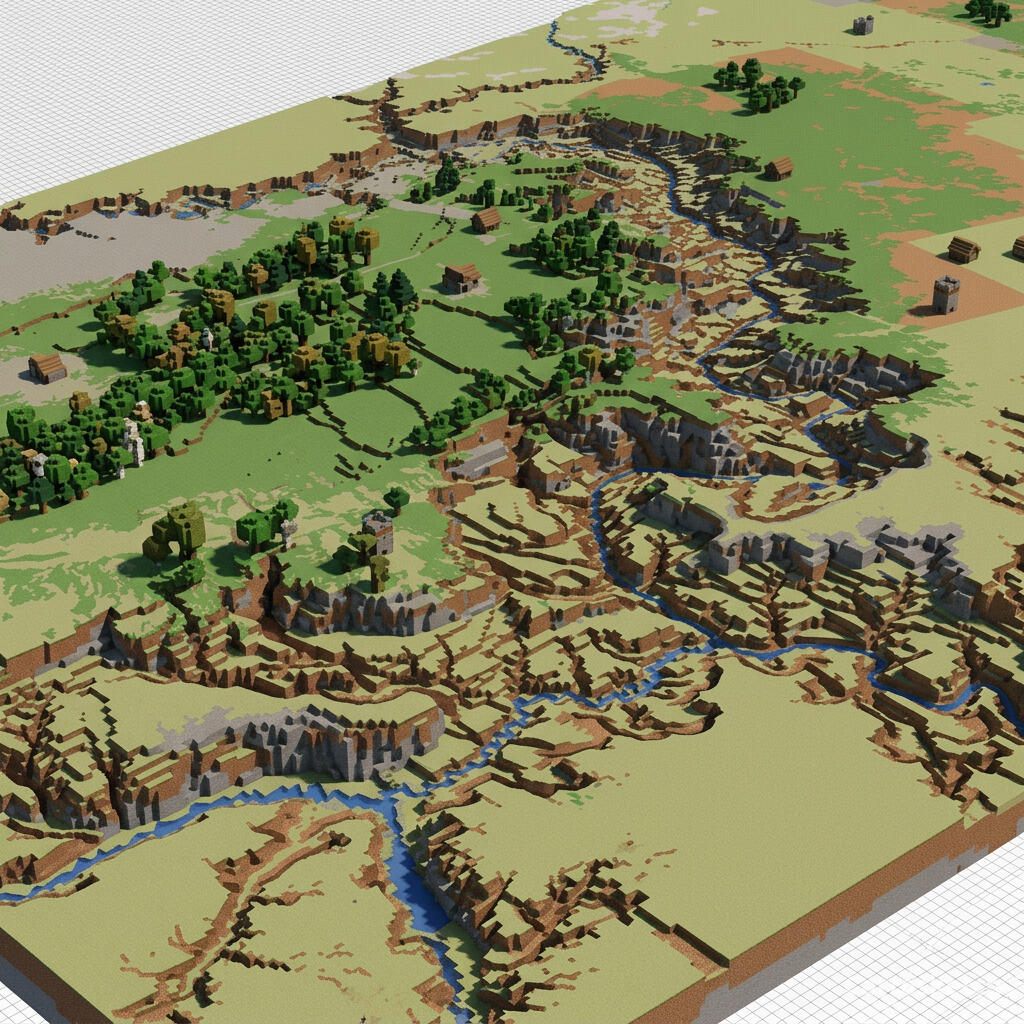 Cartosketch
Mapbox
Cartosketch
Mapbox
How to make your own
- Open Cartosketch → New Map, search the place or drag the map to frame it.
- Pick Standard or Satellite; set zoom, bearing, and pitch to capture the composition.
- Choose the Minecraft style.
- Generate — in seconds you get a finished piece with the real geography preserved.
- Download up to 4K and print or frame it. Commercial use is included on every plan.
Print sizes & resolution
| Plan | Max resolution | Aspect ratio | Good for |
|---|---|---|---|
| Free | 0.5K | 1:1 square | Social posts, a quick test print |
| Paid | Up to 4K | Any (incl. portrait/landscape) | Framed wall art, large-format prints |
Frequently asked questions
- Is this AI?
- Yes. Cartosketch re-styles real Mapbox geography with an AI model — the layout is real and preserved; the voxel blocks and Minecraft-inspired textures are generated.
- Is it the real place, or a generic illustration?
- The real place. It is built from the actual map view you frame, so the paths of canyons, rivers, and streets match reality.
- Can I print and sell it?
- Print at any size up to your plan's resolution; commercial use is included on every plan. Just don't reuse an official name or logo as branding.
- How much does it cost?
- New accounts get one free credit. Paid plans add higher resolution (up to 4K), custom aspect ratios, and more credits.
New accounts get one free credit — no credit card required.