
Stained Glass Map Art: Turn Any Place Into a Luminous Window
Turn a real place — your city, an old town, a river bend — into a stained glass map glowing with leaded colour. Real Mapbox geography, cathedral-window light, print-ready up to 4K.
All artwork in this article was generated with Cartosketch — an AI tool that re-styles real Mapbox geography and GPS routes.
Stained glass turns a map into a luminous window. Streets and rivers become dark leading; the blocks between them glow like panes lit from behind. It is one of the most decorative ways to put a place on the wall — radiant, jewel-toned, and instantly recognisable. This guide shows how to take any real location and restyle it into a stained glass map worth framing.
A short history of stained glass
Stained glass is one of the great decorative arts of the medieval world, perfected in the soaring cathedrals of Gothic Europe between the 12th and 16th centuries. Coloured glass was cut into shapes and joined with strips of lead — the *came* — into windows that told stories from scripture or simply scattered light into colour. Chartres, Notre-Dame, and the Sainte-Chapelle in Paris remain its high points: walls dissolved into glass, the stone reduced to a frame for light. The art form survived the centuries and was revived again and again, from the Arts and Crafts movement to the glowing abstractions of the 20th century. Its logic — dark lead lines holding panes of saturated colour — maps almost perfectly onto a city.
Why stained glass style works on a map
A street map is already a web of lines dividing space into shapes — which is exactly what a stained glass window is. Roads and rivers become the dark leading; the blocks, parks, and islands they enclose become panes of glowing colour. A saturated, jewel-toned palette lit as if from behind turns an ordinary plan into a radiant window. It works beautifully for old towns with irregular street patterns, dense islands, and anywhere a river or coastline can carve a strong line through the composition.
The geography stays exact. The course of the streets, the bend of the river, the outline of every block — all preserved from real Mapbox data, then re-lit by AI as leaded glass. You're not generating an imaginary window; you're stylizing the real place you framed.
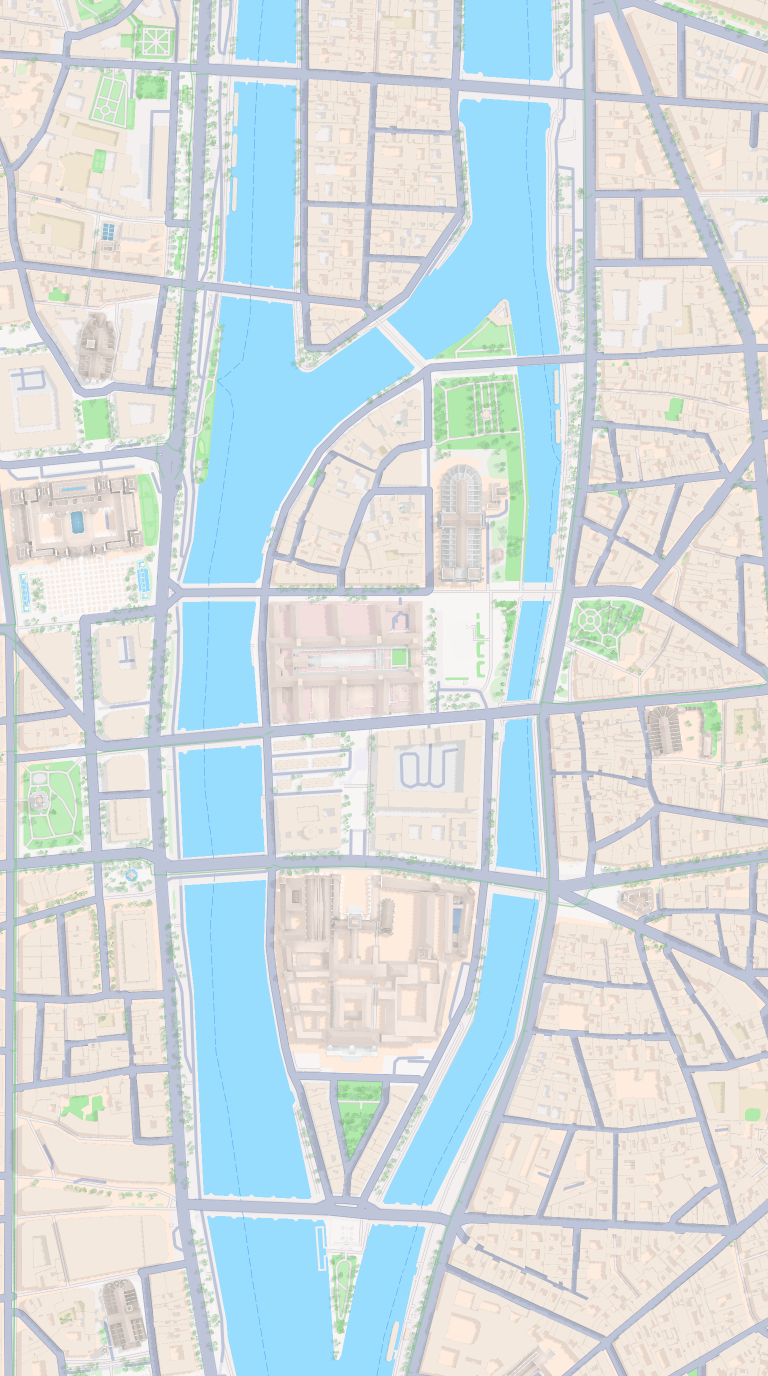 Mapbox
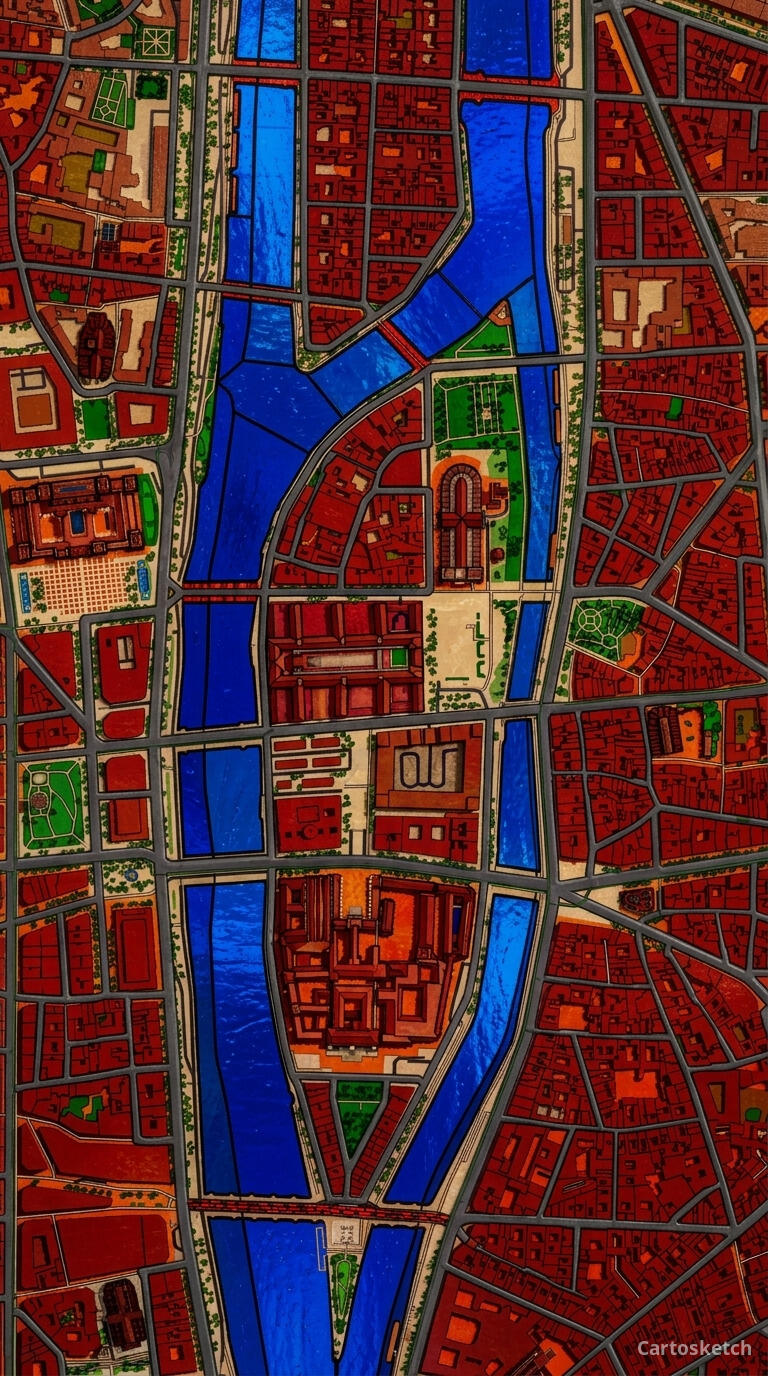 Cartosketch
How to make your own
- Open Cartosketch → New Map, search the place or drag the map to frame it.
- Pick Standard or Satellite; set zoom, bearing, and pitch until the composition feels right.
- Choose the Stained Glass style.
- Generate — in seconds you get a finished piece with the real geography preserved.
- Download up to 4K and print or frame it. Commercial use is included on every plan.
Print sizes & resolution
| Plan | Max resolution | Aspect ratio | Good for |
|---|---|---|---|
| Free | 0.5K | 1:1 square | Social posts, a quick test print |
| Paid | Up to 4K | Any (incl. portrait/landscape) | Framed wall art, large-format prints |
Frequently asked questions
- Is this AI?
- Yes. Cartosketch re-styles real Mapbox geography with an AI model — the layout is real and preserved; the leaded glass, colour, and light are generated.
- Is it the real place, or a generic illustration?
- The real place. It is built from the actual map view you frame, so streets, rivers, and landmarks match reality.
- Can I print and sell it?
- Print at any size up to your plan's resolution; commercial use is included on every plan. Just don't reuse an official name or logo as branding.
- How much does it cost?
- New accounts get one free credit. Paid plans add higher resolution (up to 4K), custom aspect ratios, and more credits.
New accounts get one free credit — no credit card required.