
Van Gogh Map Art: Turn Any Place Into a Swirling Starry-Night Painting
Turn a real city, river, or coastline into Van Gogh map art with thick impasto strokes and swirling starry colour. Real Mapbox geography, print-ready up to 4K.
All artwork in this article was generated with Cartosketch — an AI tool that re-styles real Mapbox geography and GPS routes.
Van Gogh turns a map into pure energy. Thick swirling brushstrokes, golden yellows against deep cobalt blue, and skies that seem to spin make even a quiet street grid feel alive. It is one of the boldest ways to put a place on your wall — less a diagram, more a painting that moves. This guide shows how to take any real location and restyle it into map art inspired by Vincent van Gogh.
A short history of Van Gogh's style
Vincent van Gogh painted for barely a decade, yet his Post-Impressionist style in the late 1880s changed how the world thinks about colour and feeling. Rather than copying what he saw, he pushed paint into thick, energetic ridges — impasto — and let swirling, rhythmic strokes carry emotion straight onto the canvas. His most famous works came from the south of France: the blazing fields and starlit nights around Arles in 1888, and The Starry Night, painted in 1889 during his stay at the asylum in Saint-Rémy-de-Provence. High-contrast yellows and blues, restless skies, and bold outlines became a visual language for intensity itself.
Why Van Gogh works on a map
A map gives Van Gogh's brush something to follow. Rivers and coastlines become sweeping ribbons of impasto, fields and parks turn to dabs of vivid green and gold, and an open sky can swirl into starry halos above the terrain. The high-contrast palette — cobalt, ultramarine, chrome yellow — makes the whole scene glow on a wall. It suits places with room to breathe: river bends, harbours, vineyards, and night-time cityscapes where light and dark play against each other.
The geography stays exact. The bend of the Rhône, the layout of the old town, the line of the streets — all preserved from the real Mapbox view you frame. AI changes the paint, the colour, and the motion; it does not replace Arles with a generic painted scene.
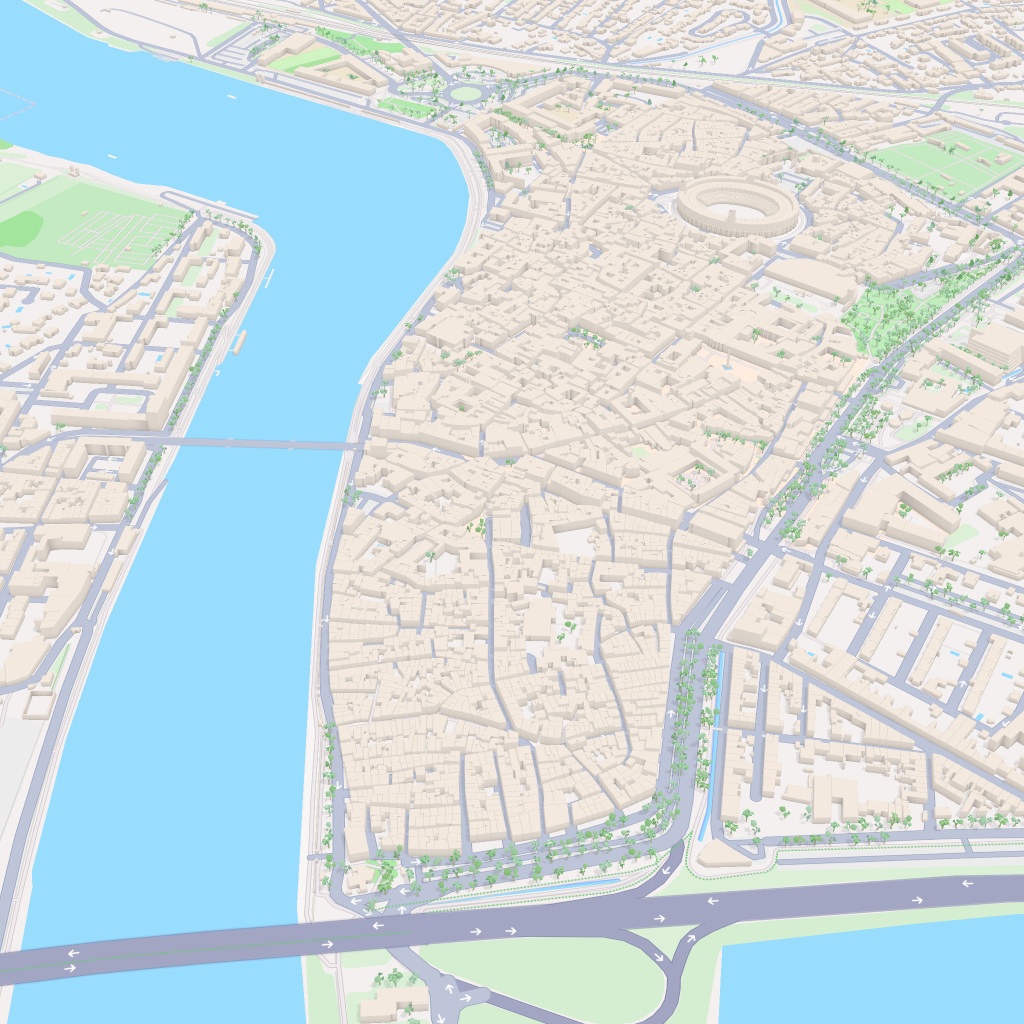
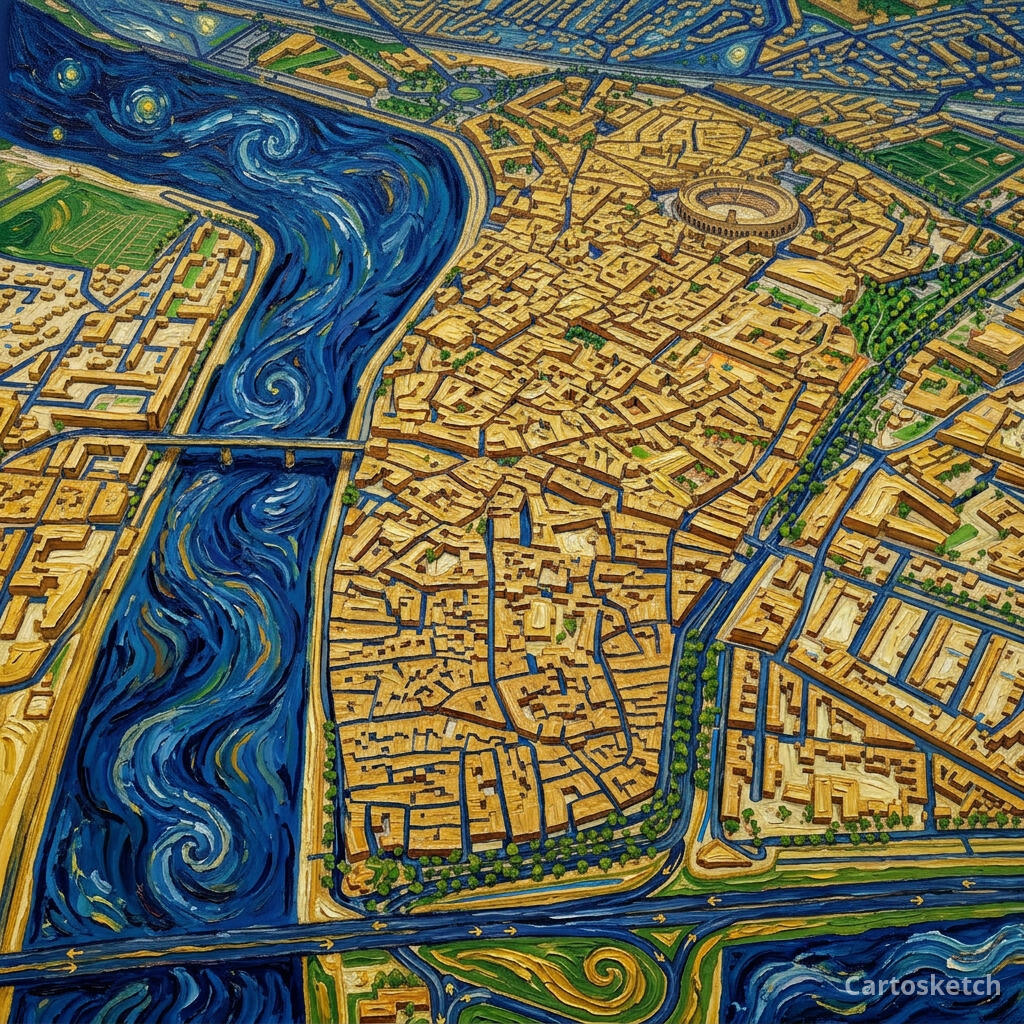 Cartosketch
Mapbox
Cartosketch
Mapbox
How to make your own
- Open Cartosketch → New Map, search the place or drag the map to frame it.
- Pick Standard or Satellite; set zoom, bearing, and pitch until the composition feels right.
- Choose the Van Gogh style.
- Generate — in seconds you get a finished piece with the real geography preserved.
- Download up to 4K and print or frame it. Commercial use is included on every plan.
Print sizes & resolution
| Plan | Max resolution | Aspect ratio | Good for |
|---|---|---|---|
| Free | 0.5K | 1:1 square | Social posts, a quick test print |
| Paid | Up to 4K | Any (incl. portrait/landscape) | Framed wall art, large-format prints |
Frequently asked questions
- Is this AI?
- Yes. Cartosketch re-styles real Mapbox geography with an AI model — the layout is real and preserved; the Van Gogh colour, impasto, and swirling brushwork are generated.
- Is it the real place, or a generic illustration?
- The real place. It is built from the actual map view you frame, so streets, rivers, coastlines, and landmarks match the location.
- Can I print and sell it?
- Print at any size up to your plan's resolution; commercial use is included on every plan. Just don't reuse an official name or logo as branding.
- How much does it cost?
- New accounts get one free credit. Paid plans add higher resolution (up to 4K), custom aspect ratios, and more credits.
New accounts get one free credit — no credit card required.