
Bauhaus Map Art: Turn Any Place Into a Geometric Poster
Turn a real place — your city, a district, a grid — into a Bauhaus map of clean geometry and primary colour. Real Mapbox geography, modernist poster look, print-ready up to 4K.
All artwork in this article was generated with Cartosketch — an AI tool that re-styles real Mapbox geography and GPS routes.
Bauhaus style turns a map into a piece of modernist design. Blocks become clean rectangles, circles, and triangles, laid out in red, yellow, and blue with the confident order of a 1920s poster. It is graphic, timeless, and unmistakably modern — a place reduced to its essential geometry. This guide shows how to take any real location and restyle it as Bauhaus map art.
A short history of the Bauhaus
The Bauhaus was a design school founded by Walter Gropius in Weimar in 1919, before moving to a purpose-built campus in Dessau in 1925 — the famous glass-and-concrete building that became an icon of modern architecture. Its philosophy was radical and lasting: form follows function, ornament gives way to clarity, and design is built from elementary geometry and the primary colours red, yellow, and blue. From typography to furniture to buildings, the Bauhaus shaped how the modern world looks, and its visual language — bold shapes, asymmetric balance, and a strict, graphic order — still feels contemporary a century later. That clean, constructed logic is exactly what it brings to a map.
Why Bauhaus style works on a map
A city plan is full of the raw material Bauhaus loves: lines, grids, and blocks waiting to be abstracted. Streets become crisp rules, blocks resolve into rectangles, circles, and triangles, and the whole layout is composed like a poster in flat primary colour. A restrained palette and strong geometric order turn an ordinary map into a confident piece of design. It works best for grid cities, modern districts, and waterfronts — anywhere with strong, simple structure that rewards reduction to pure shape.
The geography stays exact. The run of the streets, the shape of the blocks, the line of the water — all preserved from real Mapbox data, then re-composed by AI as flat geometry. You're not generating an abstract pattern from nothing; you're stylizing the real place you framed.
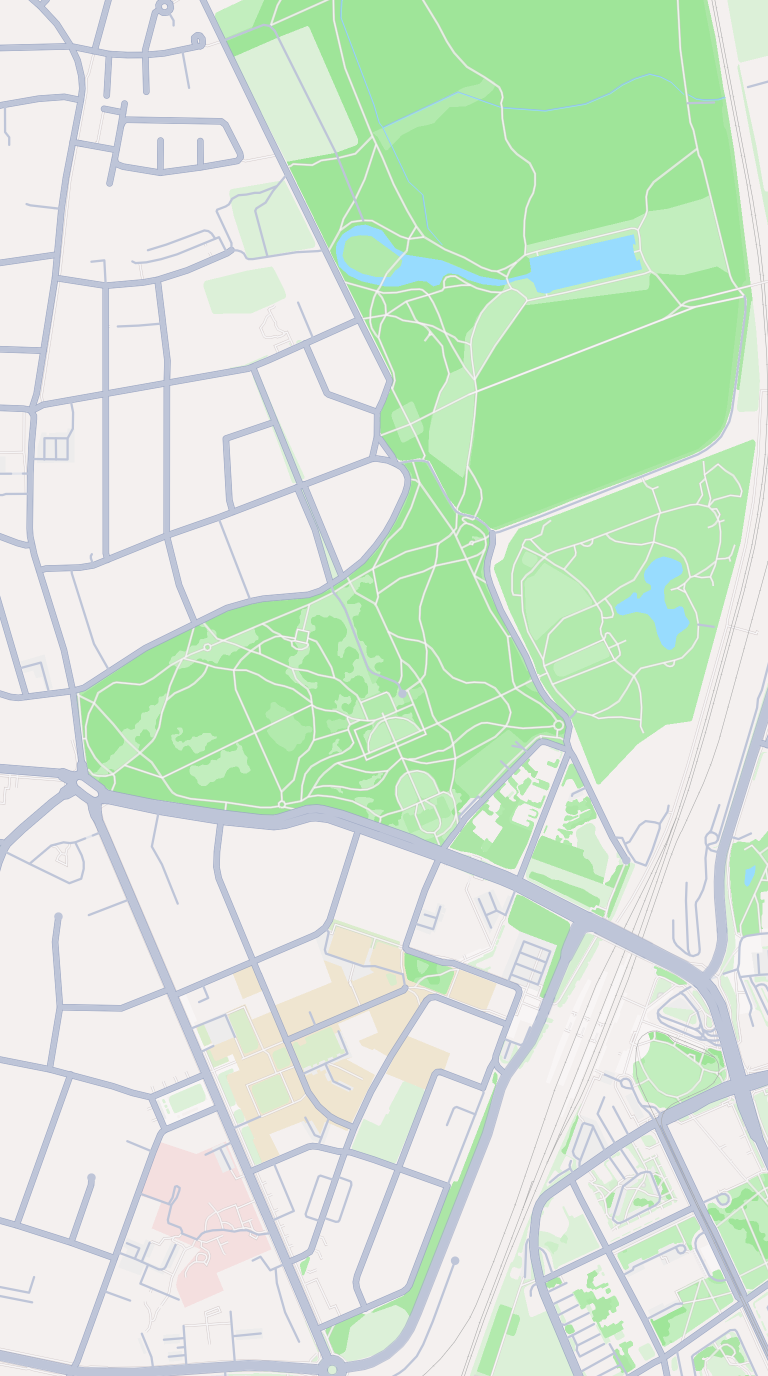 Mapbox
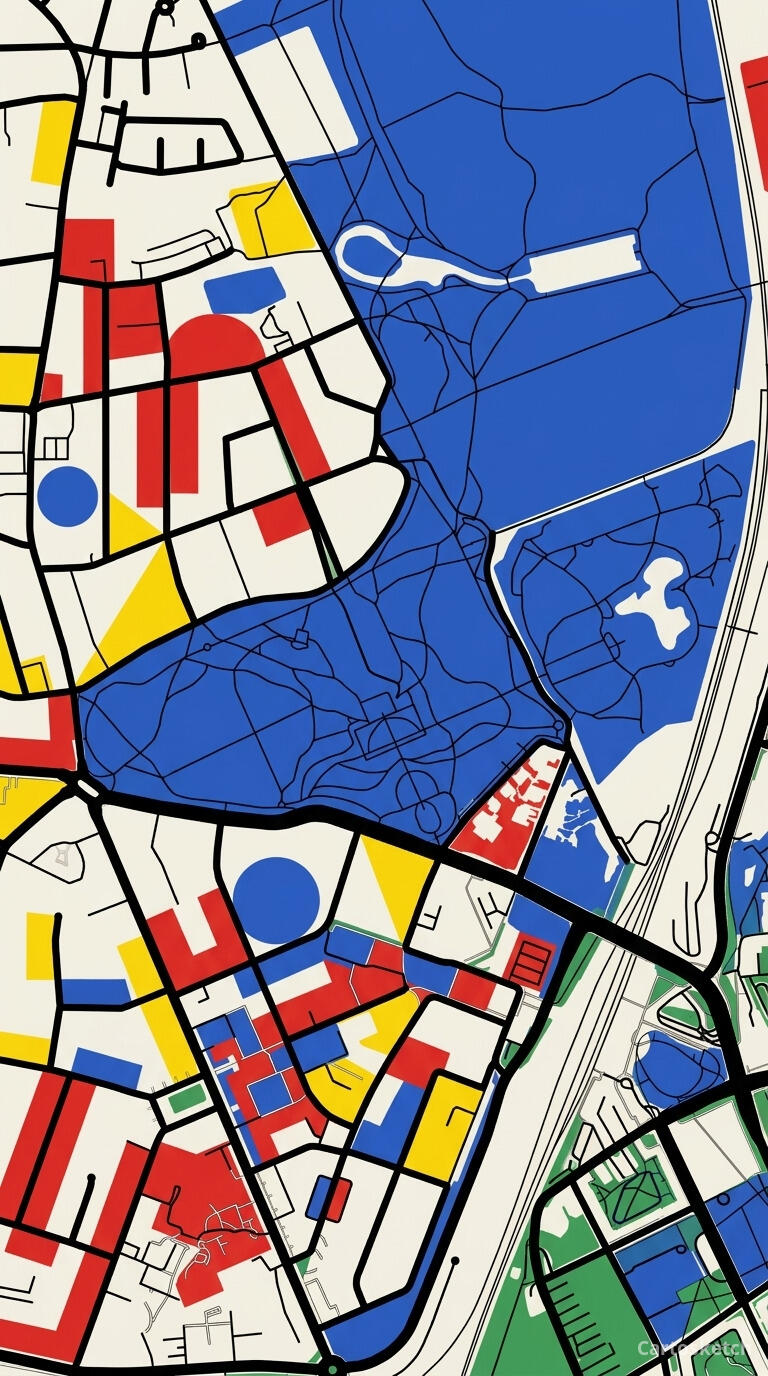 Cartosketch
How to make your own
- Open Cartosketch → New Map, search the place or drag the map to frame it.
- Pick Standard or Satellite; set zoom, bearing, and pitch until the composition feels right.
- Choose the Bauhaus style.
- Generate — in seconds you get a finished piece with the real geography preserved.
- Download up to 4K and print or frame it. Commercial use is included on every plan.
Print sizes & resolution
| Plan | Max resolution | Aspect ratio | Good for |
|---|---|---|---|
| Free | 0.5K | 1:1 square | Social posts, a quick test print |
| Paid | Up to 4K | Any (incl. portrait/landscape) | Framed wall art, large-format prints |
Frequently asked questions
- Is this AI?
- Yes. Cartosketch re-styles real Mapbox geography with an AI model — the layout is real and preserved; the geometry, primary colour, and poster composition are generated.
- Is it the real place, or a generic illustration?
- The real place. It is built from the actual map view you frame, so streets, blocks, and landmarks match reality.
- Can I print and sell it?
- Print at any size up to your plan's resolution; commercial use is included on every plan. Just don't reuse an official name or logo as branding.
- How much does it cost?
- New accounts get one free credit. Paid plans add higher resolution (up to 4K), custom aspect ratios, and more credits.
New accounts get one free credit — no credit card required. Product details