
Pencil Sketch Map Art: Turn Any Place Into a Hand-Drawn Study
Turn a real place — your city, an old town, a square — into a graphite pencil-sketch map. Real Mapbox geography, hand-drawn linework and shading, print-ready up to 4K.
All artwork in this article was generated with Cartosketch — an AI tool that re-styles real Mapbox geography and GPS routes.
A pencil sketch is the most honest way to draw a place. Just graphite on paper — line, tone, and the soft tooth of the page — it turns a city into something that looks observed by hand rather than printed by machine. It is quiet, timeless, and easy to live with on any wall. This guide shows how to take any real location and restyle it into a pencil-sketch map worth framing.
A short history of pencil sketching
The graphite pencil is a surprisingly modern tool. Pure graphite was discovered in Borrowdale, England, in the 16th century, and the wood-cased pencil we know took shape in the late 1700s when Nicolas-Jacques Conté worked out how to blend graphite with clay to control its hardness. Ever since, the pencil has been the artist's first instrument — the medium of the sketchbook, the quick study, the working drawing made before the painting. Its language is line, tonal shading built from hatching and cross-hatching, the texture of the paper showing through, and bright highlights lifted out with an eraser. Unlike the aged parchment of a Renaissance manuscript, a pencil sketch feels immediate and contemporary: less a historical artefact than a page torn from a working sketchbook.
Why pencil sketch style works on a map
A map is already a drawing of lines, which makes it a natural fit for the pencil. Streets become confident strokes, parks and squares fill with soft shading, and the texture of the paper gives the whole image a warm, handmade grain. A restrained palette — graphite grey on off-white, with the lightest touch of tone — keeps the focus on structure rather than colour. It suits old towns, university quarters, and grand civic squares especially well: places with strong architecture and a clear plan that reward careful linework.
The geography stays exact. The run of the streets, the shape of the square, the line of the river — all preserved from real Mapbox data, then redrawn by AI in graphite. You're not generating an imaginary sketch; you're stylizing the real place you framed.
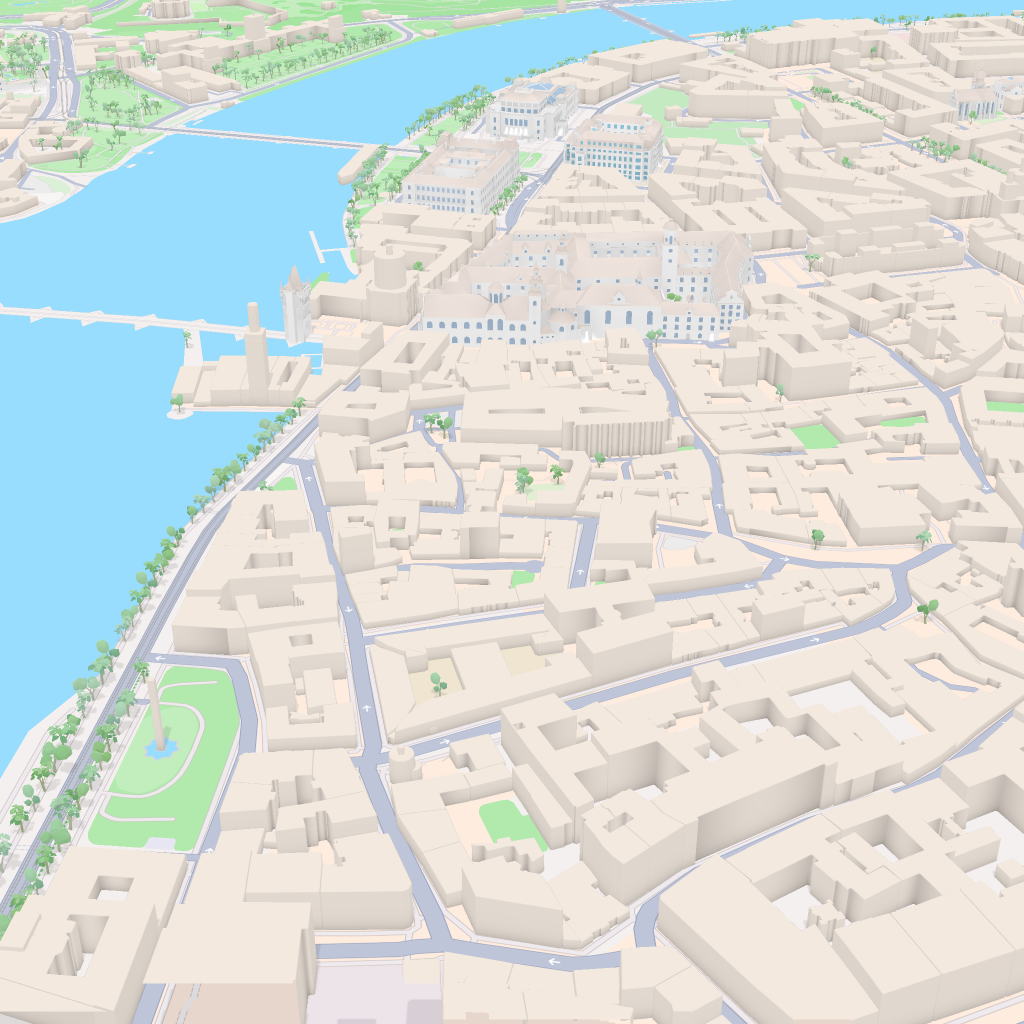 Mapbox
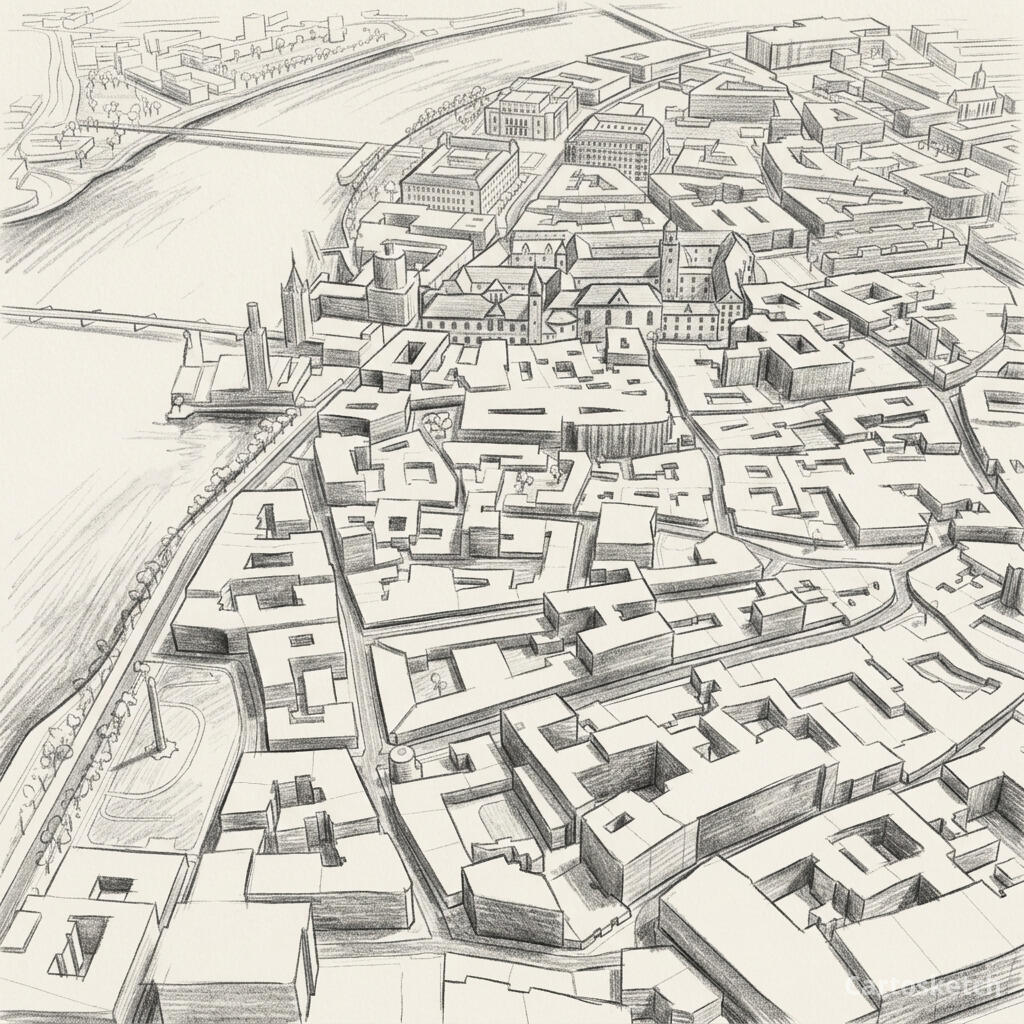 Cartosketch
How to make your own
- Open Cartosketch → New Map, search the place or drag the map to frame it.
- Pick Standard or Satellite; set zoom, bearing, and pitch until the composition feels right.
- Choose the Pencil Sketch style.
- Generate — in seconds you get a finished piece with the real geography preserved.
- Download up to 4K and print or frame it. Commercial use is included on every plan.
Print sizes & resolution
| Plan | Max resolution | Aspect ratio | Good for |
|---|---|---|---|
| Free | 0.5K | 1:1 square | Social posts, a quick test print |
| Paid | Up to 4K | Any (incl. portrait/landscape) | Framed wall art, large-format prints |
Frequently asked questions
- Is this AI?
- Yes. Cartosketch re-styles real Mapbox geography with an AI model — the layout is real and preserved; the graphite line, shading, and paper texture are generated.
- Is it the real place, or a generic illustration?
- The real place. It is built from the actual map view you frame, so streets, squares, and landmarks match reality.
- Can I print and sell it?
- Print at any size up to your plan's resolution; commercial use is included on every plan. Just don't reuse an official name or logo as branding.
- How much does it cost?
- New accounts get one free credit. Paid plans add higher resolution (up to 4K), custom aspect ratios, and more credits.
New accounts get one free credit — no credit card required. Product details