
Cartosketch vs. Strava Art & Relive: Sharing a Route Online vs. Putting It On the Wall
Strava heatmaps and Relive flyovers are made for scrolling. Cartosketch turns the same route — or any map view — into something printable. A look at what each tool is actually for.
All artwork in this article was generated with Cartosketch — an AI tool that re-styles real Mapbox geography and GPS routes.
Strava and Relive both already do something with your routes — heatmaps, flyovers, year-end videos. They are tuned for sharing in the feed: small, fast, in-app. Cartosketch is tuned for the wall: high-resolution, printable, framed. This guide compares the three for runners, cyclists, and anyone who wants to do more with the GPX file than scroll past it once.
Where Strava wins
Strava owns the social layer. Kudos, segments, leaderboards, the year-end heatmap — none of that has anything to do with print, and that is exactly the point. Strava is where the run is shared in the moment. The route preview that appears in the feed is just the right resolution for a phone screen and looks great there. For the social side of training, nothing else competes.
Where Relive wins
Relive turned the route into a story. Their flyover videos — the camera sweeping along the polyline with elevation and photo cards — are excellent for showing off a trip. They are video first, vertical, and tuned for Instagram. If the goal is to make a friend want to do the route, Relive is hard to beat.
Where Cartosketch fits
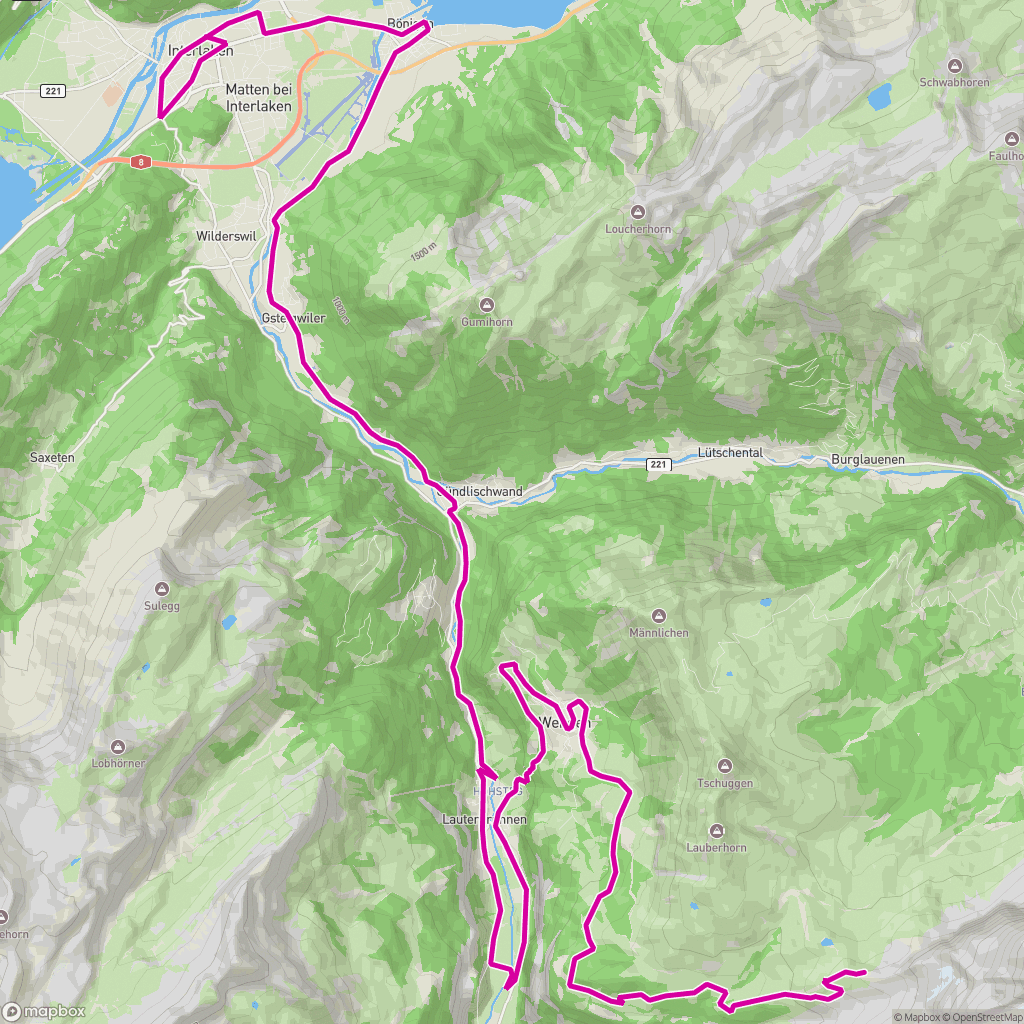
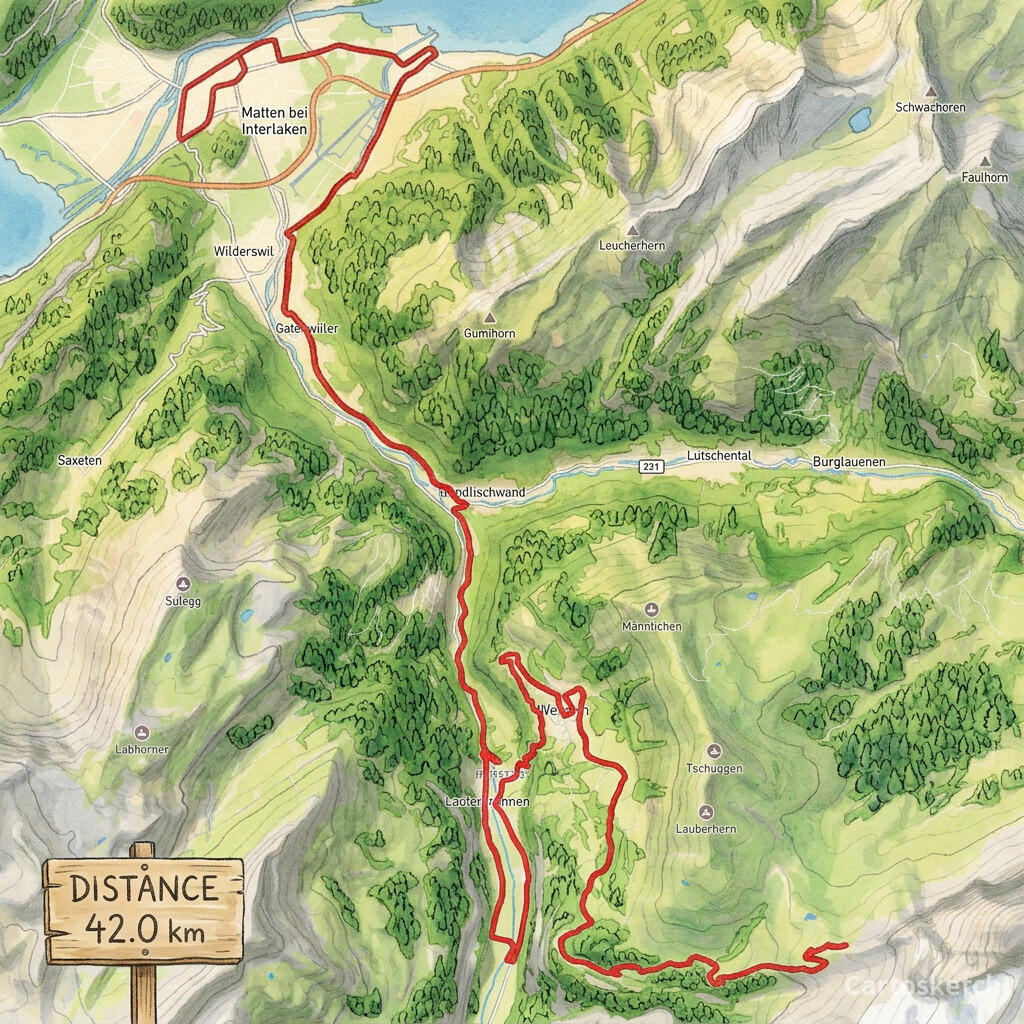
Neither Strava nor Relive is built to print. The map images you can export are sized for a feed, and the styling is the platform's, not yours. Cartosketch takes the same GPX file you already have on Strava or Garmin and turns it into a frame-ready piece in one of 17 art styles — watercolor, comic, ghibli, blueprint, ink wash, and more — at up to 4K. The line on the wall is the line you ran.
 Cartosketch
GPX on Mapbox
Cartosketch
GPX on Mapbox
And on maps without a route
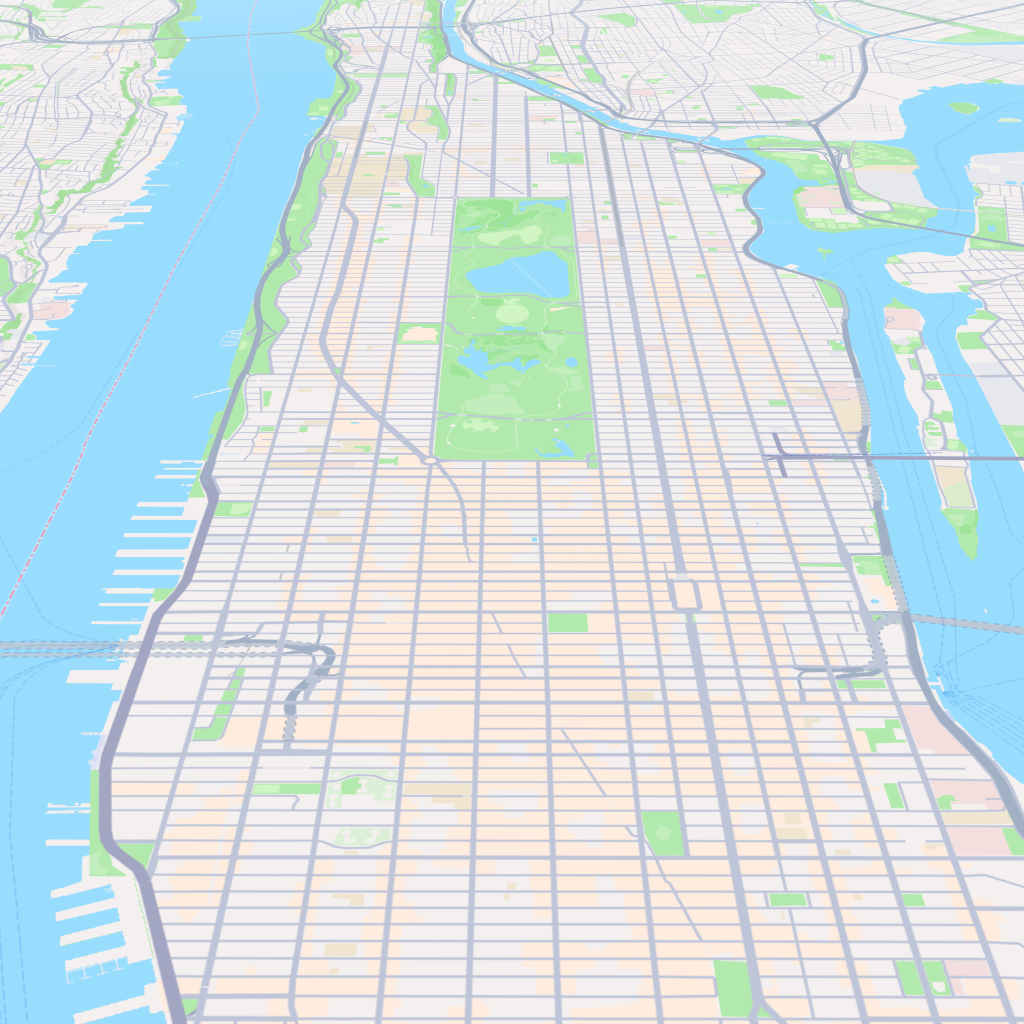
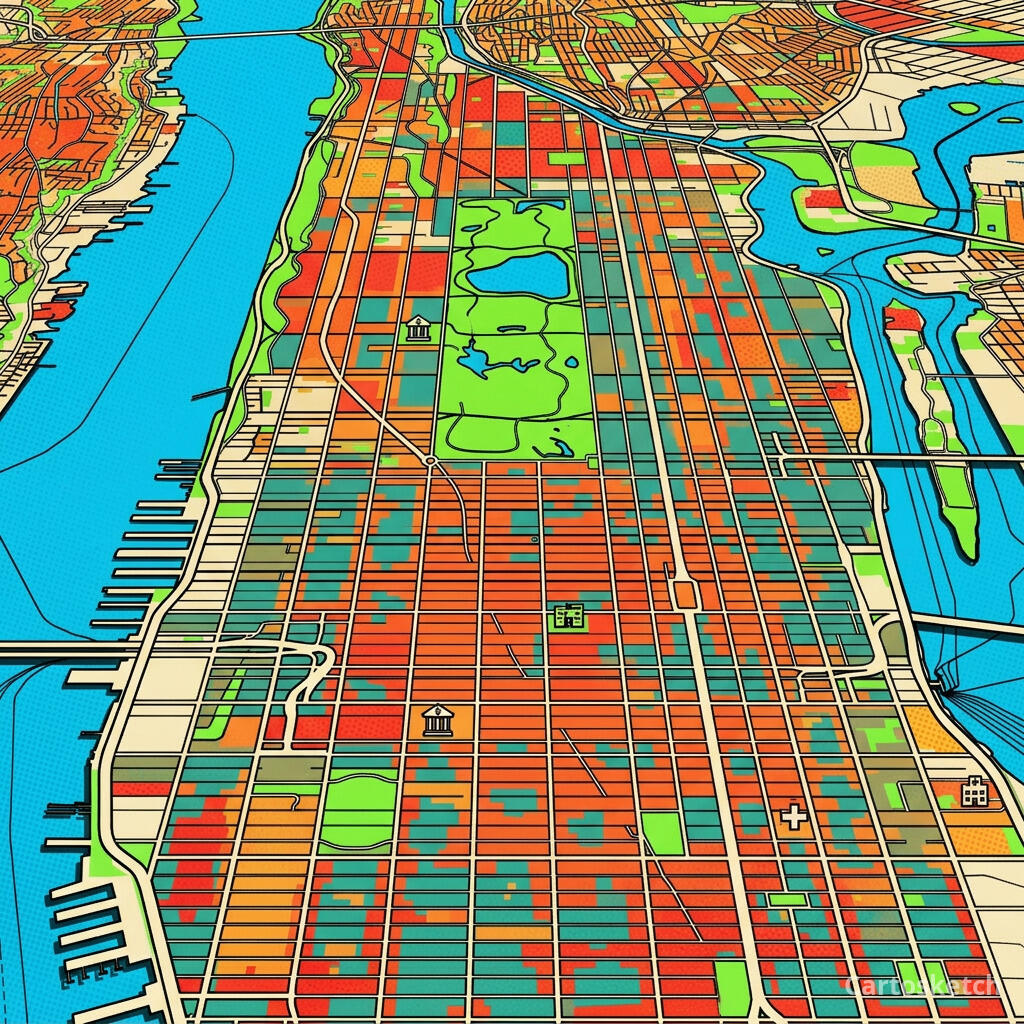
Strava and Relive are route-only. They are not really map-art tools — they are activity tools that happen to draw a map underneath. Cartosketch also covers "just a place": a city, a neighbourhood, a landmark, a coastline. The same canvas-capture-then-restyle pipeline runs for either input.
 Cartosketch
Mapbox
Cartosketch
Mapbox
Dimension-by-dimension
| Dimension | Strava Art / Heatmap | Relive | Cartosketch |
|---|---|---|---|
| Primary output | In-feed image / yearly heatmap | Flyover video | Printable art (still image) |
| GPS route support | Native (it is the source) | Native | Native (GPX / FIT upload) |
| Place-only (no route) | No | No | Yes (New Map flow) |
| Style range | Strava's brand styling | Relive's flyover styling | 17 curated art styles |
| Resolution for print | Phone-sized | Video frames | Up to 4K |
| Stats overlay | Native in feed | Native in video | Built-in stats card on print |
| Commercial use | Personal/social use | Personal/social use | Included on every paid plan |
When to use which
How Cartosketch handles a route
- Export the GPX from Strava (Activity → ⋯ → Export GPX) or Garmin Connect, or use the official race course file.
- Open Cartosketch → New Route and drop the file in. The exact polyline renders on a Mapbox canvas with distance and elevation parsed.
- Pick a style — Ghibli, watercolor, and ink wash read as keepsakes; comic, blueprint, and cyberpunk feel bold and modern.
- Generate. The route shape is preserved by the canvas capture; only the look changes.
- Download up to 4K and frame or print. Commercial use is included on every paid plan.
Frequently asked questions
- Can I just export the Strava image and print it?
- You can, but the export is feed-sized — fine on a phone, soft on a frame. Cartosketch generates at print resolution and restyles the route in one of 17 art styles.
- Does Cartosketch animate the route like Relive?
- No — Cartosketch is a still-image tool. The two are complementary: Relive for the highlight reel, Cartosketch for the framed piece.
- Do I need a Strava account to use Cartosketch?
- No. Cartosketch accepts any GPX or FIT file. Strava is one common source; Garmin Connect, official race files, and self-recorded tracks all work.
- Can I make a place-only poster (no route)?
- Yes. Use New Map for a city, neighbourhood, or landmark with no route. New Route is for GPX/FIT-backed posters.
New accounts get one free credit — no credit card required.