
LEGO Map Art: Turn Any Place Into a Brick-Built City
Turn a real place — your city, a canal district, a neighbourhood — into a LEGO-style map built from bricks and studs. Real Mapbox geography, playful toy-brick look, print-ready up to 4K.
All artwork in this article was generated with Cartosketch — an AI tool that re-styles real Mapbox geography and GPS routes.
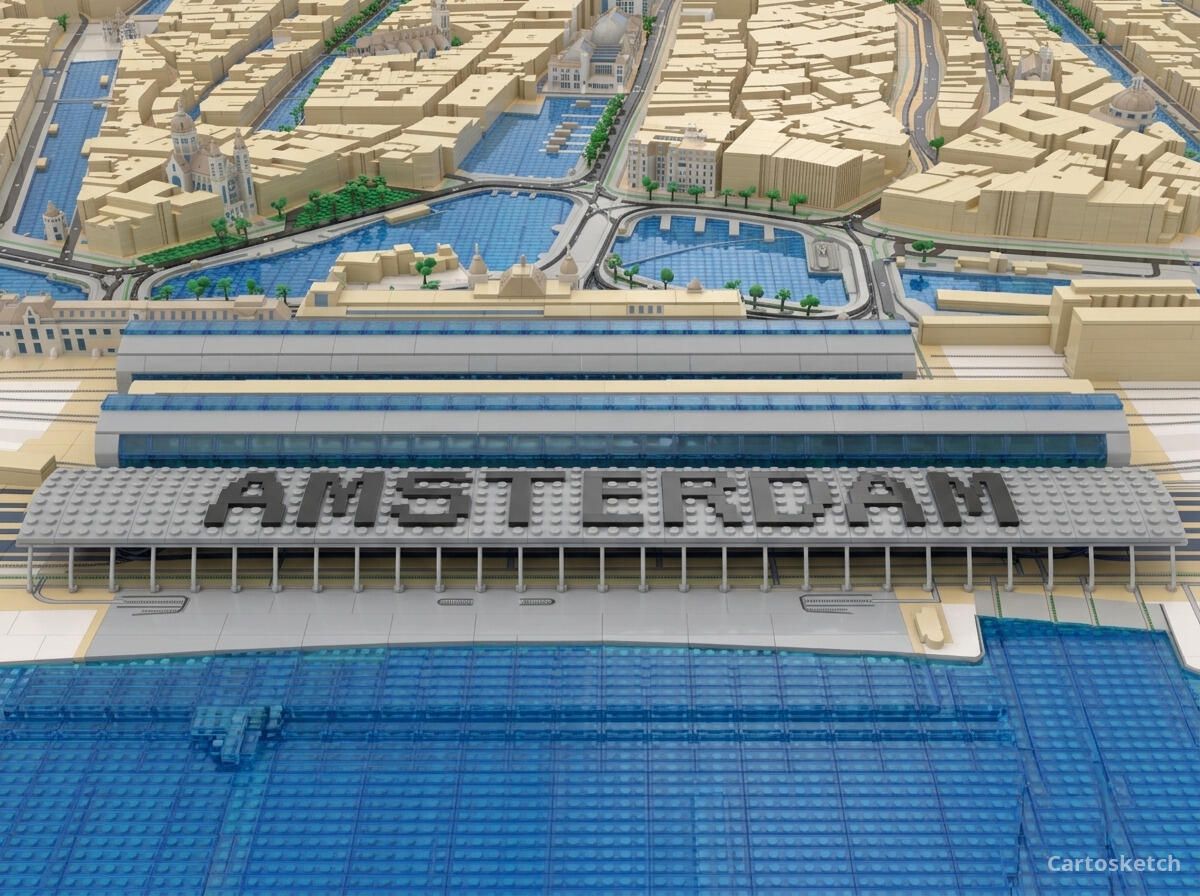
LEGO style turns a map into a tabletop city you could almost pick up. Streets become brick seams, buildings rise as little stacks of studded blocks, and parks and water snap into tidy plates of colour. It is playful, instantly recognisable, and unexpectedly charming on a wall — a city you love rebuilt as a toy. This guide shows how to turn any real location into a brick-built map.
A short history of LEGO
The LEGO brick as we know it was patented in 1958 by the Danish company founded by Ole Kirk Christiansen — its name a contraction of *leg godt*, "play well." The genius was the stud-and-tube coupling, which let bricks clutch together firmly yet come apart again, so a handful of simple shapes could build almost anything. Over the decades it grew from a toy into a visual language all its own: primary colours, modular grids, rounded studs, and the satisfying logic of small parts snapping into a bigger whole. That language — everything reduced to bricks on a baseplate — is exactly what makes it so fun to drop onto a map.
Why LEGO style works on a map
A city is already modular — blocks, plots, and grids — which is precisely how LEGO thinks. Buildings become little brick towers, roads run as seams between plates, and parks, squares, and water become smooth tiles of green and blue. A bright, primary palette with soft, matte toy-brick shading keeps it cheerful rather than glossy. It works best for places with clear, regular structure — canal districts, grid neighbourhoods, harbours, and anywhere with distinct building blocks and bridges to build.
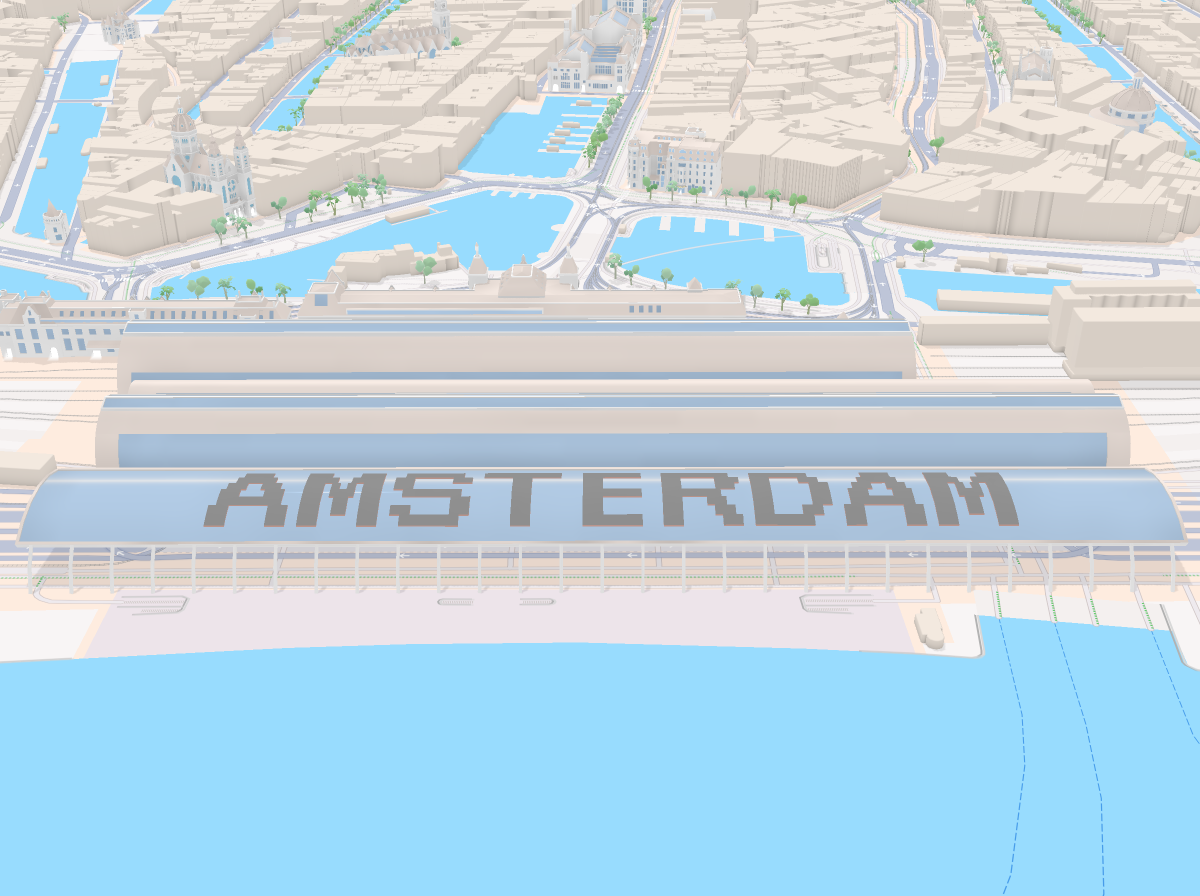
The geography stays exact. The run of the canals, the line of the streets, the shape of every block — all preserved from real Mapbox data, then rebuilt by AI in bricks. You're not generating an imaginary set; you're stylizing the real place you framed.
 Mapbox
 Cartosketch
How to make your own
- Open Cartosketch → New Map, search the place or drag the map to frame it.
- Pick Standard or Satellite; set zoom, bearing, and pitch until the composition feels right.
- Choose the LEGO style.
- Generate — in seconds you get a finished piece with the real geography preserved.
- Download up to 4K and print or frame it. Commercial use is included on every plan.
Print sizes & resolution
| Plan | Max resolution | Aspect ratio | Good for |
|---|---|---|---|
| Free | 0.5K | 1:1 square | Social posts, a quick test print |
| Paid | Up to 4K | Any (incl. portrait/landscape) | Framed wall art, large-format prints |
Frequently asked questions
- Is this AI?
- Yes. Cartosketch re-styles real Mapbox geography with an AI model — the layout is real and preserved; the bricks, studs, and toy-block look are generated.
- Is it the real place, or a generic illustration?
- The real place. It is built from the actual map view you frame, so streets, canals, and landmarks match reality.
- Can I print and sell it?
- Print at any size up to your plan's resolution; commercial use is included on every plan. Just don't reuse an official name or logo as branding.
- How much does it cost?
- New accounts get one free credit. Paid plans add higher resolution (up to 4K), custom aspect ratios, and more credits.
New accounts get one free credit — no credit card required.