
Synthwave Map Art: Turn Any Place Into an 80s Neon Dream
Turn a real place — your city, a beachfront, a coastline — into a synthwave map with neon grids and a purple sunset. Real Mapbox geography, retro-futuristic 80s look, print-ready up to 4K.
All artwork in this article was generated with Cartosketch — an AI tool that re-styles real Mapbox geography and GPS routes.
Synthwave turns a map into an 80s daydream. Hot magenta and electric cyan, a glowing grid running to the horizon, and a fat purple sun setting behind it all — it recasts a place as a retro-futuristic poster soaked in nostalgia. It is bright, graphic, and pure good mood on a wall. This guide shows how to take any real location and restyle it into a synthwave map.
A short history of synthwave
Synthwave is a 2010s revival of 1980s retro-futurism — a look and a sound that imagine the future as the eighties pictured it. It grew up alongside electronic music that echoed the synthesizer scores of the era, and its visual world was assembled from Outrun arcade cabinets, VHS tape glow, chrome lettering, and the neon wireframe landscapes of early computer graphics. The signature image is instantly familiar: a glowing grid stretching to a low horizon, a banded sunset in magenta and orange, palm trees in silhouette. Where cyberpunk is dark and dystopian, synthwave is bright, warm, and graphic — less a warning about the future than a love letter to a past that imagined it.
Why synthwave style works on a map
Synthwave loves a horizon, and a coastal map gives it one for free. The grid of the streets becomes the glowing neon grid; the line where land meets sea becomes the horizon for that banded sunset; and a saturated purple-and-magenta palette with cyan highlights drenches the whole place in retro glow. It works best for beachfronts, coastlines, waterfront strips, and flat grid cities — anywhere with a long edge and an open view to put a sun behind.
The geography stays exact. The line of the shore, the run of the streets, the shape of the coast — all preserved from real Mapbox data, then lit by AI in neon and chrome. You're not generating an imaginary scene; you're stylizing the real place you framed.
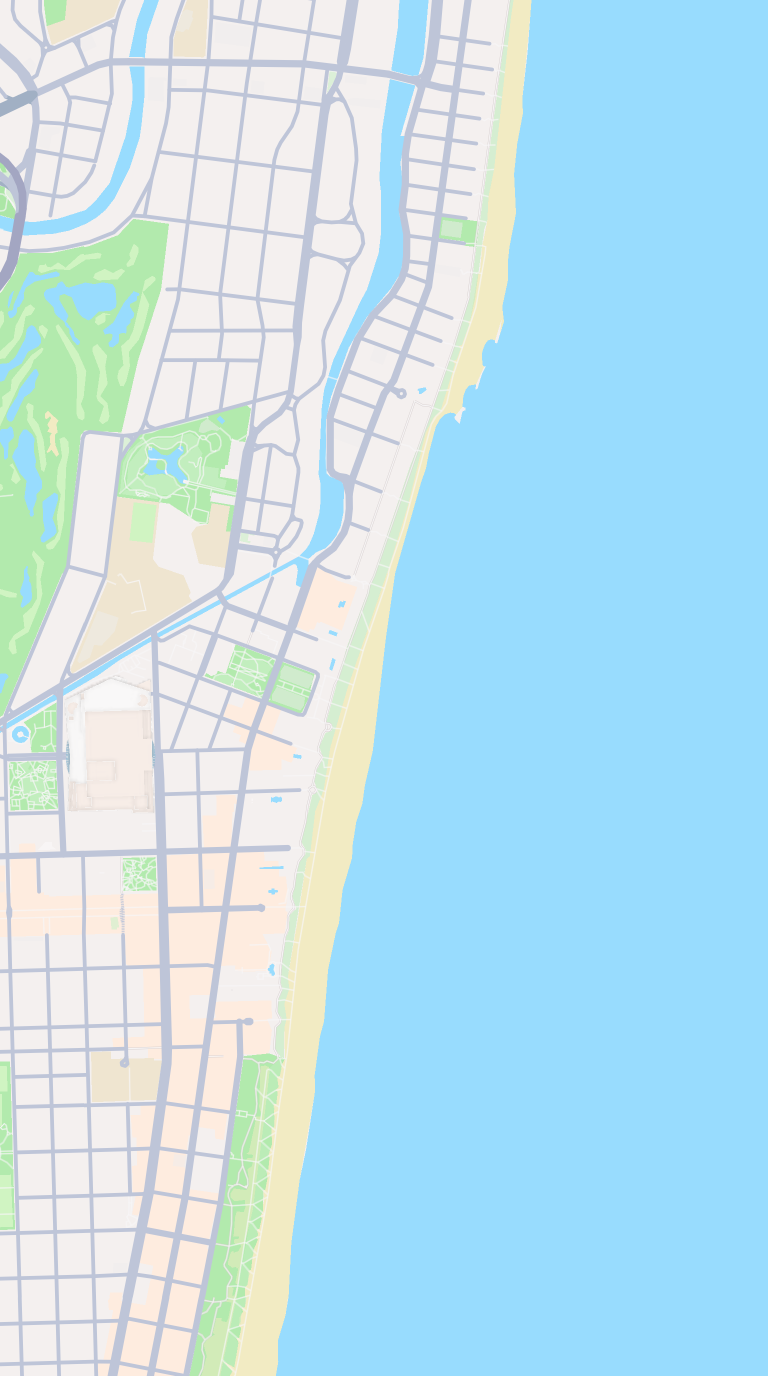 Mapbox
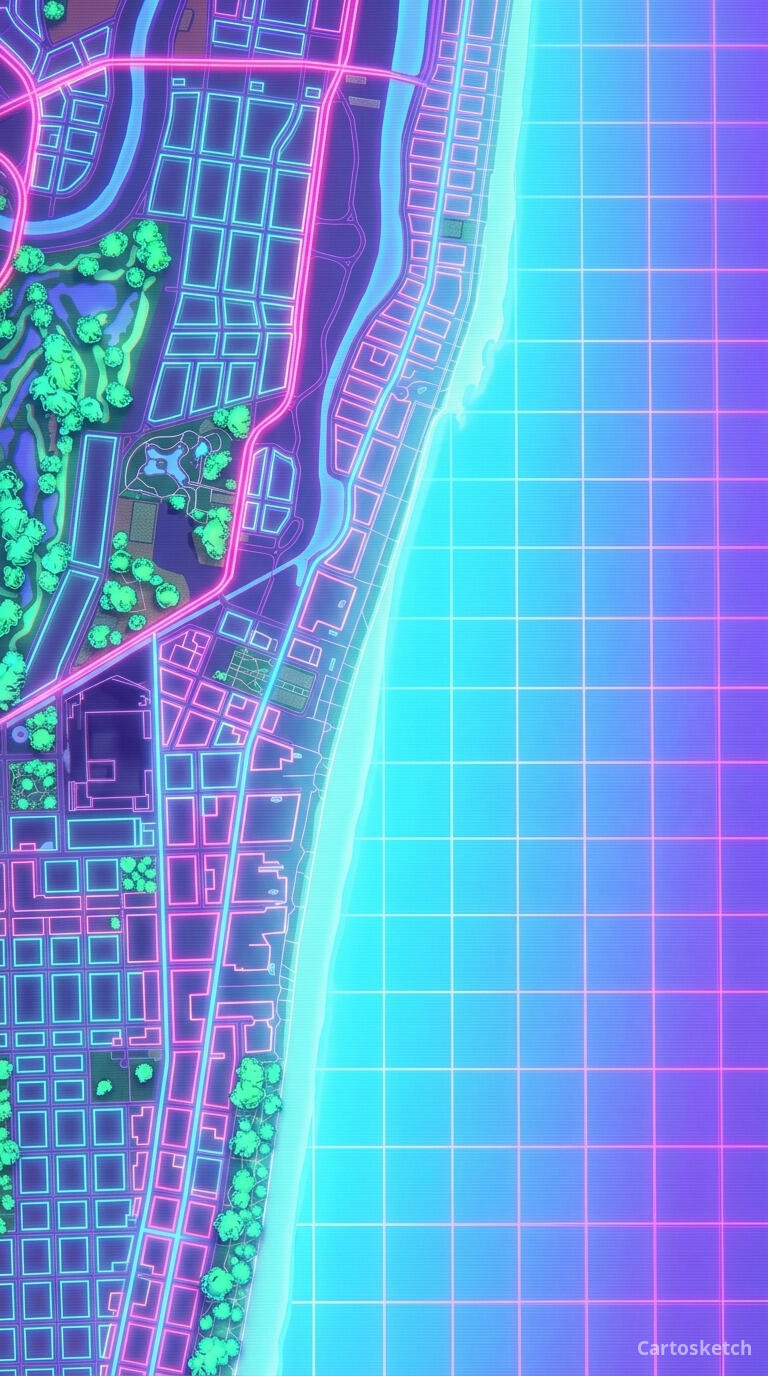 Cartosketch
How to make your own
- Open Cartosketch → New Map, search the place or drag the map to frame it.
- Pick Standard or Satellite; set zoom, bearing, and pitch until the composition feels right.
- Choose the Synthwave style.
- Generate — in seconds you get a finished piece with the real geography preserved.
- Download up to 4K and print or frame it. Commercial use is included on every plan.
Print sizes & resolution
| Plan | Max resolution | Aspect ratio | Good for |
|---|---|---|---|
| Free | 0.5K | 1:1 square | Social posts, a quick test print |
| Paid | Up to 4K | Any (incl. portrait/landscape) | Framed wall art, large-format prints |
Frequently asked questions
- Is this AI?
- Yes. Cartosketch re-styles real Mapbox geography with an AI model — the layout is real and preserved; the neon grid, sunset, and retro glow are generated.
- Is it the real place, or a generic illustration?
- The real place. It is built from the actual map view you frame, so streets, coastlines, and landmarks match reality.
- Can I print and sell it?
- Print at any size up to your plan's resolution; commercial use is included on every plan. Just don't reuse an official name or logo as branding.
- How much does it cost?
- New accounts get one free credit. Paid plans add higher resolution (up to 4K), custom aspect ratios, and more credits.
New accounts get one free credit — no credit card required.