
Topographic Map Art: Turn Any Landscape Into Contour Lines
Turn a real place — a mountain, a canyon, a coastline — into a topographic map of contour lines and shaded relief. Real Mapbox geography, elevation-driven detail, print-ready up to 4K.
All artwork in this article was generated with Cartosketch — an AI tool that re-styles real Mapbox geography and GPS routes.
Topographic style turns a landscape into the quiet language of contour lines. Stacked rings trace every ridge and valley, soft shaded relief gives the land its shape, and layered tints separate low ground from high. It is the most map-like of all the styles — and the most rewarding when your subject has real elevation to show. This guide shows how to take any mountain, canyon, or coastline and restyle it as topographic art.
A short history of topographic mapping
Topographic mapping grew out of the practical need to put the third dimension — height — onto a flat sheet. The contour line, a curve joining points of equal elevation, became its central tool: read the spacing and you read the slope, tightly packed lines for a cliff, wide spacing for a gentle plain. National surveys across the 18th and 19th centuries refined the craft, adding hillshading to fake the play of light over terrain and hypsometric tints — bands of colour climbing from green lowlands through browns to white summits — to make elevation legible at a glance. The result is less a picture than a measured portrait of the land, and it carries that precise, exploratory feeling onto a wall.
Why topographic style works on a map
This is the one style that is *about* elevation, so it rewards places with real relief rather than flat city grids. Ridges and valleys resolve into nested contour rings; peaks become tight bullseyes of stacked lines; soft hillshade and layered tints give the whole scene depth and a sense of height. It is made for mountains, canyons, volcanoes, alpine valleys, and rugged coastlines — anywhere the land rises and falls dramatically. On flat terrain there is little for the contours to describe, so choose a subject with shape.
The geography stays exact. The form of the ridge, the depth of the valley, the line of the coast — all preserved from real Mapbox elevation, then drawn by AI as contour and relief. You're not generating an invented landscape; you're stylizing the real terrain you framed.
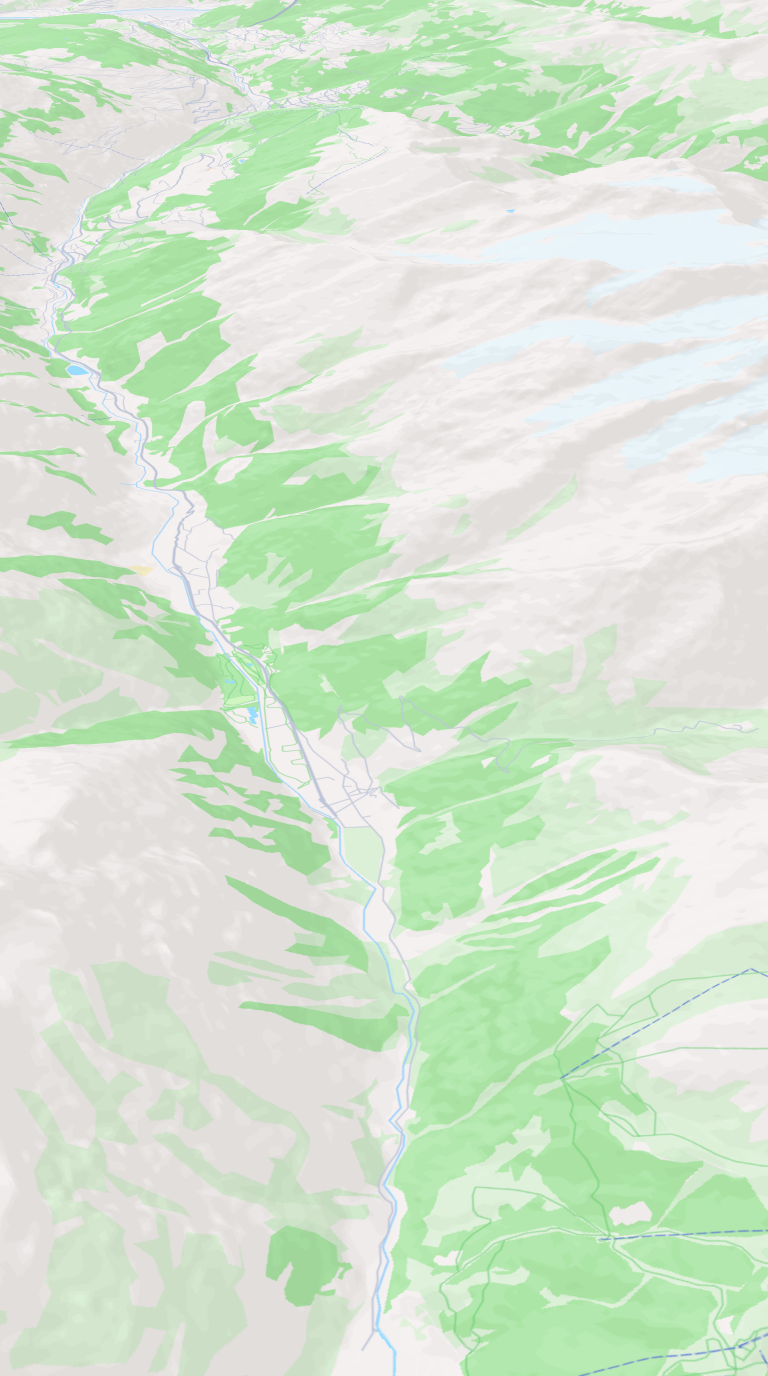 Mapbox
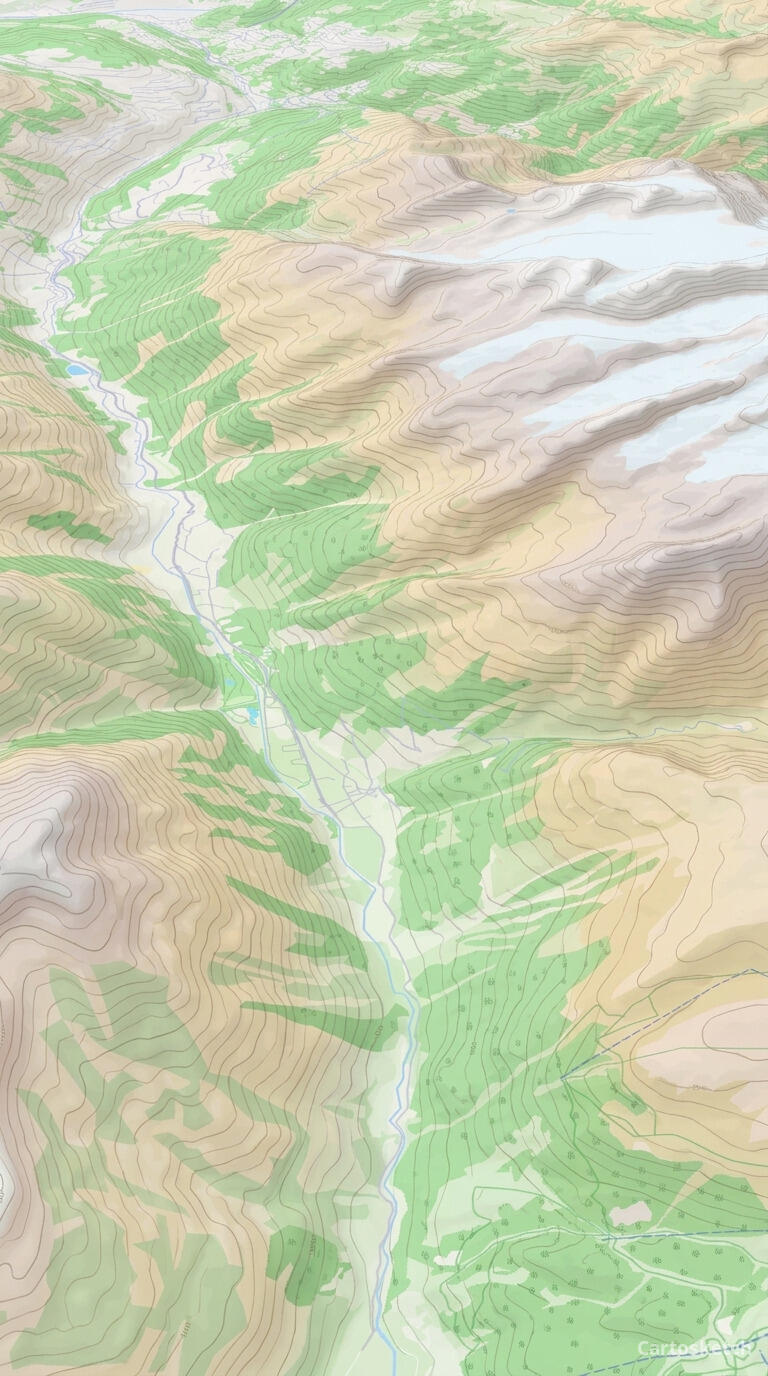 Cartosketch
How to make your own
- Open Cartosketch → New Map, search the place or drag the map to frame it.
- Pick Standard or Satellite; set zoom, bearing, and pitch until the composition feels right.
- Choose the Topographic style.
- Generate — in seconds you get a finished piece with the real geography preserved.
- Download up to 4K and print or frame it. Commercial use is included on every plan.
Print sizes & resolution
| Plan | Max resolution | Aspect ratio | Good for |
|---|---|---|---|
| Free | 0.5K | 1:1 square | Social posts, a quick test print |
| Paid | Up to 4K | Any (incl. portrait/landscape) | Framed wall art, large-format prints |
Frequently asked questions
- Is this AI?
- Yes. Cartosketch re-styles real Mapbox geography with an AI model — the layout and terrain are real and preserved; the contour lines, shading, and tints are generated.
- Is it the real place, or a generic illustration?
- The real place. It is built from the actual map view you frame, so ridges, valleys, and coastlines match reality.
- Can I print and sell it?
- Print at any size up to your plan's resolution; commercial use is included on every plan. Just don't reuse an official name or logo as branding.
- How much does it cost?
- New accounts get one free credit. Paid plans add higher resolution (up to 4K), custom aspect ratios, and more credits.
New accounts get one free credit — no credit card required.