
Turn an AllTrails Route Into Printable Map Art
Download a GPX route from AllTrails, upload it to Cartosketch, and turn a hike, trail run, or backpacking route into AI-generated wall art.
All artwork in this article was generated with Cartosketch — an AI tool that re-styles real Mapbox geography and GPS routes.
AllTrails is where many hikes begin. Cartosketch is where the finished trail can become a memory: the ridge, loop, lake, summit, and return line turned into printable route art.
1. Download the GPX from AllTrails
Use AllTrails on the web when you need a GPX file. Open the trail, saved map, or recorded activity, then look for the download, export, or more-options menu and choose GPX. The exact wording may differ by page type and account state, but the file should end in `.gpx`.
If you have both a recommended trail route and your own recorded activity, choose the one that tells the better story. A clean official loop is better for a general trail poster; your recorded activity is better for a personal memory.
2. Keep the trail readable
Hiking routes can include many switchbacks and small GPS wiggles. That is part of the charm, but the final poster still needs to read clearly. If the GPX has noisy spikes or accidental off-trail points, clean it before upload.
3. Upload to Cartosketch
Open New Route in Cartosketch and drop in the GPX. The trail is rendered on a real map, then restyled into art. The AI does not need to invent where the trail goes; it starts from your actual file.
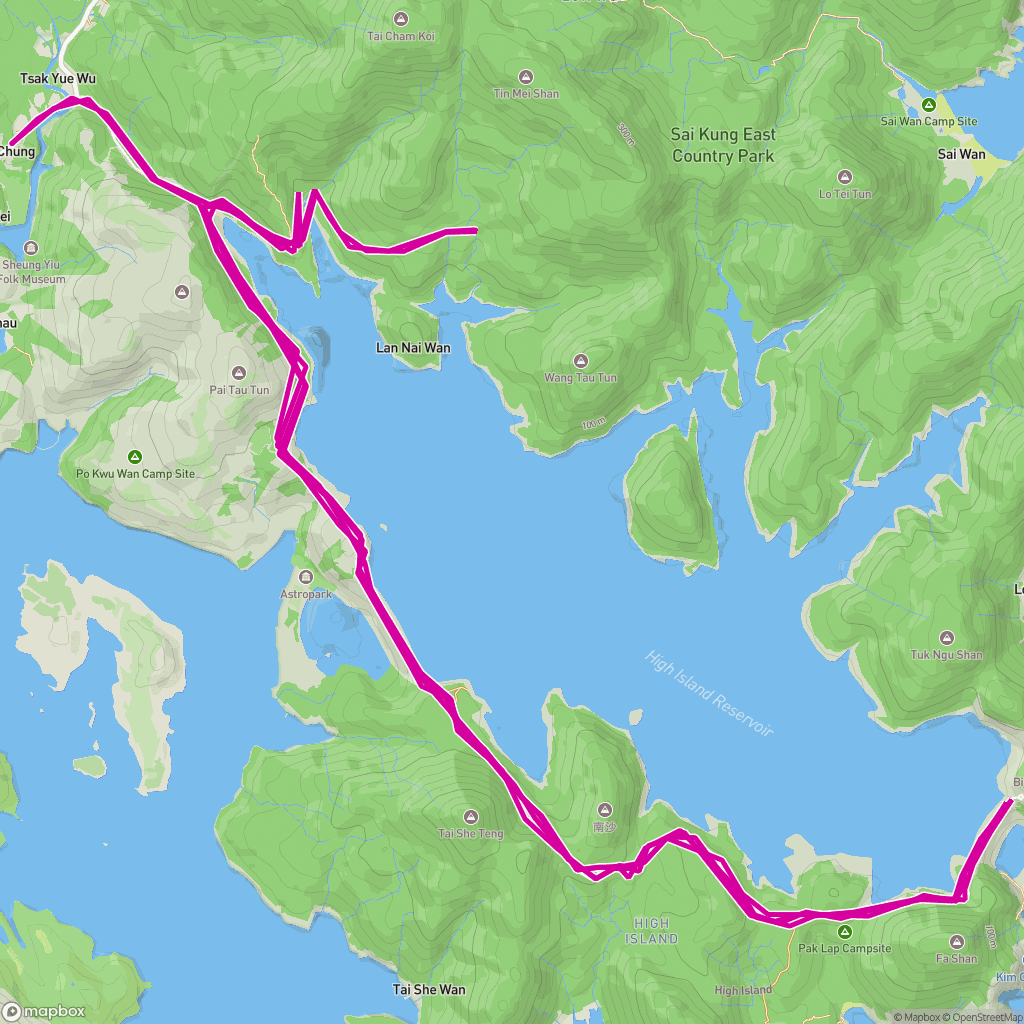 GPX on Mapbox
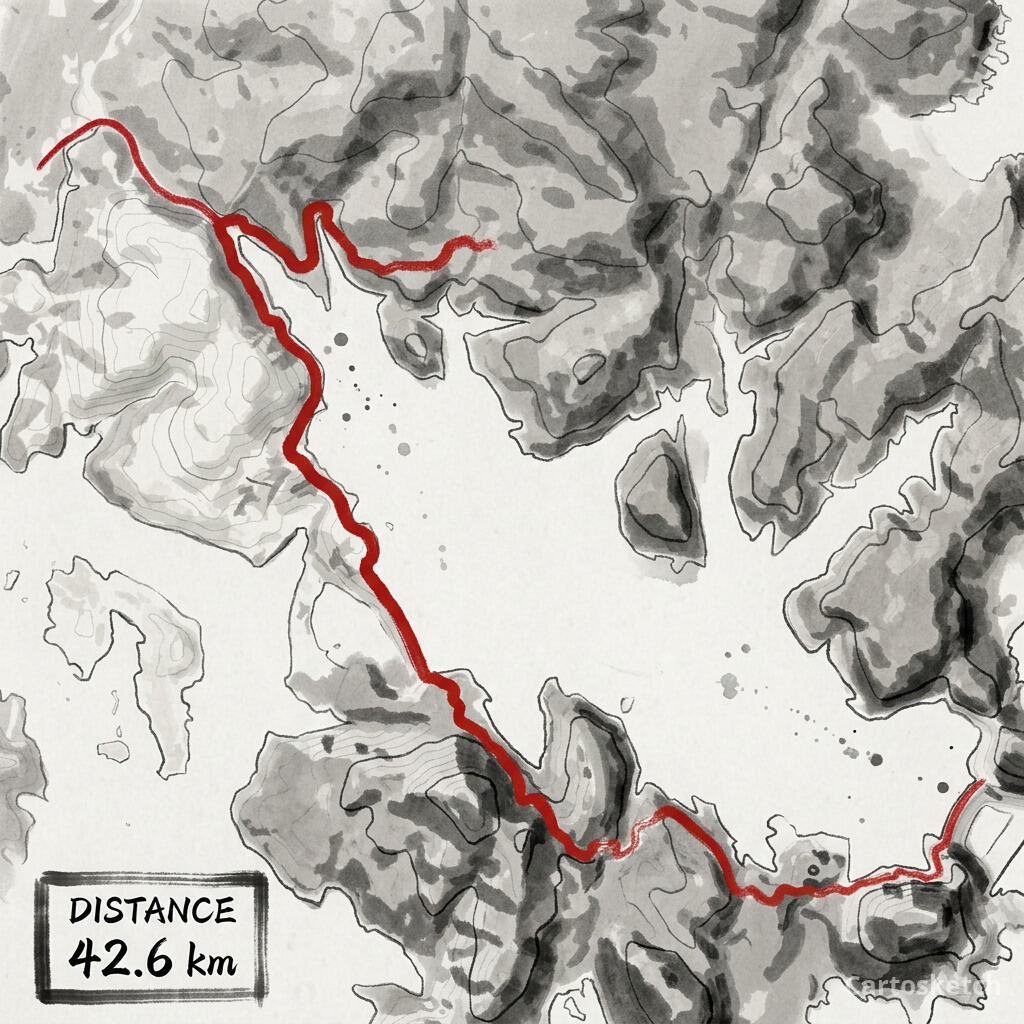 Cartosketch
Best styles for trails
- Ink Wash for mountains, coastlines, and dramatic terrain.
- Watercolor for lakes, forests, and softer gift prints.
- Topographic for hikes where elevation is the story.
- Vintage Map for backpacking routes and national-park memories.
Gift and print tips
For a summit, lake loop, or national park hike, add the trail name and date in your print layout after downloading. Use a portrait ratio for vertical climbs, a square ratio for loops, and a landscape ratio for ridge traverses.
Frequently asked questions
- Can I use an AllTrails activity instead of a trail page?
- Yes. If you recorded your own hike, that GPX is often more personal than the recommended route because it is the exact line you walked.
- Does Cartosketch connect to AllTrails directly?
- No. Export the GPX from AllTrails, then upload the file to Cartosketch.
- Will the map include terrain?
- Cartosketch renders the route over a map before styling. The final look depends on the selected style, but the route line comes from your uploaded GPX.
New accounts get one free credit — no credit card required.