
How to Export a Garmin GPX and Turn It Into Map Art
Export a run, ride, hike, or race route from Garmin Connect, then turn the exact GPX track into printable AI route art with Cartosketch.
All artwork in this article was generated with Cartosketch — an AI tool that re-styles real Mapbox geography and GPS routes.
Garmin already has the route you care about: the marathon you finished, the climb you trained for, the ride you keep telling people about. Export the GPX, upload it to Cartosketch, and that exact line can become a framed route poster.
1. Export the GPX from Garmin Connect
Use Garmin Connect on the web for the most reliable export workflow. Open the activity or course you want to preserve, look for the export or settings menu, and choose the GPX option. Garmin's interface changes over time, so treat the exact menu label as flexible; the file you want ends in .gpx.
If Garmin offers multiple formats, choose GPX for Cartosketch. FIT is also supported by Cartosketch, but GPX is easier to inspect, share, and archive.
2. Check the file before you upload
The GPX should represent the route you want on the wall. A clean race or ride file is usually perfect. If the activity includes warmup laps, wrong GPS points, or a long walk after the finish, trim it in your route editor before exporting.
For gift posters, the best source is often the official race course GPX or a clean activity from the person who completed it.
3. Upload it to Cartosketch
Open Cartosketch, choose New Route, and drop in the GPX. Cartosketch renders the exact route on a Mapbox canvas, reads the distance and elevation data, and prepares a route stats card. The AI restyles that rendered route instead of guessing the shape from a prompt.
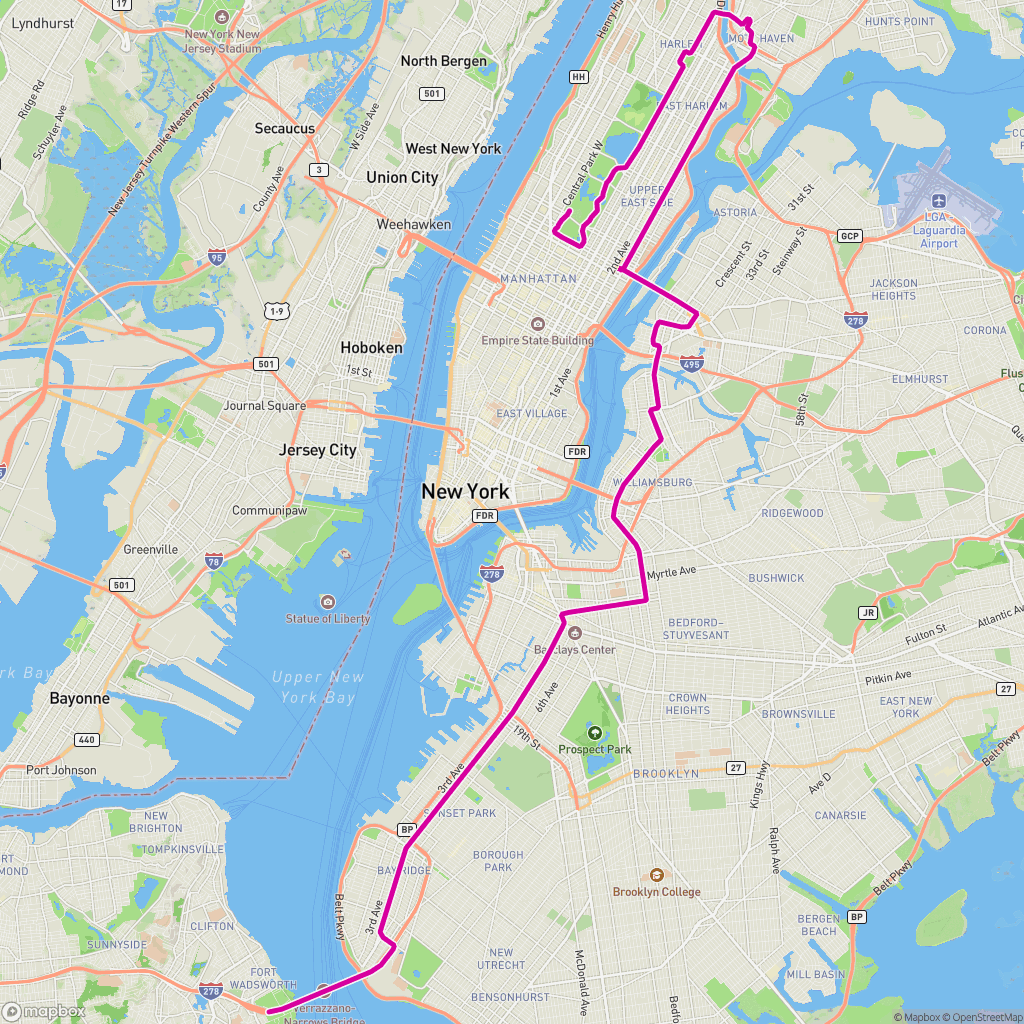 GPX on Mapbox
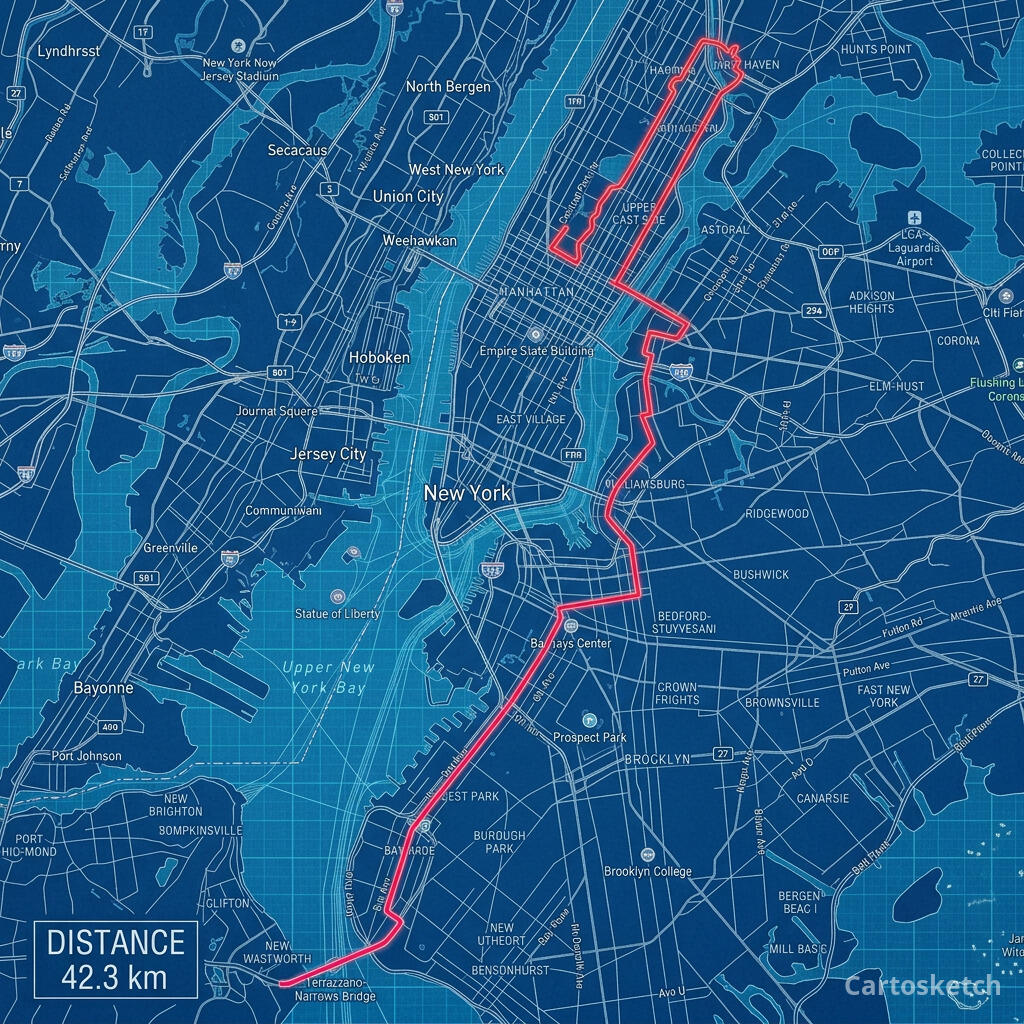 Cartosketch
4. Choose the right style
- Watercolor: best for gifts, travel memories, and softer wall art.
- Blueprint: best for marathon courses, technical route posters, and city races.
- Vintage Map: best for long rides, coastal routes, and classic expedition energy.
- Comic: best for bold, high-contrast posters and social shares.
The route stays the same. The style changes the mood.
5. Download and print
Free accounts can test the workflow with one credit. Paid plans unlock higher resolution and custom aspect ratios, which are better for framed prints. Download the finished image and send it to a local print shop or an online print service.
Frequently asked questions
- Should I export GPX or FIT from Garmin?
- Use GPX when possible. Cartosketch supports GPX and FIT, but GPX is easier to preview, archive, and move between tools.
- Can I use a Garmin race activity instead of a planned route?
- Yes. A completed activity is often the best source because it is the exact line you ran or rode. Just trim any bad GPS points before exporting.
- Will Cartosketch change the route shape?
- No. The route is rendered from your uploaded file before AI styling. The art changes; the GPX geometry remains the source.
New accounts get one free credit — no credit card required. Product details