
Play Your Neighborhood in Minecraft
Turn a familiar landmark and a few surrounding streets into a playable world for exploring or starting a build.
Turn a familiar landmark and a few surrounding streets into a playable world for exploring or starting a build.
Focus on a familiar street, a few nearby blocks or a shared local building project. Keep the first area small enough to explore together. For a famous monument or a terrain-first project, use the related landmark and terrain pages below.
Read the proposed values before confirming. In this example the request mentioned 0.04 km², while the resolved place produced a 0.06 km² area. Open the World editor if you need a precise boundary; the requested number alone does not set the final area.
Choose a small area
Name a place in creation chat, select the correct location, then open the editor to check the boundary and spawn point. Start with one landmark rather than a whole town.
Choose your world
Select Java, Bedrock or Luanti with Mineclonia. Choose Objects only for flat ground, Objects + Terrain for real elevation with mapped features, or Terrain only for your own builds.
Download and explore
Confirm the quote, generate and download. Java and Luanti use ZIP; Bedrock uses .mcworld. Follow the import guide before sharing the save.
Scope and expectations
The supported area is 0.01–0.25 km², with neither side longer than 1,024 m; the editor may impose a lower limit. Each supported world costs 1 credit. Map coverage and generated details vary: this is not an exact replica of every building.
- Can I generate an entire city?
- Start with a small neighborhood. Use the area guide to keep the important feature inside the boundary.
Explore five Minecraft worlds
15-second previews rendered from saved blocks with simplified materials, not in-game footage.
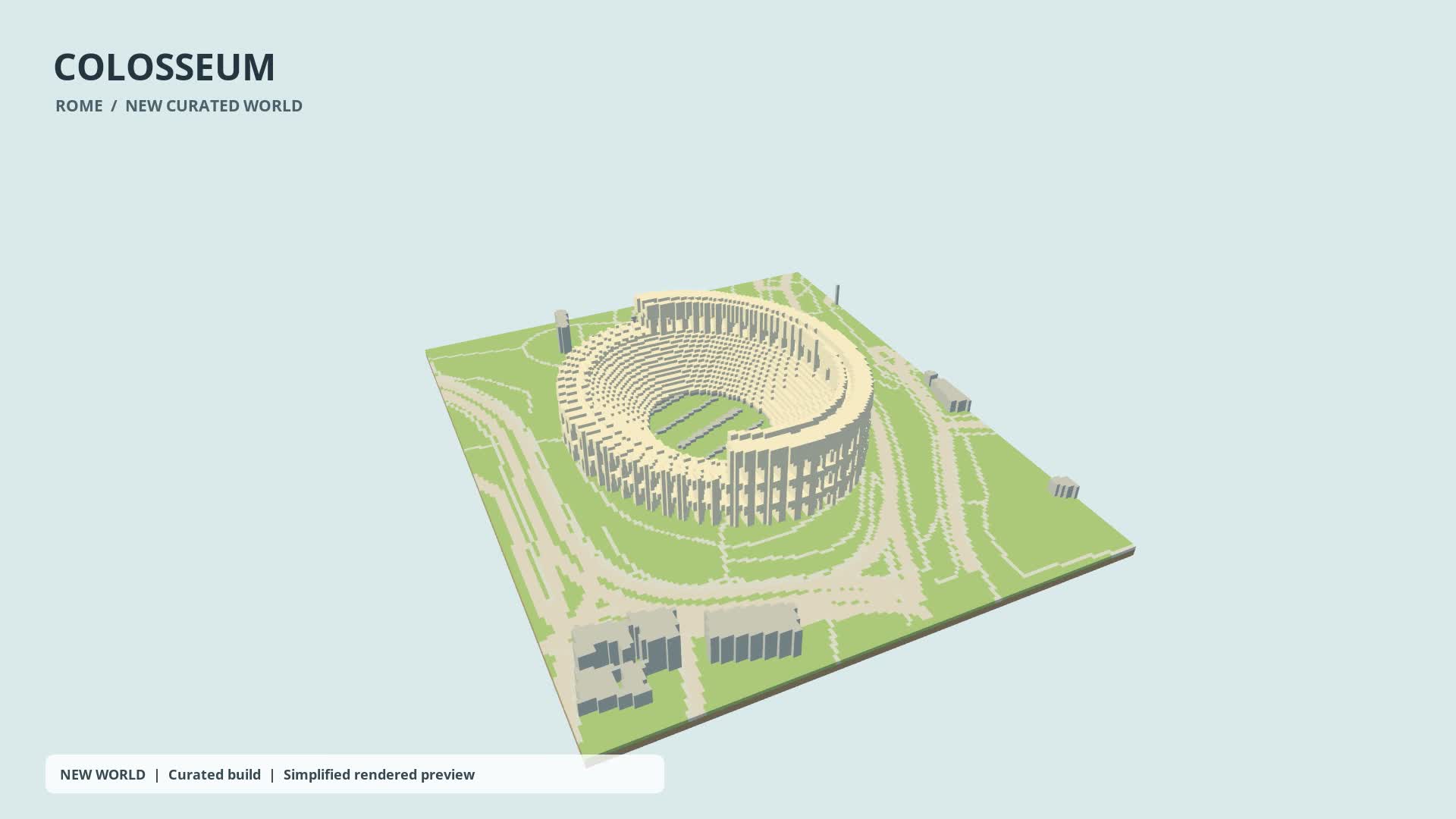
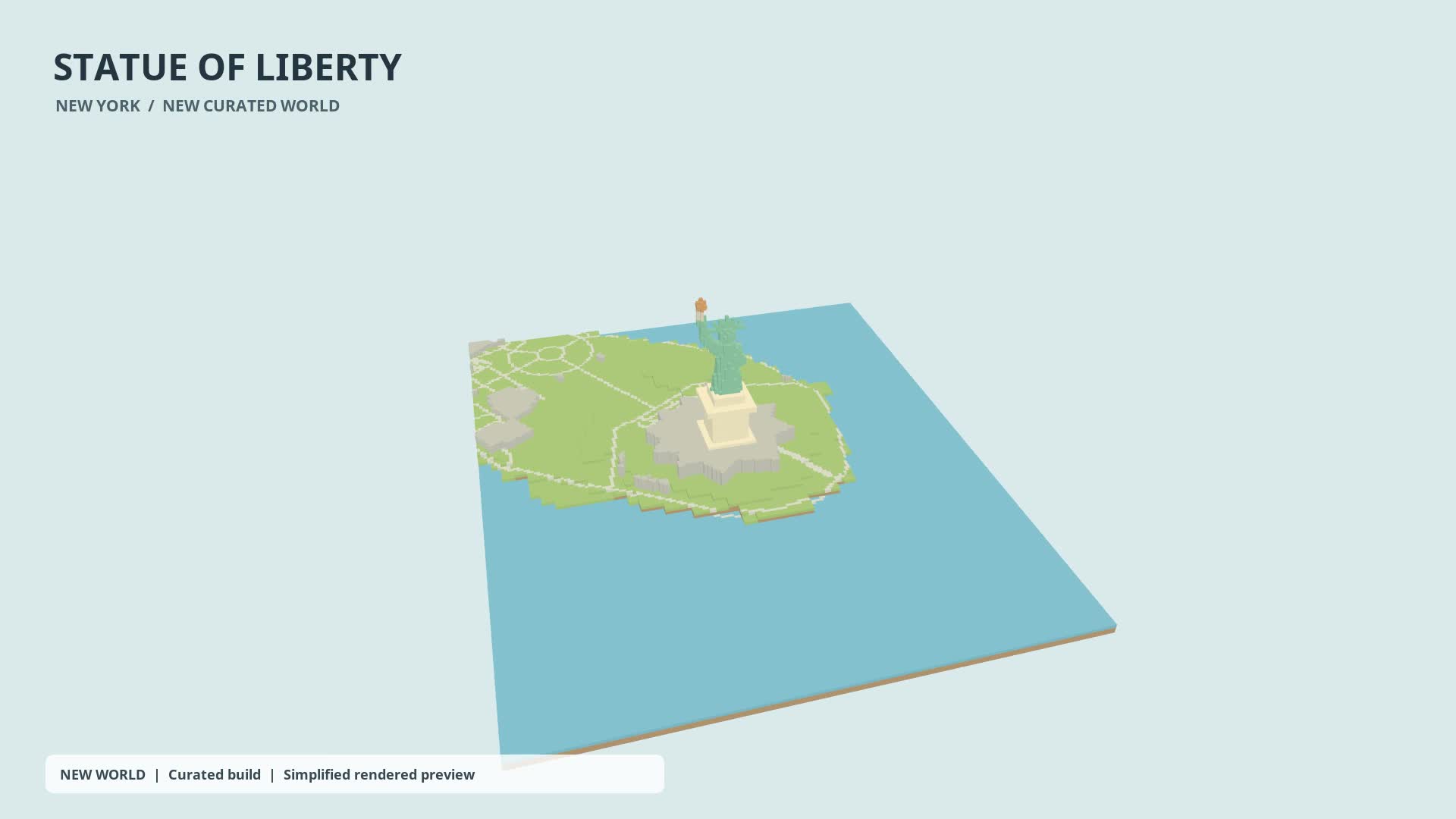
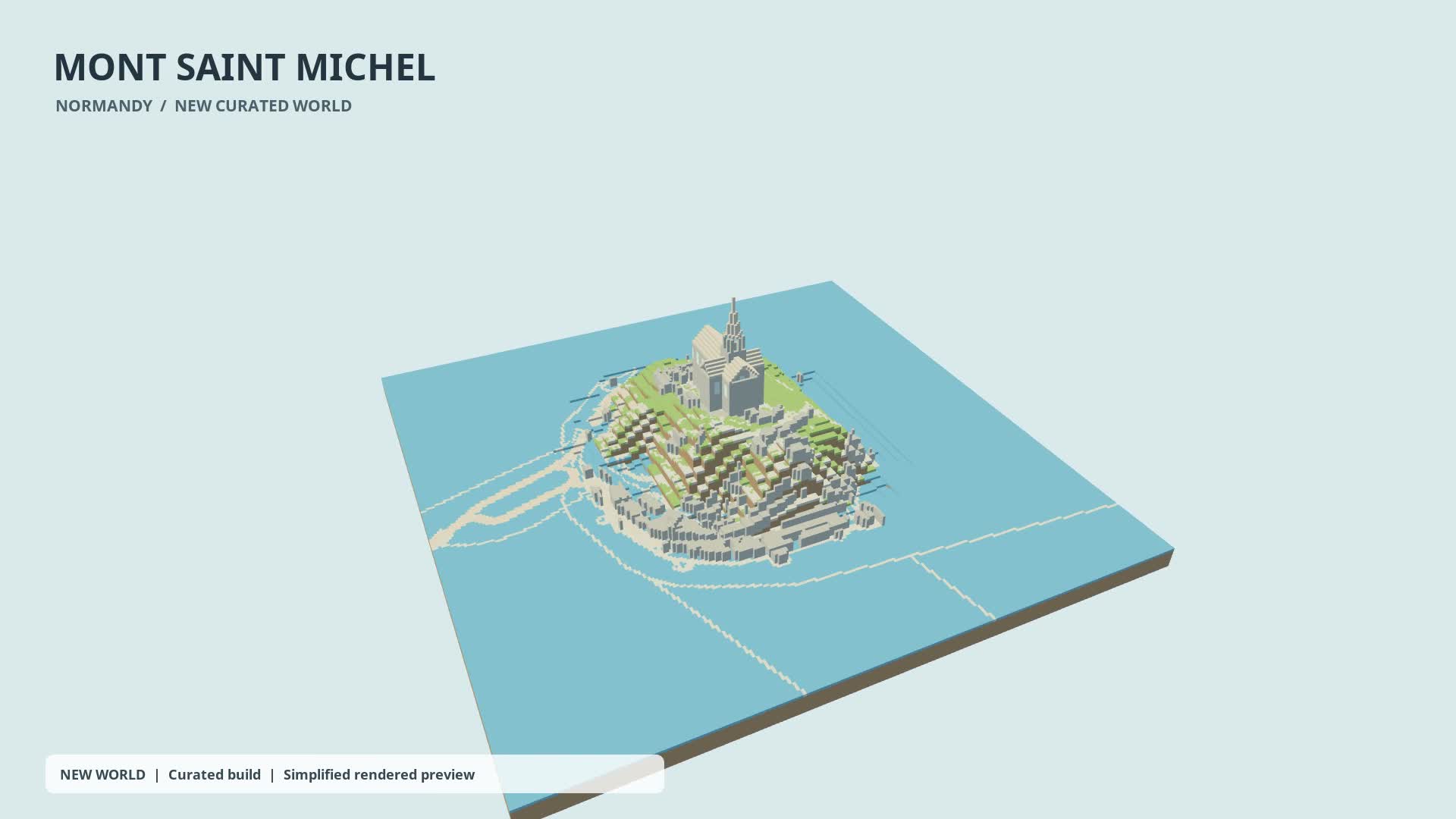
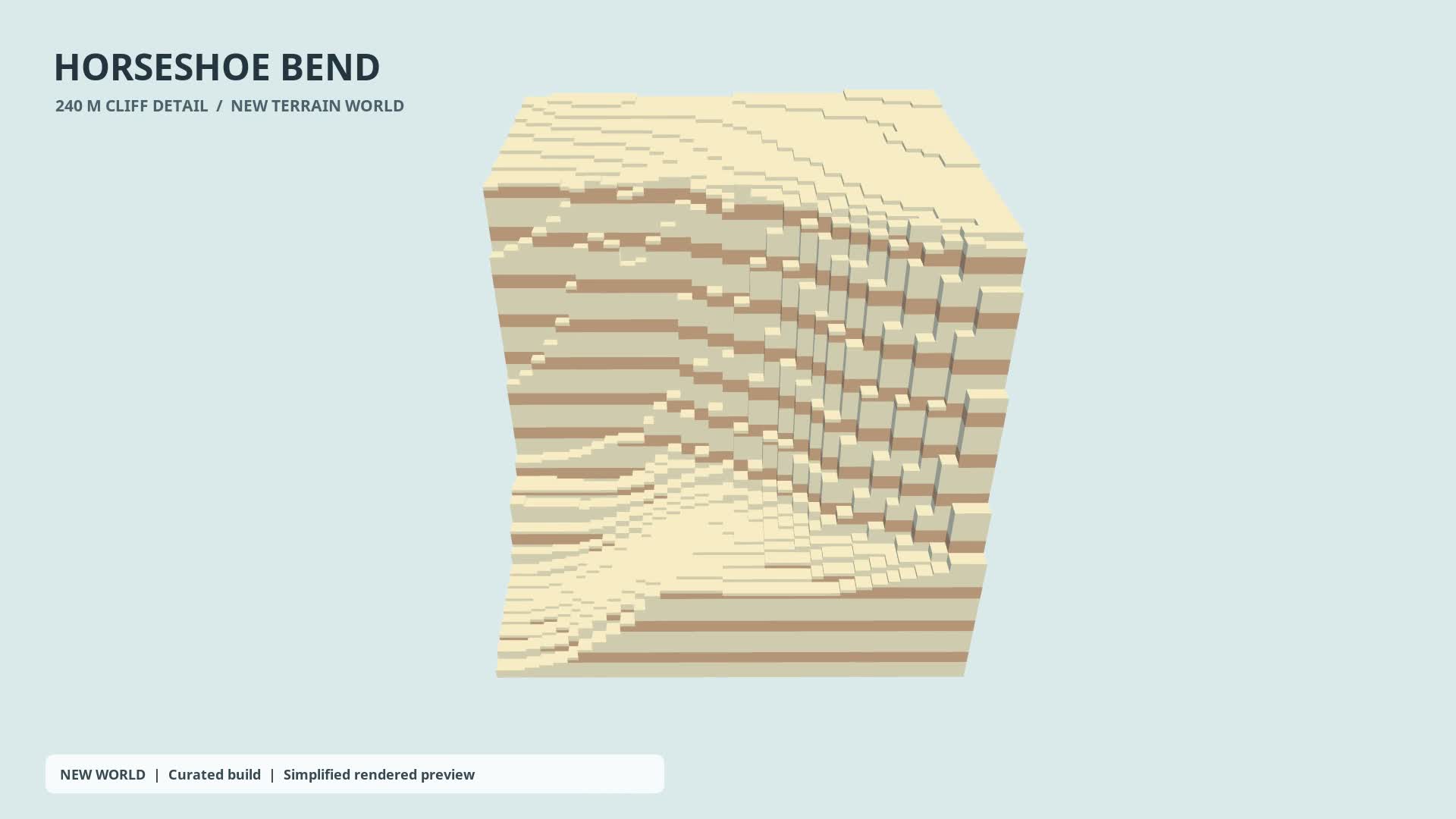
Horseshoe Bend · cliff detail
Real terrain, sandstone palette. A small cliff area, not the full river bend.
Watch on YouTube — Horseshoe Bend · cliff detail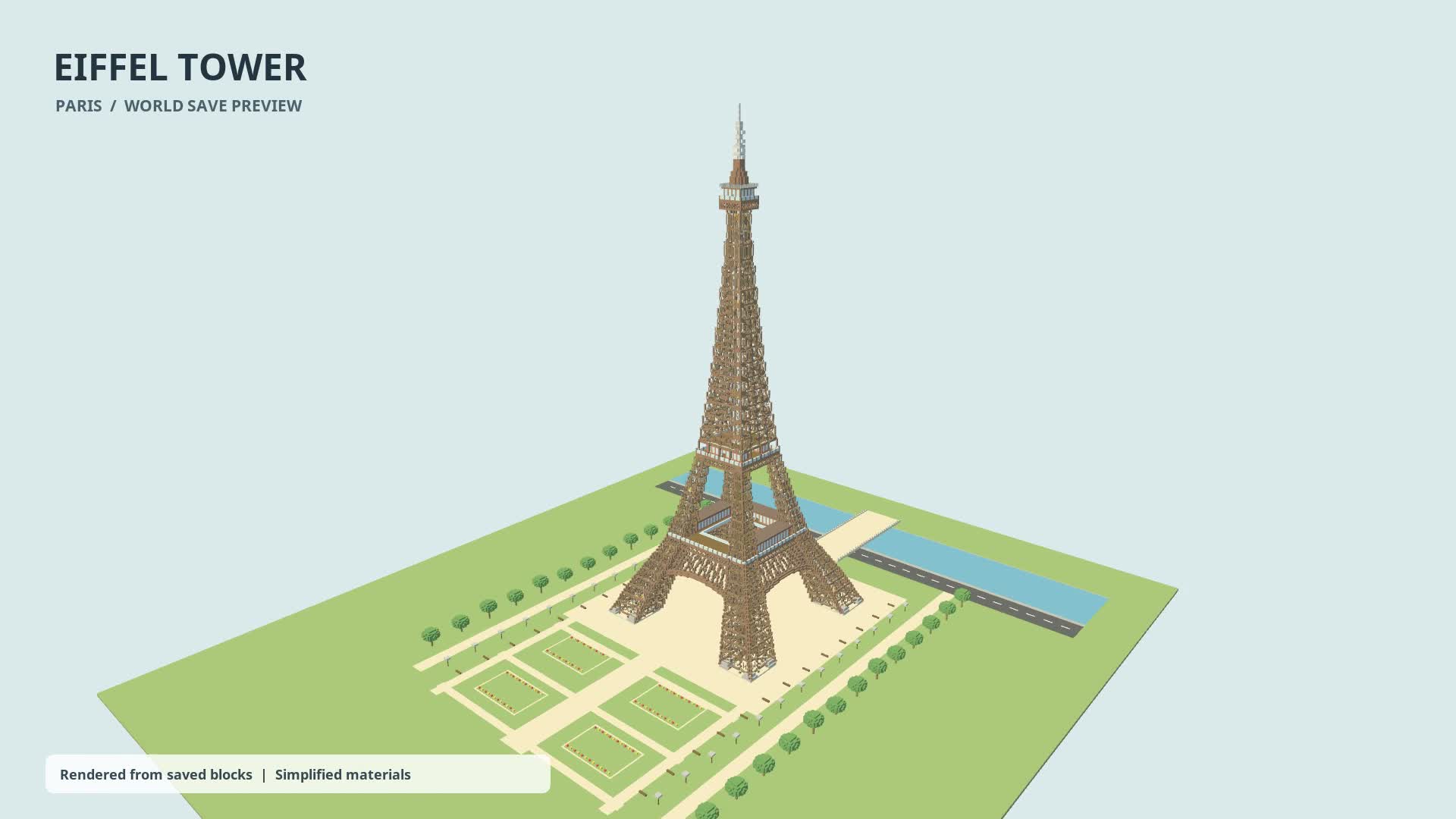
New accounts get one free credit — no credit card required.