
Build Minecraft Worlds Around Real Landmarks
Start a landmark building project with a small real-world area, then refine the architecture and surroundings in your game.
Explore Minecraft worlds
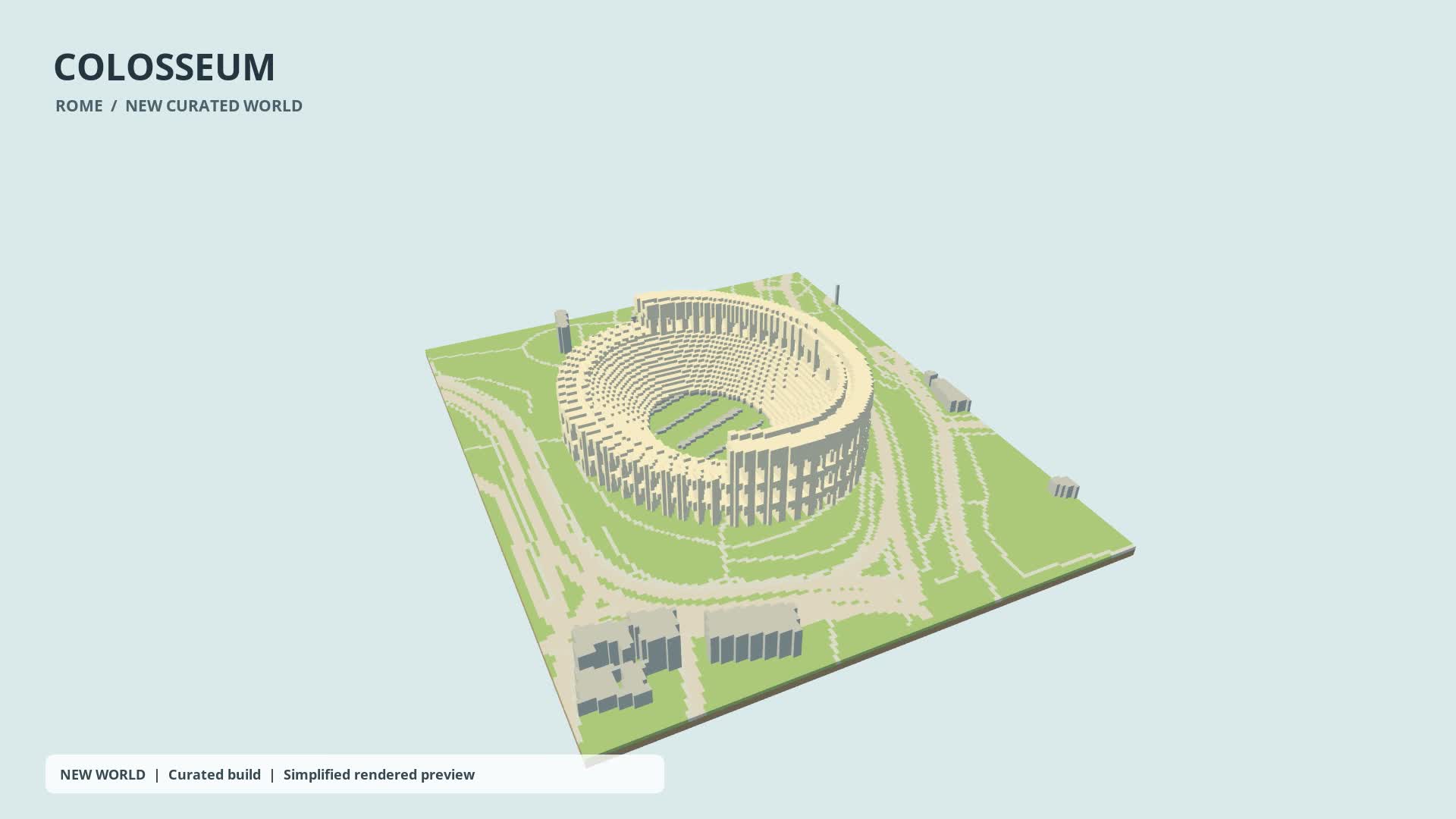
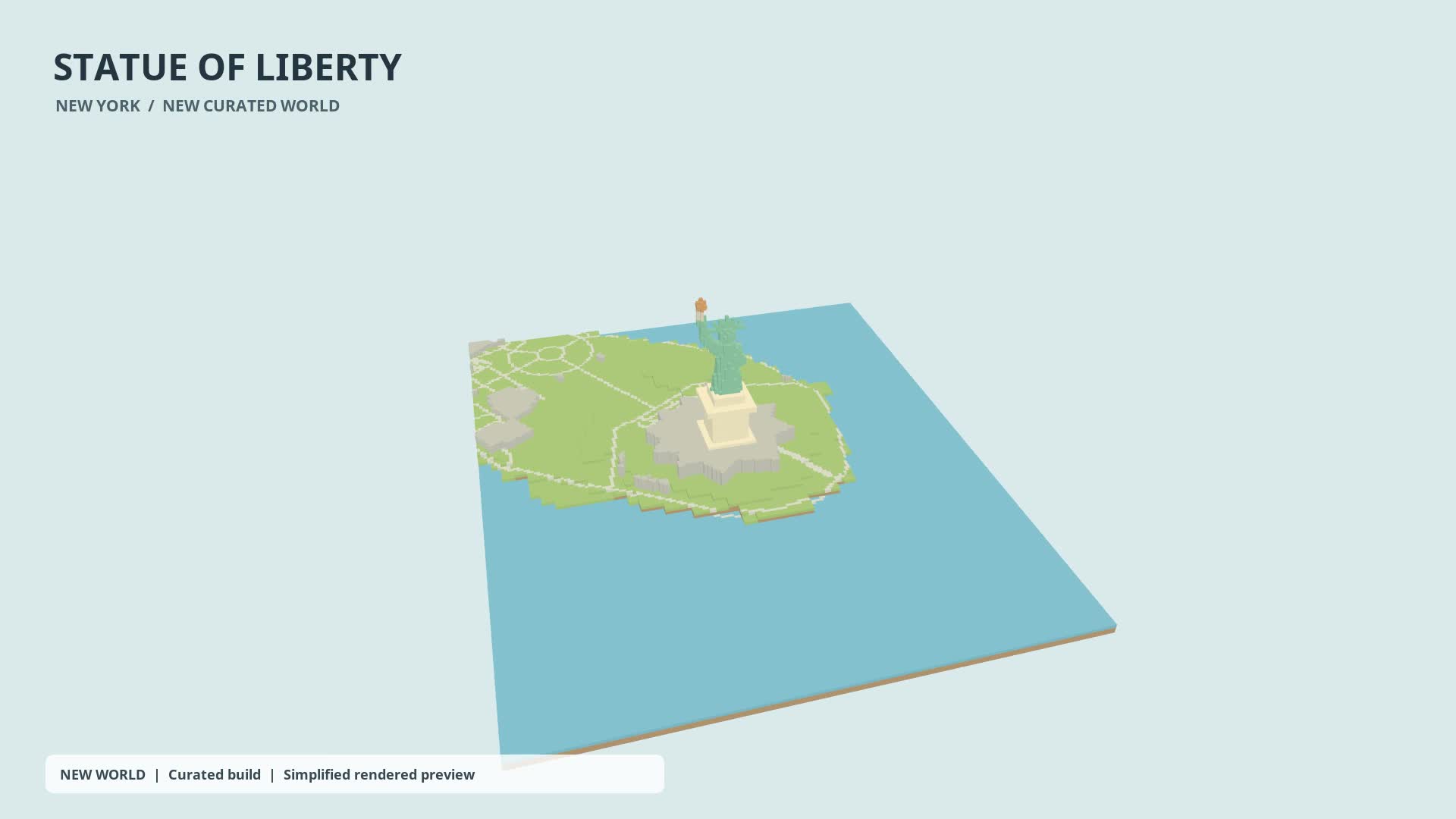
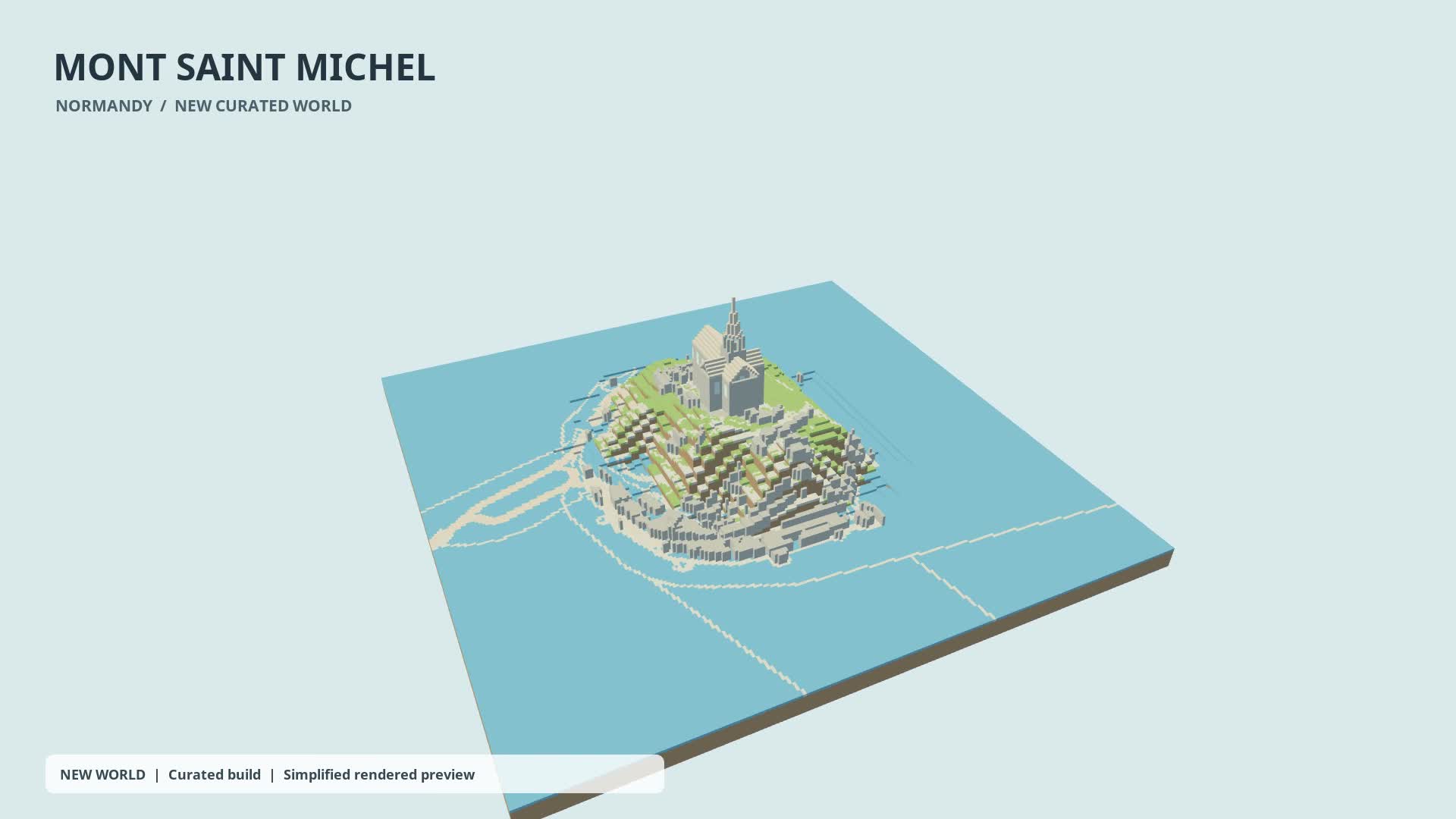
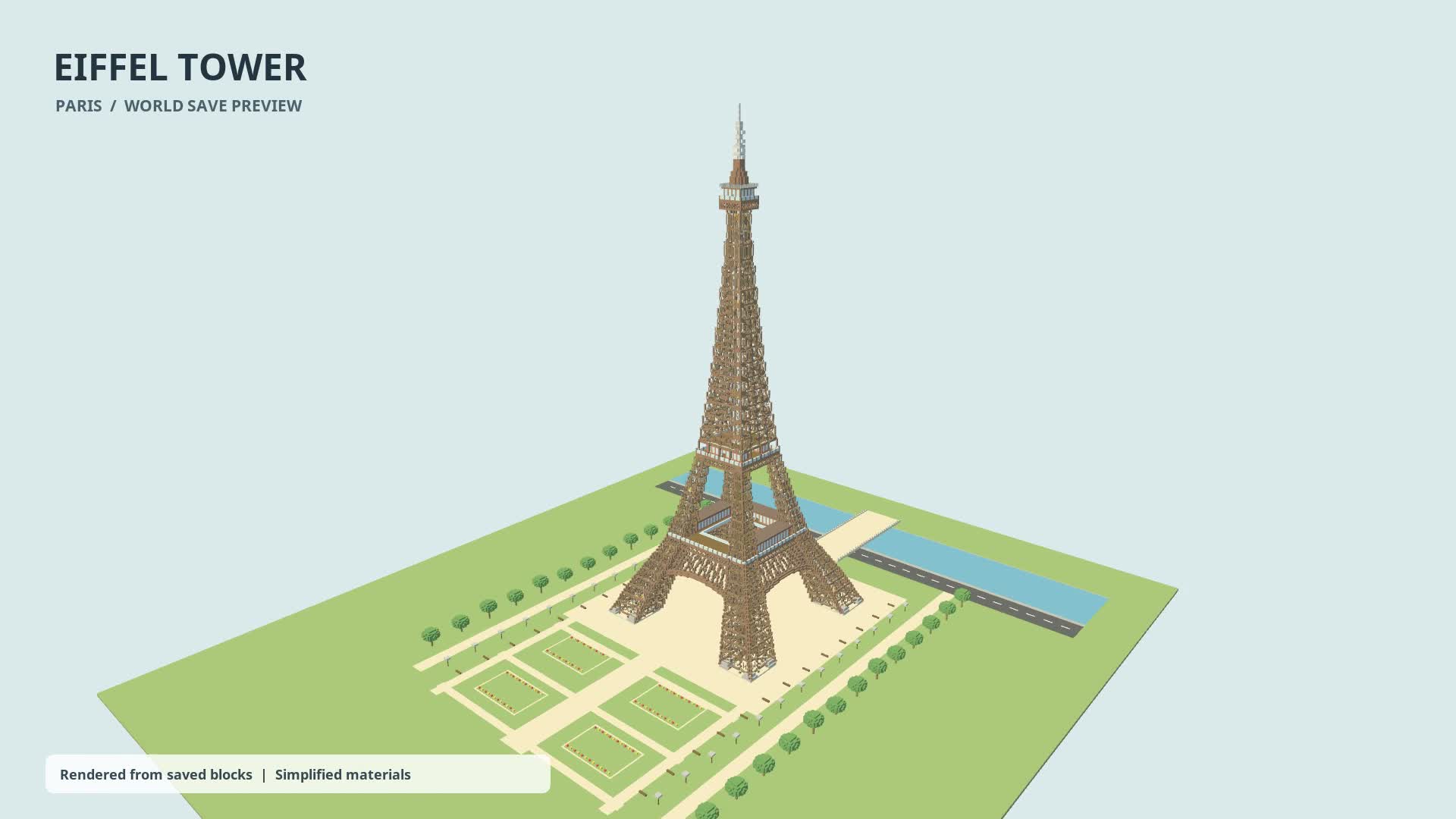
15-second previews rendered from saved blocks with simplified materials, not in-game footage.
Start a landmark building project with a small real-world area, then refine the architecture and surroundings in your game.
Give your landmark room to grow
Choose one building or a compact group of buildings, with space for paths and your own additions. Use Objects only for a flat building base, or Objects + Terrain when the slope and setting matter. Review an area of 0.01–0.25 km² in the editor before confirming.
From a building to a whole setting
The Colosseum suggests an arena project; the Statue of Liberty pairs a monument with its island setting; Mont Saint Michel combines buildings and terrain. These three new worlds received custom landmark refinements. The Eiffel Tower is a separate existing-save preview. They are project references, not promises of an exact automatic replica.
Start your landmark project
- Describe the place in creation chat and check that the resolved location is correct.
- Open the editor, keep the main feature inside the boundary, and review the mode, game format and quoted price.
- Generate, download and import the save; inspect it in your game before refining roofs, arches, interiors or paths yourself.
Practical guides
- Will every architectural detail match the real landmark?
- No. Map coverage and generated interpretations vary. The three new landmark videos include offline custom refinements; those edits are not an automatic product step or a guaranteed result.
- Should I include the surrounding streets?
- Include only the immediate setting needed for your build. A small isolated landmark fits Objects only; a hillside or waterfront may benefit from Objects + Terrain. The selected area must stay within the editor’s limits.
New accounts get one free credit — no credit card required.